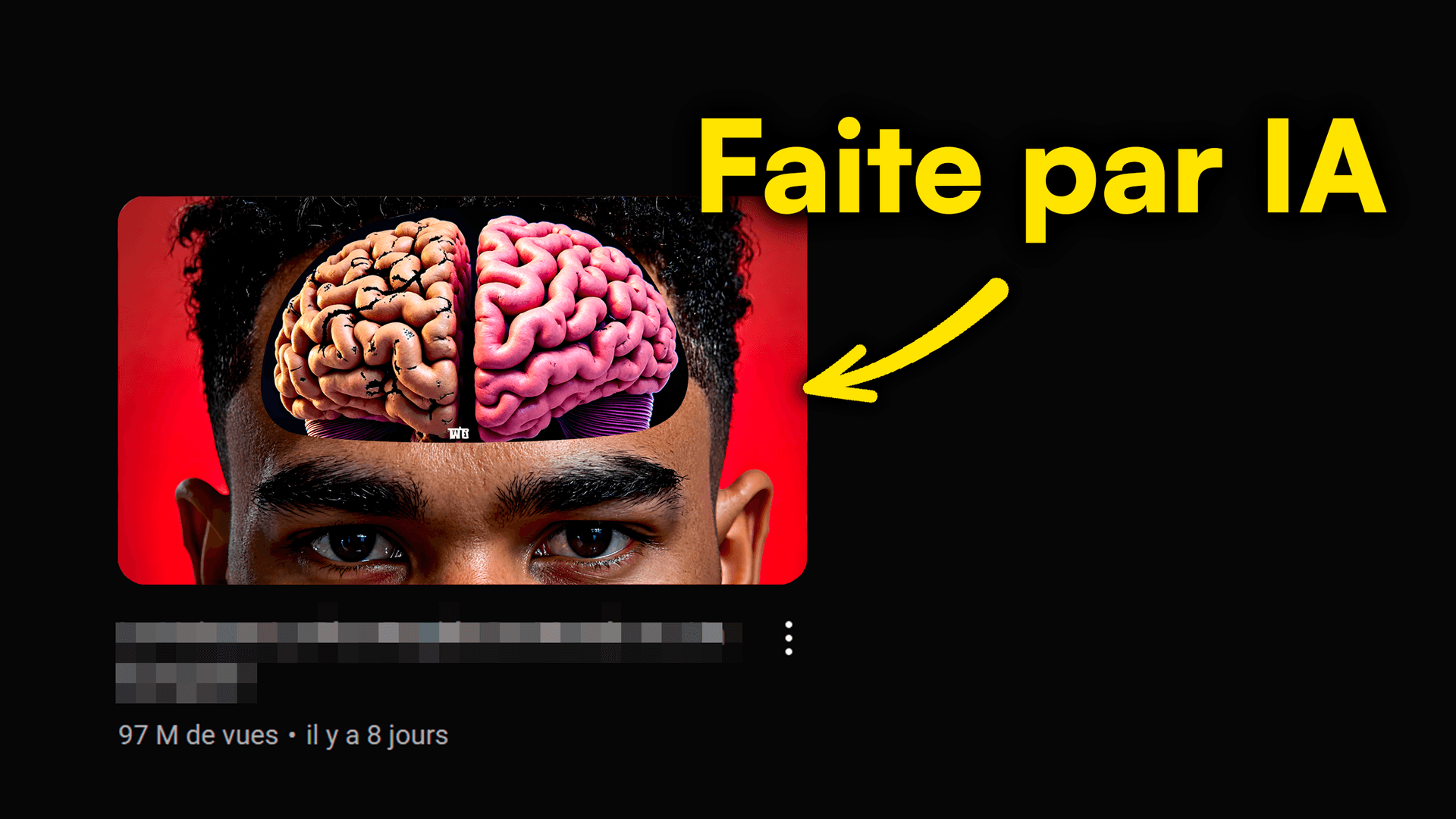
Are your AI YouTube thumbnails falling flat? Feel like you're wasting prompts without seeing your CTR skyrocket? AI is a game-changer for visual creation, but it can also trip you up if you don't know the pitfalls. Avoid these 7 fatal mistakes that kill engagement and views for your videos.
In this article, we'll break down common blunders and give you the keys to creating killer thumbnails with AI. Get ready to boost your YouTube performance with MangooFX!
Your AI makes ugly thumbnails? Here’s why.
AI is powerful, but it's not magic without good direction. If your AI thumbnails look sloppy, it's often a fundamental visual quality issue that turns viewers away before they even click.
- Blurry or pixelated images — A low-resolution or poorly generated image looks careless. Always check size and sharpness before publishing.
- Cluttered or unreadable composition — Too many elements, no clear focal point, or chaotic arrangement makes the thumbnail incomprehensible at a glance.
- Dull or inconsistent colors — Muted color palettes or clashing hues reduce visual impact and appeal.
- Superfluous elements that pollute the thumbnail — Every element should have a purpose. Overloaded backgrounds or useless graphics distract from the main message.
To dive deeper into creating impactful visuals, check out our 5-step guide to creating a successful AI YouTube thumbnail.
How to avoid unreadable text on your AI thumbnails?
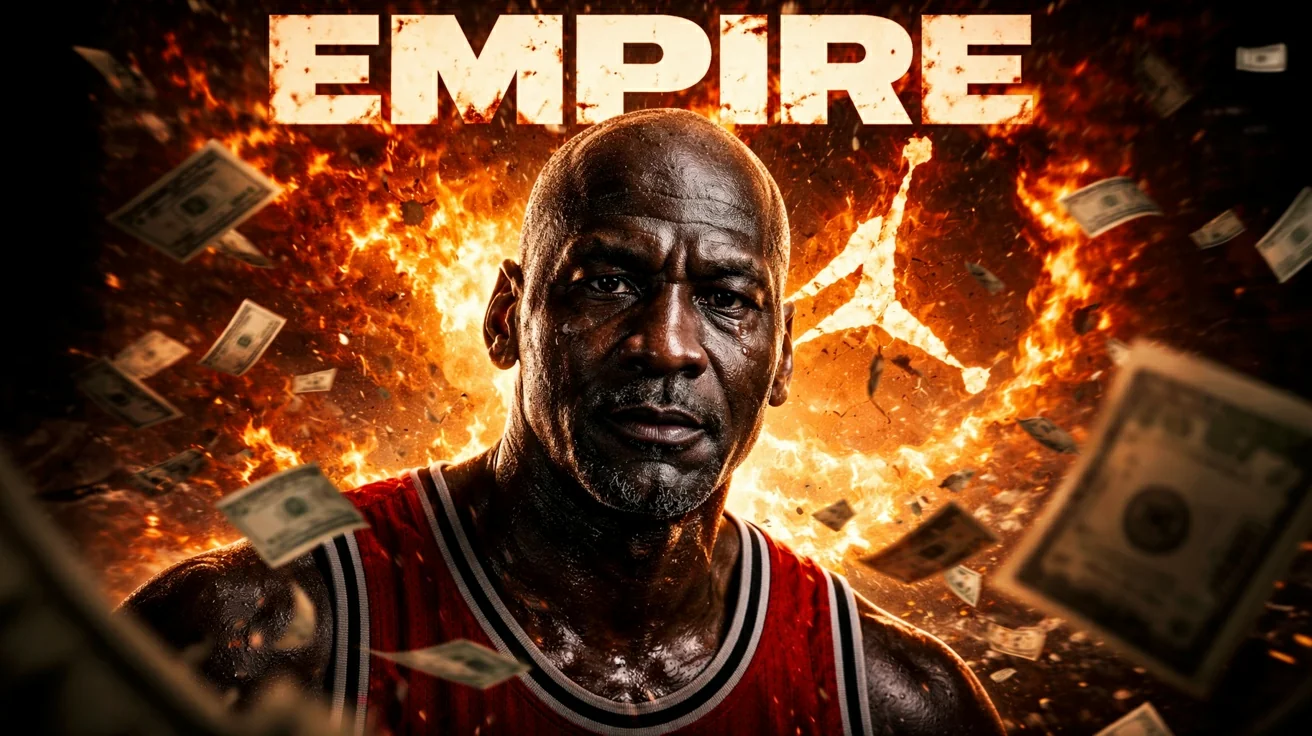
To avoid unreadable text on your AI thumbnails, opt for a simple, large font, ensure high contrast with the background, use a short and impactful message, and position text so it doesn't obscure key visual elements. Good readability is crucial for grabbing attention.
The text on your thumbnail is often the first thing viewers see. If it's unreadable, your message doesn't get across, and your click disappears. AI can generate beautiful images, but text integration is still your job.
- Font too small or complex — Fancy or small fonts are unreadable on a smartphone screen. Go for simplicity and clarity.
- Insufficient contrast with the background — Light text on a light background, or dark text on a dark background, is a fatal error. Use contrasting colors for maximum readability.
- Unclear or overly long message — Conciseness is king. A title that's too long or vague won't make anyone want to click. Get straight to the point with 3 to 5 powerful keywords.
- Positioning that ruins the main image — Text should never hide a face, an important object, or the focal point of your thumbnail. Find a harmonious balance.
Understanding the impact of colors is essential for good contrast. To learn more, you can check out this article on the impact of color psychology.
Why aren't your AI prompts delivering the results you expect?
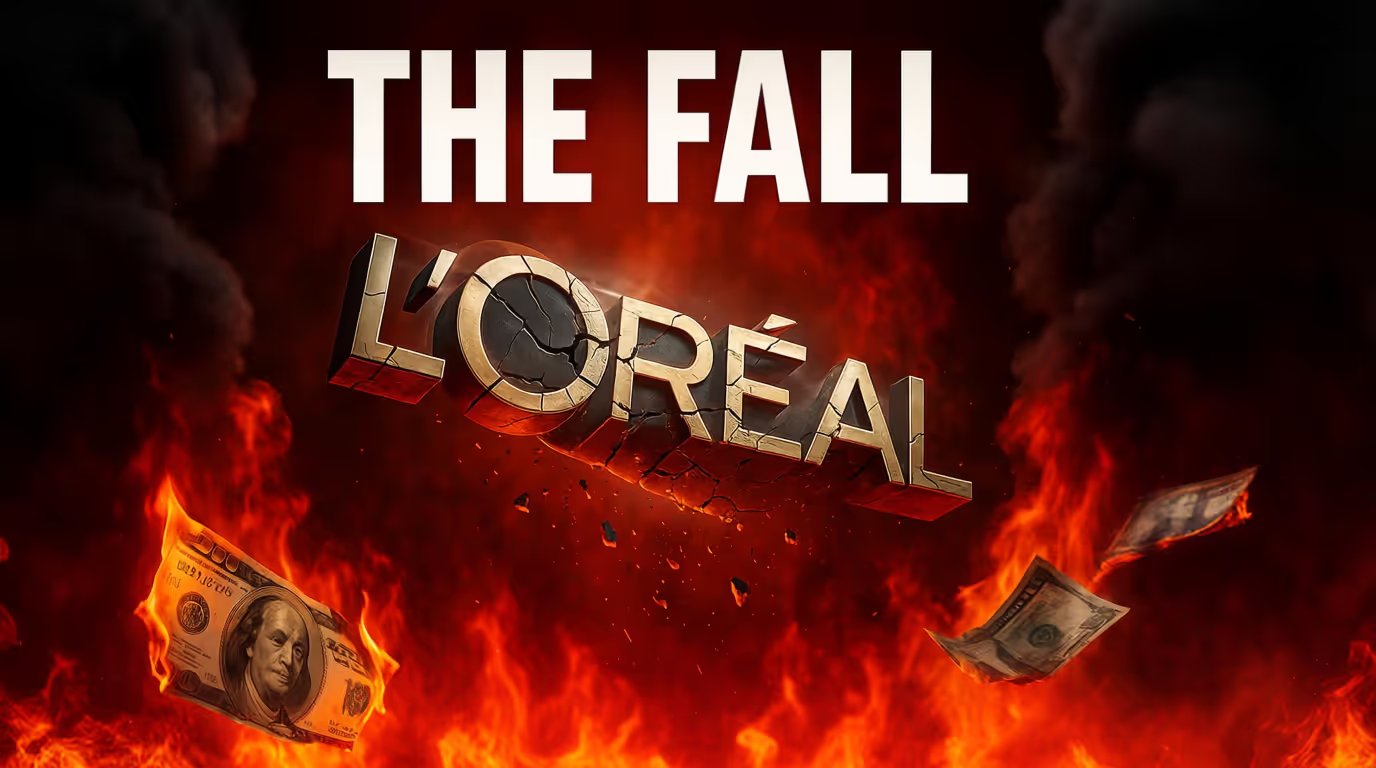
AI is a tool, not a magic wand. If you don't give it the right instructions, you can't expect amazing results. Poorly formulated prompts are the source of many frustrations.
- Lack of precision in the description — Vague descriptions like "beautiful image" don't give AI enough info. Be specific about what you want to see.
- Absence of specific keywords — Include relevant keywords for your topic and desired style. The more precise your words, the better AI will understand your expectations.
- Too vague or contradictory requests — If you ask for "a joyful and dark image" at the same time, AI will be lost. Be clear about the emotion and mood.
- Forgetting to specify style or mood — "Photo-realistic," "cartoon," "minimalist," "cinematic"... These details greatly guide AI toward the desired rendering.
To master the art of AI commands, explore our complete guide for impactful AI YouTube thumbnail prompts.
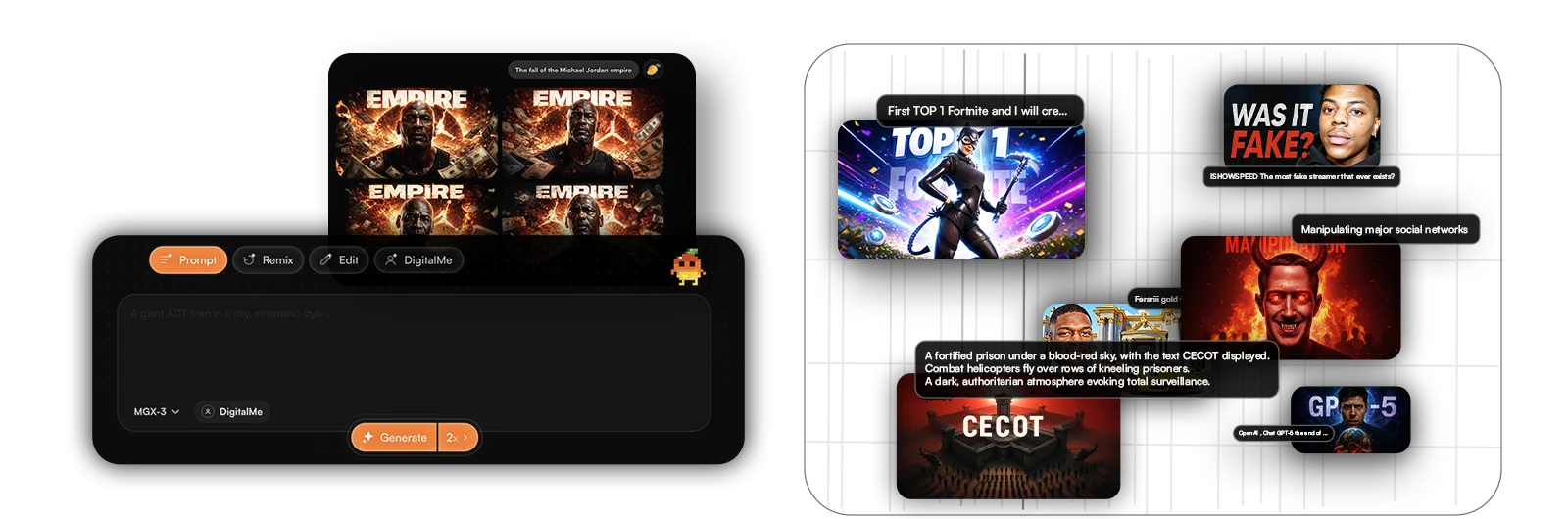
How to make your AI thumbnails unique and impactful?
To make your AI thumbnails unique and impactful, avoid generic templates, incorporate personal branding elements, infuse emotion or a human touch, and always aim for visual differentiation. AI is a starting point, not a final destination.
A generic thumbnail, even a well-made one, will get lost in the crowd. The goal is to stand out and reflect your channel's identity. Personalization is key for your AI creations to resonate with your audience.
- Using generic templates without editing — AI can generate bases, but a basic template isn't enough. Add your personal touch, tweak details, adapt colors.
- Lack of personal branding elements — Incorporate your logo, brand colors, or recognizable elements that tie the thumbnail to your channel.
- Absence of emotion or human factor — Faces, expressions, and emotional situations grab attention. AI can generate them; it's up to you to guide it well.
- Thumbnails that all look alike — If all your thumbnails have the same style, the same composition, they become predictable and lose their impact. Mix it up!
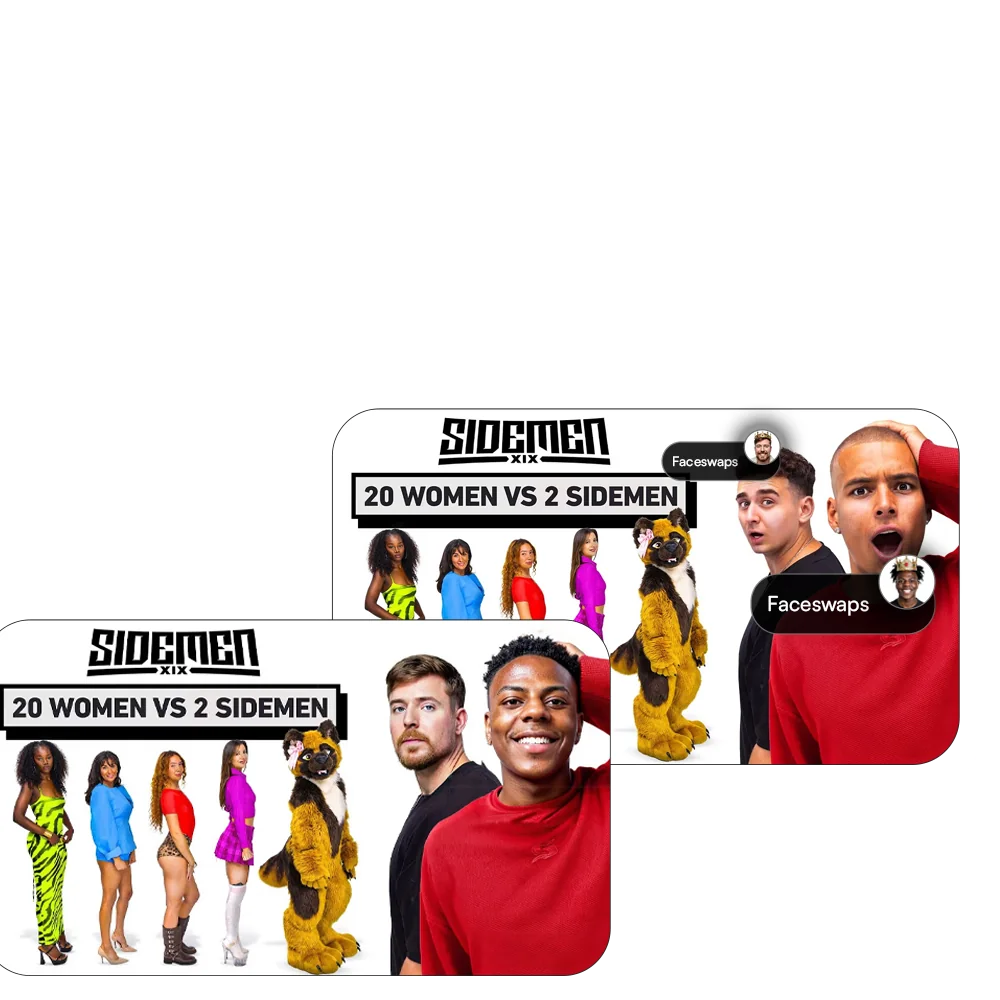
Skip testing, lose views!
It's a universal truth in marketing: what works for one doesn't necessarily work for another. Intuition is good, but data is better. Not testing your AI thumbnails means leaving views and subscribers on the table.
- Not doing A/B testing — How do you know which version is best if you don't compare them? A/B testing is your best ally for optimizing your thumbnails.
- Relying solely on intuition — Your opinion matters, but your audience's matters even more. Let the numbers speak for themselves.
- Not analyzing CTR statistics — Click-through rate (CTR) is the key performance indicator for your thumbnail. A low CTR indicates a problem. To understand the definition of click-through rate (CTR), you can consult this Wikipedia page.
- Not iterating and improving your designs — Every test is an opportunity to learn and refine. Never settle for your first version.
To master A/B testing and maximize your CTR, don't miss our article on A/B testing AI thumbnails for YouTube in 2026.

Conclusion: Boost Your Views with Pro AI Thumbnails
Avoiding these 7 fatal mistakes will transform your AI YouTube thumbnails from simple images into genuine click magnets. Remember: visual quality, text readability, prompt precision, personalization, and testing are the pillars of a winning thumbnail strategy. Never underestimate the power of a good thumbnail for your video's success. Adopt these best practices, and watch your CTR soar thanks to AI.
Frequently Asked Questions
How can I improve the visual quality of my AI YouTube thumbnails?
For better quality thumbnails, use precise and descriptive prompts. Specify resolution, artistic style, and colors. Don't hesitate to lightly retouch the AI-generated image to adjust sharpness, contrast, and important details. YouTube's best practices for thumbnails can also help.
What are the best prompts for effective AI thumbnails?
The best prompts are clear and detailed. Include keywords related to the content, describe the desired emotion, visual style (e.g., 'cinematic,' 'minimalist'), and key elements to appear. Think about colors and typography if your AI tool allows it.
Why is my CTR low despite using AI for my thumbnails?
A low CTR can result from a generic thumbnail, unreadable text, confusing composition, or a lack of emotion. AI is a tool; it needs your direction to create engaging visuals. Test different versions and analyze your data to improve, as recommended by the YouTube Creator Academy.