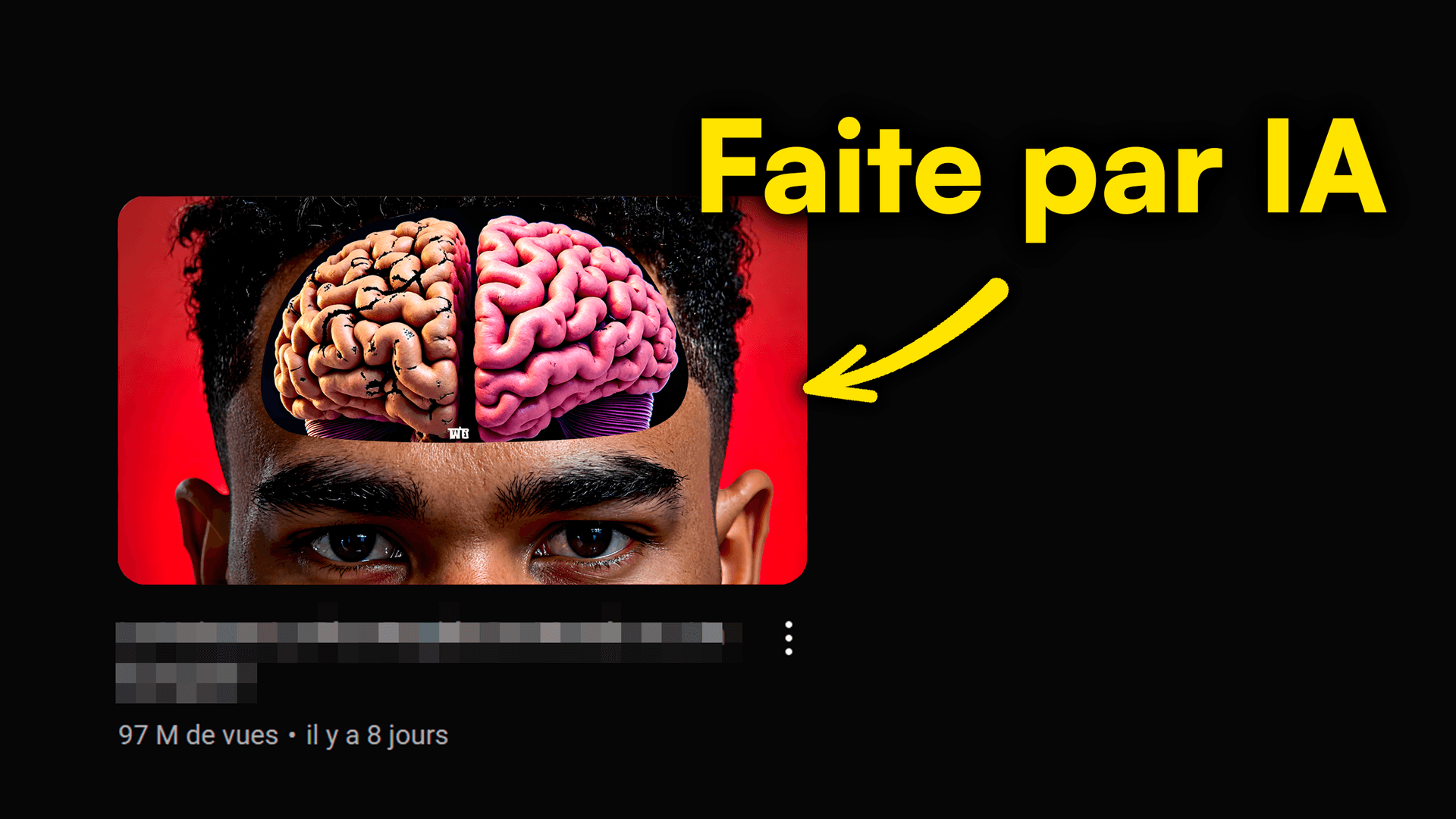
AI is a game-changer for creators. Spending hours perfecting your YouTube thumbnails? Dreaming of saving time while skyrocketing your views? In 2026, artificial intelligence is the solution to revolutionize your content strategy.
Discover how AI YouTube thumbnails can transform your channel, boost your click-through rate (CTR), and let you focus on what matters most: creating epic content. This article will show you how to automate this process and give you 7 pro tips, with tools like MangooFX, for thumbnails that crush it.
No More Thumbnail Headaches: AI is Your Superpower
Creating eye-catching thumbnails is an art, but it's also a huge time sink. Luckily, AI is here to turn this chore into a breeze. Imagine: stunning visuals, generated in seconds, no complex software needed.
- AI changes everything for creators. It automates repetitive tasks, giving you a competitive edge by saving precious time on visual design.
- No more hours spent on visuals. AI handles the design part, freeing you up to focus on writing scripts, shooting, and editing your videos.
- Save a ton of time, focus on your content. By letting AI handle thumbnail creation, you can upload more frequently or boost your video quality, without sacrificing your visuals.
- Your thumbnails are impactful, effortlessly. AI can analyze what works best and generate designs optimized for engagement.
To dive deeper into optimizing your visuals, check out our complete guide on AI YouTube thumbnail prompts and master the art of description.

Why AI Thumbnails Skyrocket Your Views? [The Proof]
A thumbnail isn't just an image; it's the gateway to your video. An eye-catching visual is key to making viewers stop on your video instead of someone else's. AI adds a new dimension to this strategy by optimizing your visuals for maximum impact.
- Better CTR means more clicks. AI is trained on millions of high-performing thumbnails, it knows what grabs attention and drives clicks, boosting your click-through rate (CTR).
- AI understands what works. It analyzes trends, colors, faces, emotions, and text styles that generate the most engagement in your niche.
- Fast tests, instant results. With AI, you can generate multiple thumbnail variations in record time and test them to see which performs best, no manual effort needed.
- Your videos stand out. In a saturated YouTube feed, a well-designed AI thumbnail makes your content pop and instantly attracts the eye.
To sharpen your A/B testing skills and maximize your CTR, check out our article on AI Thumbnail A/B Testing for YouTube in 2026.
How to Automate Your Thumbnail Creation with AI?
Automation is the future of content creation. Thanks to AI tools, you can now seamlessly integrate thumbnail generation into your YouTube workflow. It's simple, fast, and incredibly effective.
- Choose your AI tool (like MangooFX). Plenty of platforms exist, but MangooFX is built specifically for YouTube creators, offering an intuitive interface and optimal results.
- Describe your idea with simple keywords. Instead of drawing or searching for images, you simply type what you want to see: "surprised man, neon blue background, bold title."
- Let AI work its magic. In seconds, the tool will offer several thumbnail options, all optimized according to best practices.
- A few tweaks, and it's ready. You can change colors, fonts, or layout if you want, but often, the initial suggestions are already spot on.
- Integrate it into your usual YouTube workflow. Once generated, your thumbnail is ready to be uploaded directly to YouTube, greatly simplifying your publishing process.
For a complete dive, learn how to create an AI YouTube thumbnail in 5 simple steps.
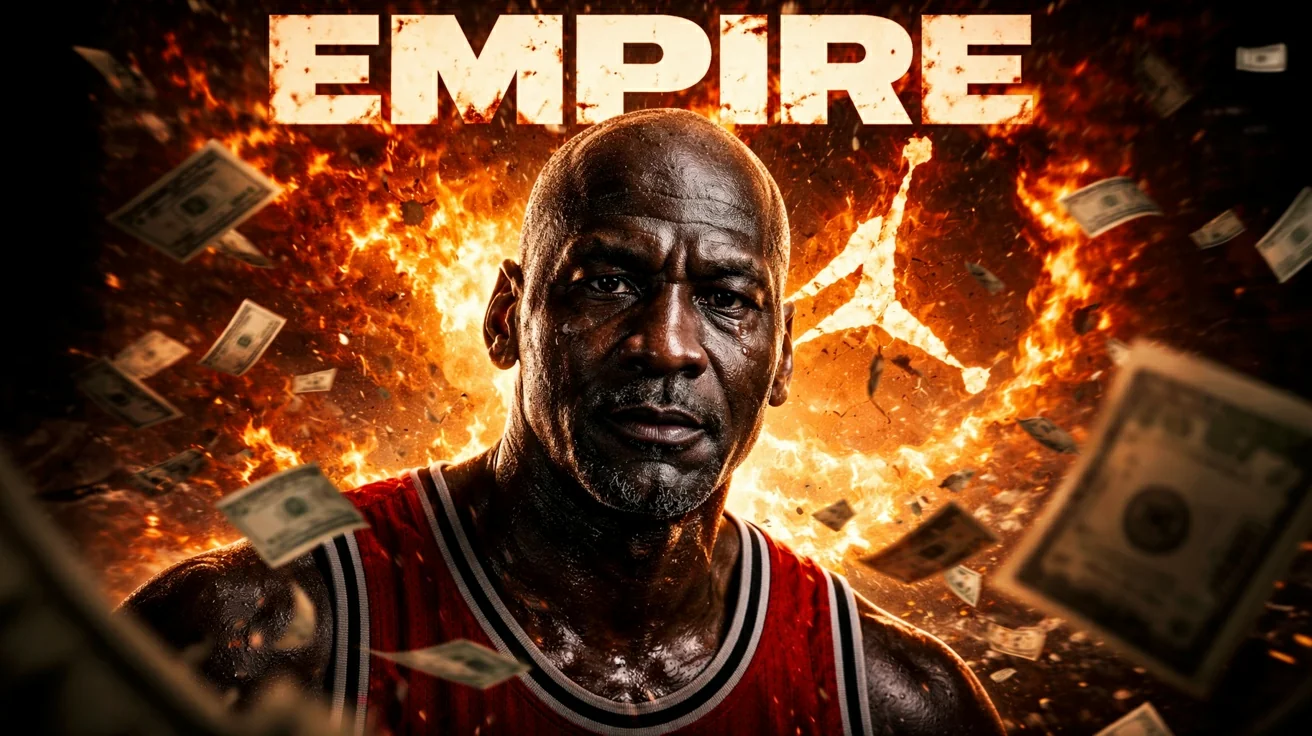
7 Pro Tips for Epic AI YouTube Thumbnails
AI is a powerful tool, but to get the most out of it, you need to use it smartly. Here are 7 pro tips to maximize the impact of your AI-generated thumbnails and make your videos go viral.
- Use precise and creative prompts. The more detailed your description (colors, emotions, objects), the closer AI can get to your idea. Think "visual" when writing.
- Keep it simple: 3 elements max. An effective thumbnail is clear and concise. Avoid information overload. A face, a short title, a key element, and that's it.
- Contrasting colors, readable font. Make sure colors stand out clearly and text is legible, even on a small smartphone screen.
- Strong emotions: the key to grabbing eyes. Joy, surprise, shock, curiosity... A striking facial expression is a click magnet.
- Include elements of surprise or mystery. A visual question, an unexpected object, an intriguing scene... makes people want to click to know more.
- Test, test, test again: A/B testing is vital. AI lets you generate variations quickly. Use it to test different versions and see which performs best.
- Analyze competitors for inspiration. See what works in your niche. Not to copy, but to understand visual codes and get inspired to create your own unique touch.
YouTube's advice on thumbnails is clear: visual impact is paramount. "A good thumbnail is compelling, representative, and clear," according to the YouTube Creator Academy.

AI Thumbnail Mistakes to Avoid for Top Performance
Even with AI, some mistakes can ruin your thumbnails' effectiveness. Knowing these traps will help you avoid them and optimize your creations for maximum clicks and views.
- Overly cluttered thumbnails. Too many visual elements or text make your thumbnail unreadable and less appealing. Simplicity is your friend.
- Illegible or too-small text. The title must be visible and understandable even on a small smartphone screen. Choose clear, large fonts.
- Lack of visual consistency. Your thumbnails should reflect your channel's identity. Maintain some uniformity in colors, fonts, or style to be recognizable.
- Ignoring A/B testing. Not testing different versions means missing out on valuable insights into what works or doesn't with your audience.
- Not adapting for mobile format. Most YouTube views happen on mobile. A thumbnail needs to be as impactful on a small screen as on a large one.
- Copying without understanding. Getting inspiration, yes. Mindlessly copying, no. Understand why a thumbnail works and adapt the principles to your own content and audience.
- Neglecting the emotional aspect. Emotions are a powerful driver of engagement. A soulless thumbnail will have a much harder time grabbing attention.
With AI, you can easily avoid these mistakes and maximize the impact of your visuals. According to Statista, creators' video upload frequency is constantly increasing, making the effectiveness of each thumbnail even more critical.

Conclusion: Revolutionize Your Channel with AI
AI YouTube thumbnails are no longer an option, but a necessity for creators who want to stand out and optimize their time. By embracing artificial intelligence, you can not only generate ultra-performing visuals in a blink but also focus on your passion: creating quality content. It's the ultimate tool to save time, explode your views, and propel your channel to new heights.
YouTube creator productivity has never been easier. Prepare your channel for exponential growth in 2026 by integrating AI into your thumbnail strategy now. Key YouTube stats show the increasing importance of visual engagement, and AI is your best ally to achieve it, as highlighted by Hootsuite.
Frequently Asked Questions
What is an AI YouTube thumbnail?
An AI YouTube thumbnail is an image generated or optimized by artificial intelligence. AI analyzes trends, colors, faces, and texts that perform best to create impactful visuals. The goal? Grab attention, increase your click-through rate, and help you save time.
How can AI save me time on YouTube?
AI automates your thumbnail design. Instead of spending hours in Photoshop, you give a few keywords and AI generates options in seconds. This frees you up to focus on creating video content, promotion, or interacting with your community. It's a huge productivity gain.
Can AI really improve my CTR?
Yes, absolutely! AI is trained on millions of data from successful thumbnails. It knows which visual and textual elements generate the most clicks. By using AI tools, you leverage this knowledge to create optimized thumbnails that grab attention and increase your click-through rate, and thus your views.