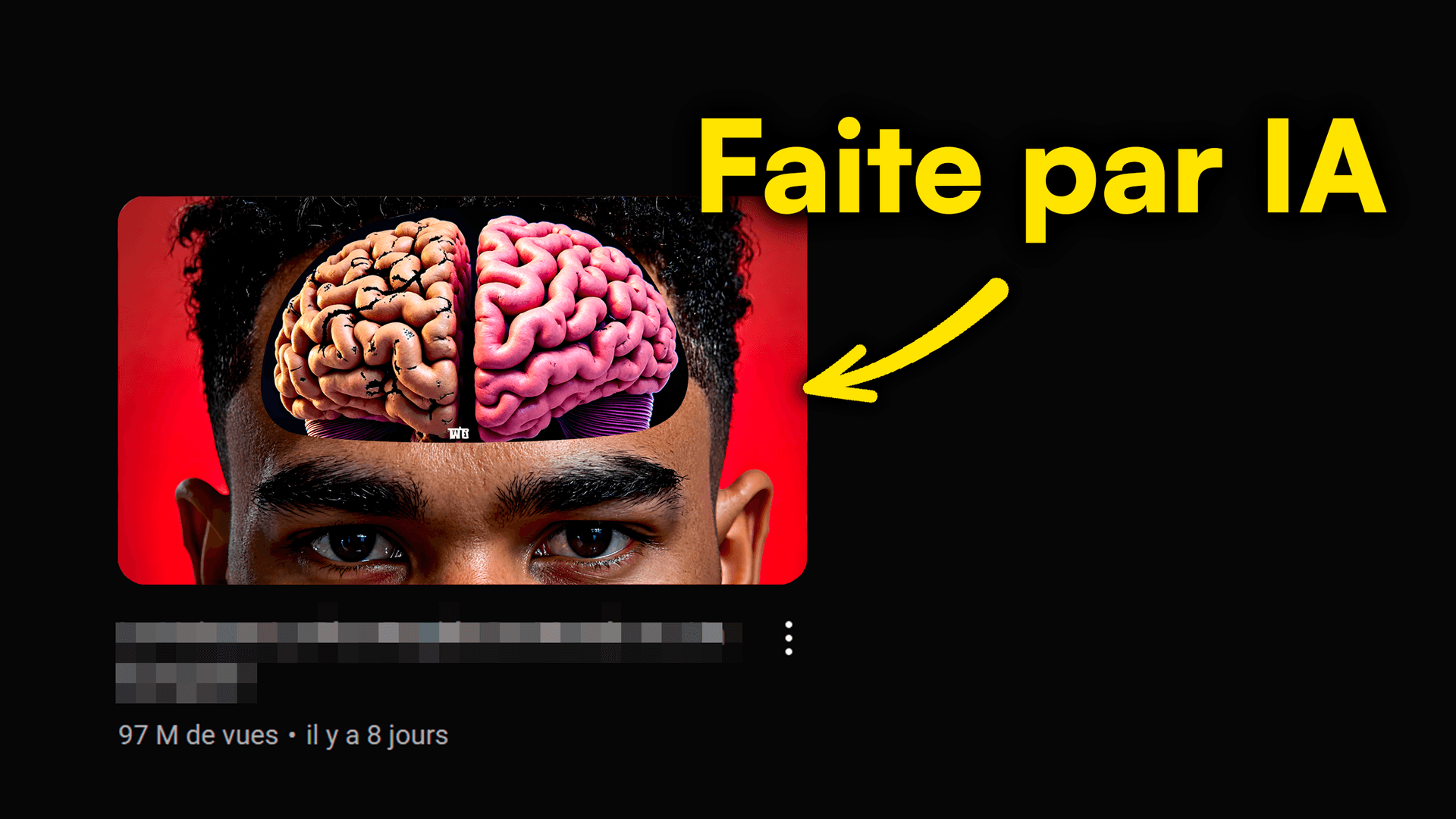
Dreaming of YouTube thumbnails that explode your view count? Ditch those generic, invisible thumbnails! Thanks to AI, creating striking visuals is within everyone's reach, as long as you know how to talk to the AI. But how do you get exactly what's in your head? The answer is in the prompt, your secret language with the machine.
In this article, we'll break down the secrets of AI YouTube thumbnail prompts to help you generate images that captivate and convert. Get ready to transform your ideas into stunning visual creations, with the help of MangooFX, your go-to for videos that crush it.
What's an AI prompt for your YouTube thumbnails?
Imagine you have a super talented artist at your disposal, but they only speak a very specific language. That language is the prompt. For your YouTube thumbnails, an AI prompt is a text instruction you give to an AI image generator to create the perfect visual for your video.
- The prompt, your secret language with AI — It's the key to turning your ideas into images. The clearer and more precise your instructions, the better the AI will understand what you expect.
- The clearer you are, the more the thumbnail slays — Effective communication with AI directly translates into better quality, more engaging, and eye-catching thumbnails for your viewers.
- AI understands your clear intentions better — AI isn't human; it doesn't guess. Every detail counts for it to deliver a result that matches your vision.
Learning to craft good prompts is an essential skill for any modern content creator. To dive deeper into understanding this synergy, check out our complete guide on AI YouTube thumbnail prompts.
Build a killer prompt: the 3-step method
Creating an effective prompt isn't rocket science, but it does require a certain methodology. By following these three fundamental steps, you can structure your requests optimally and get stunning results for your AI YouTube thumbnail prompts.
- 1. The Subject: Precise and unambiguous — This is the central element of your thumbnail. Clearly describe what you want to see: "A smiling young man," "A futuristic cityscape," "A red sports car on a mountain road." Avoid generalities.
- 2. The Style: Describe the vibe and aesthetic — What's the feeling of your thumbnail? "Cartoon style," "realistic photography," "dark and mysterious atmosphere," "bright and cheerful colors." Think about artists, genres, or eras.
- 3. The Emotion: What your thumbnail should evoke — A good thumbnail sparks a reaction. "Surprise," "excitement," "fear," "curiosity." AI can integrate these emotions into character expressions or the overall atmosphere.
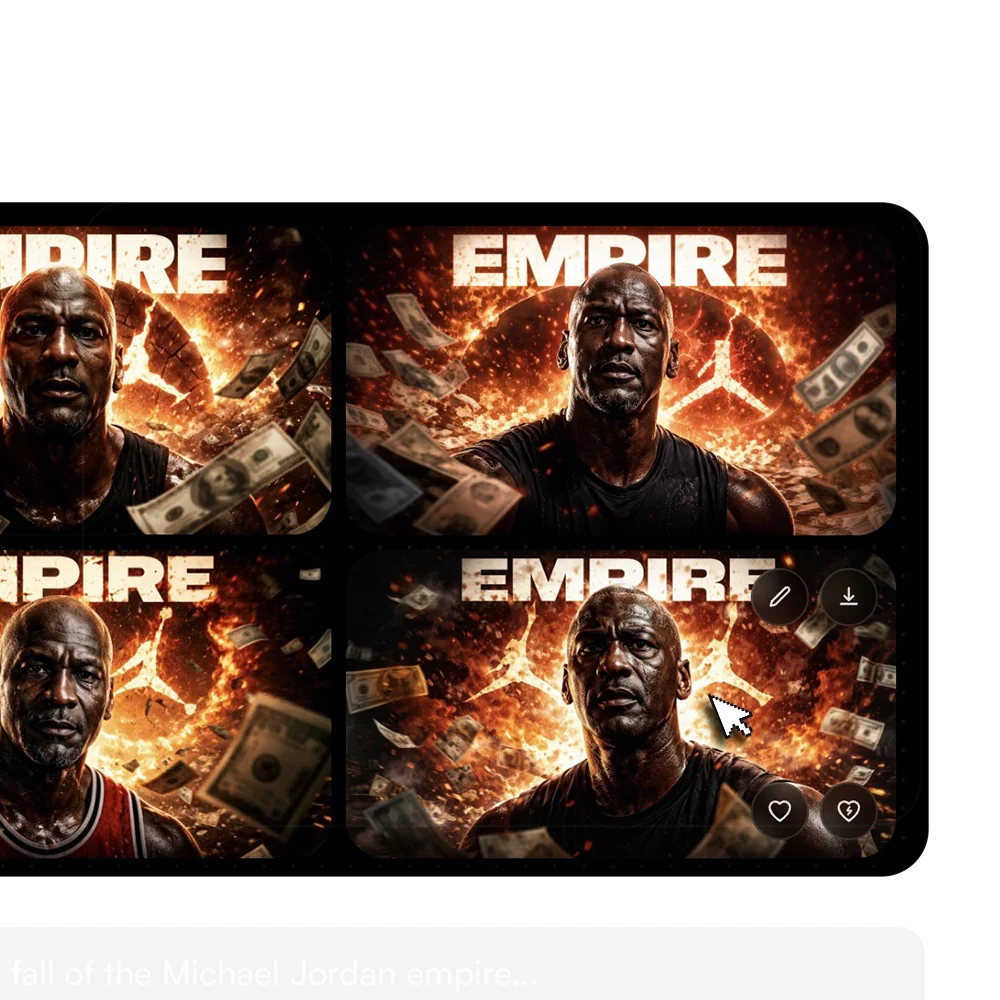
By combining these three pillars, your prompts will go from "a person" to "a surprised young man with red hair, in a pop art comic book style with vibrant colors." The difference is huge!
Master AI YouTube thumbnail prompts: 7 pro tips
Now that you have the basics, let's move on to advanced techniques. These tips will transform your prompts from good to excellent, giving you unparalleled control over generating your AI YouTube thumbnails.
- Be super specific: "A black cat with green eyes, on a red couch" — Leave nothing to chance. Every detail you add refines the result. Think about color, position, texture, lighting.
- Use strong keywords: "Epic," "Shocking," "Revelation" — These adjectives add weight to your prompt and guide the AI toward more dramatic or impactful creations, perfect for grabbing attention.
- Add visual references: "Cyberpunk style," "Spielberg-esque" — If you have a precise mental image, use well-known references. AI has been trained on billions of images and can often understand these stylistic allusions.
- Think about contrast and composition: "Vibrant colors," "Central character" — A good thumbnail has a clear composition. Specify where key elements should be and how colors should interact to maximize visual impact.
- Integrate strategic text: "Bold, impactful title" — If you want the AI to add text, specify its font, color, size, and placement. Be aware that AI text generation can sometimes be imperfect, but it's improving.
- Test, adjust, retest: the secret to success — The first prompt is rarely the right one. Experiment, change words, add or remove details. It's an iterative process.
- Get inspired by thumbnails that are already working — Analyze what performs well on YouTube. What are the recurring elements? How are they composed? Use these observations to refine your own prompts.

These tips, combined with the power of our specialized AI, will enable you to create thumbnails that won't go unnoticed. Discover how to master AI thumbnail prompts with MangooFX.
AI prompts for your YouTube thumbnails: real-world examples
To help you visualize how to apply these tips, here are some concrete examples of AI YouTube thumbnail prompts that have the potential to generate insane views.
- Prompt for a gaming tutorial: "Focused e-sports player, controller in hand, explosion behind, neon blue and purple colors, cyberpunk style, bold red 'Record Kills' title, smoke effect, electric atmosphere."
- Prompt for a business video: "Confident CEO in front of an ascending growth chart, elegant gray suit, soft professional lighting, serious and motivating atmosphere, 'Increase Your Income' text in modern white font, blurred office background."
- Prompt for a travel vlog: "Stunning mountain landscape at sunrise, hiker from behind with a backpack, warm orange and pink colors, golden light, 'My Ultimate Adventure' title in a handwritten font, fluffy clouds, feeling of freedom."
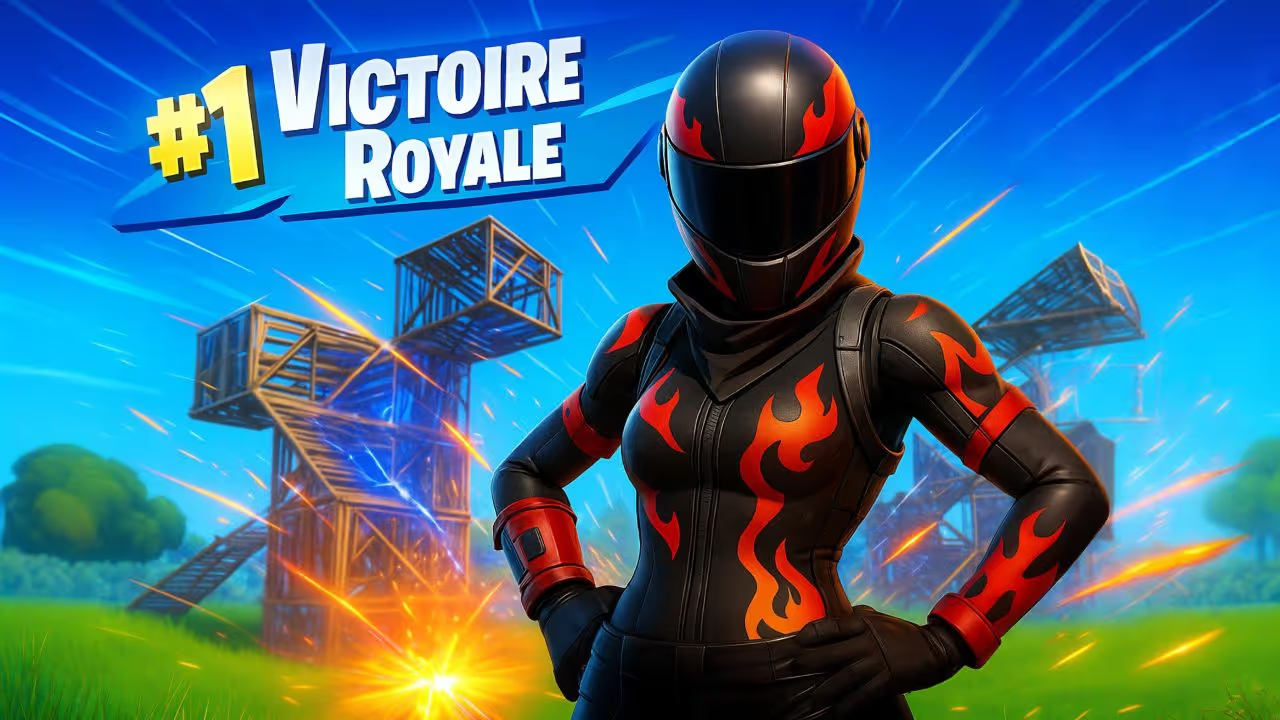
These examples show how a good level of detail can transform a simple idea into a rich and relevant image. Feel free to get inspired and create your own prompts!
What mistakes should you avoid when creating your AI prompts?
Even with the best intentions, it's easy to fall into certain traps. Avoiding these common mistakes will save you valuable time and significantly improve the quality of your AI thumbnails.
- The too-vague prompt: AI won't guess what you want — "A happy person" is too generic. How old? What gender? What context? Be specific to avoid leaving the AI guessing.
- Forgetting emotion: A soulless thumbnail won't grab attention — Emotion is the driver of clicks. If your thumbnail is neutral, it won't provoke any reaction from the viewer.
- Not iterating: The first draft is rarely the right one — This is a common mistake. Think of the prompt as a draft. You need to rework it, improve it, test it.
- Ignoring the audience: Your thumbnail is for your viewers — Always ask yourself what would attract your target audience. The style and content should speak directly to them.
- Too much text: Your thumbnail becomes unreadable — Thumbnails are small. Text that's too long or too small will be unreadable on mobile. Get straight to the point with impactful keywords.

Learn to identify and bypass these obstacles by checking out our article on fatal errors to avoid with AI YouTube thumbnails. According to official YouTube tips for thumbnails, clarity and visual appeal are paramount.
Conclusion: Unlock the potential of your AI thumbnails
You get it, mastering AI YouTube thumbnail prompts is way more than just a tech trick: it's a real superpower for any content creator. By learning to communicate effectively with AI, you have the potential to generate thumbnails that pop, grab attention, and significantly boost your views and subscribers.
From the precision of the subject to integrating emotion, every word in your prompt is a building block for creating a powerful visual. Don't be afraid to experiment, iterate, and get inspired to refine your creations. MangooFX is here to give you the tools you need to turn your ideas into viral thumbnails, letting you focus on what matters most: creating amazing content.
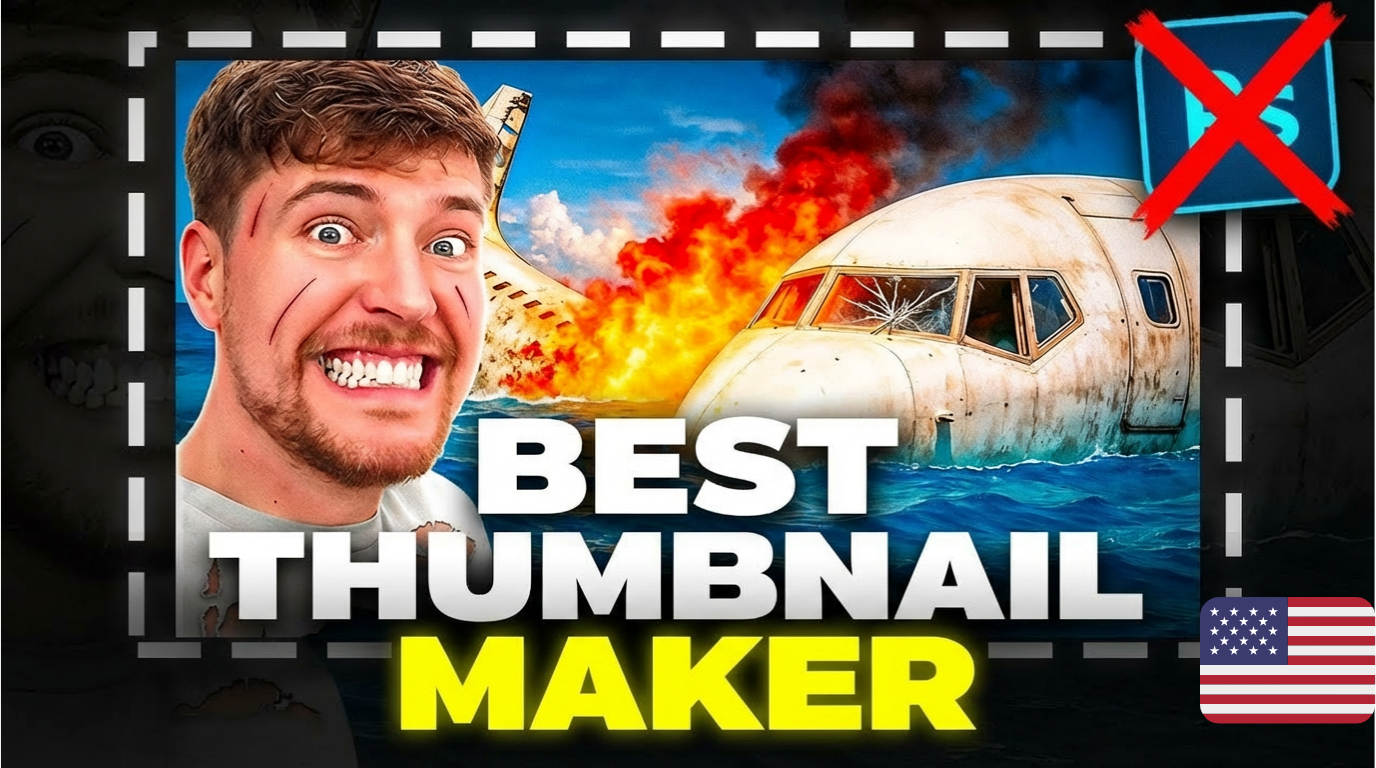
The impact of visual AI in marketing is colossal, as highlighted in a Forbes article. Don't fall behind, join the adventure now and propel your videos to new heights!
Frequently Asked Questions
How can I quickly improve my AI thumbnail prompts?
To quickly improve your prompts, be super specific about the subject, style, and emotion. Use descriptive keywords and don't hesitate to experiment. Visual feedback from the AI will help you refine your wording. Always think about your audience and what would make them click.
Why don't my AI thumbnails look like what I imagine?
If your AI thumbnails don't match your idea, it's often a problem with prompt clarity. AI lacks human context. Add more details about colors, composition, characters, and atmosphere. Also, describe what you DON'T want. Practice makes perfect!
Is it really necessary to write good prompts for YouTube thumbnails?
Yes, it's essential. A good prompt is the key to a high-performing AI thumbnail. It guides the AI to create exactly what you have in mind, increasing your chances of having unique, engaging thumbnails that generate maximum clicks for your YouTube videos. It's a huge time-saver.