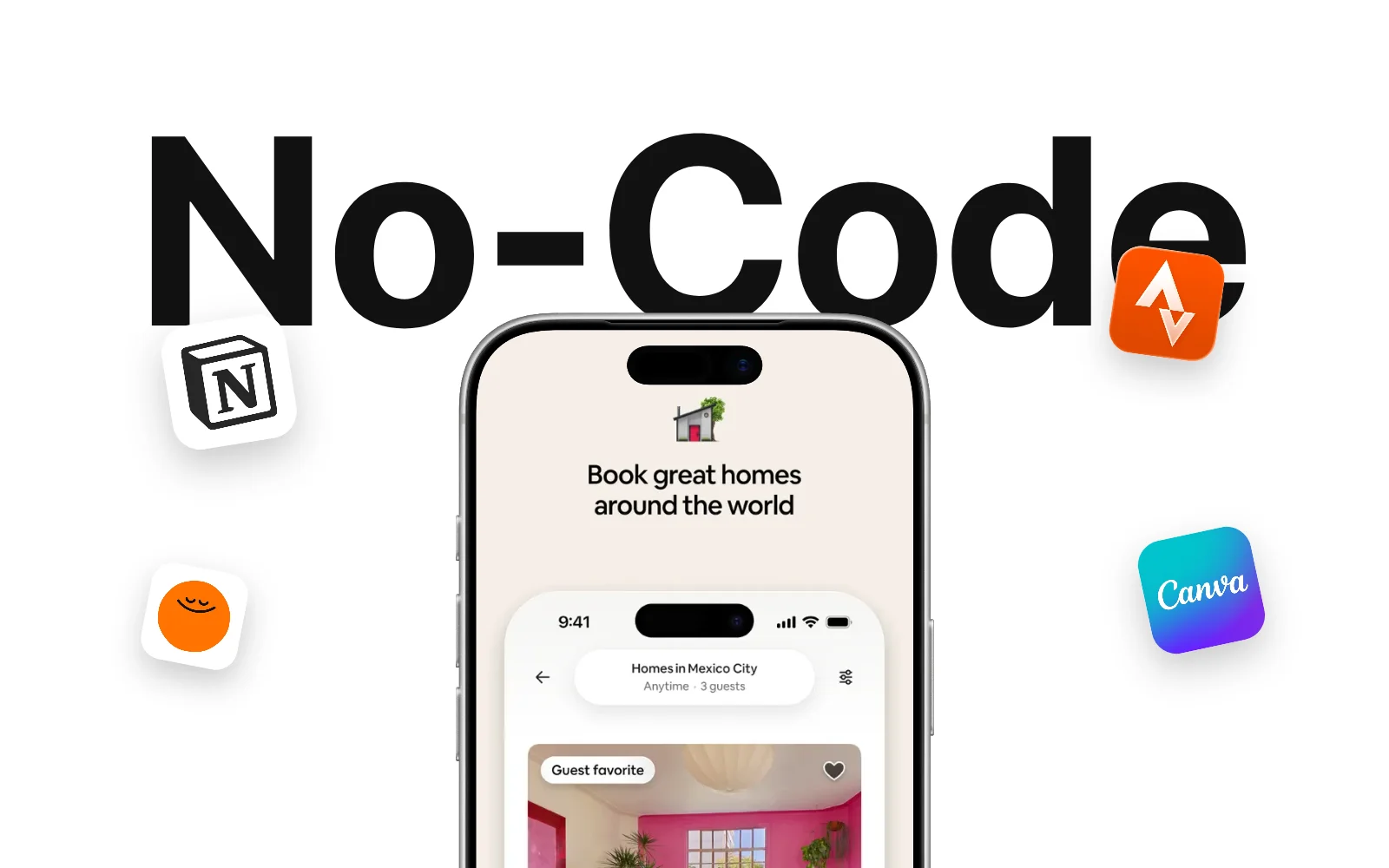
Building a mobile app without coding is now a matter of days, not months. No more six-month builds and $20,000 budgets: you describe your idea to an AI, it writes the native code, and you ship to the App Store. The barrier was never the idea. It was the code.
And if you already have an audience — a channel, a newsletter, a Discord — the leverage is huge: an app is the only channel where no algorithm stands between you and your people. Here's the full guide: which app to build, how to create it with AI, what it really costs, and how to launch it.
Why Every Creator Should Own an App in 2026
A mobile app turns a rented audience into an owned one. On YouTube you rent attention from the algorithm: one update, one demonetization, one CTR drop and your revenue melts. With an app, you own the relationship, the data and the payment. That's the difference between a variable paycheck and an asset.
Every creator-economy number points the same way: the most stable income comes from products, not ads. An app stacks three advantages no other format delivers at once.
- Recurring revenue — a $4.99/month subscription taken by 1% of a 100,000-subscriber audience is close to $5,000 a month, with zero dependence on RPM.
- Direct contact — push notifications, no shadowban, no organic reach collapsing overnight.
- Authority proof — "I shipped my app" builds your brand far more than another upload, and fuels your storytelling for months.
The blocker was never the idea. It was the code. That's exactly what platforms like Bloxks removed.
Building a Mobile App Without Coding: What AI Changed
Until 2023, "no-code" meant dragging blocks around a rigid editor and ending up with an app that looked like a website in disguise. Today the logic is reversed: AI writes real native code, and you write the brief.
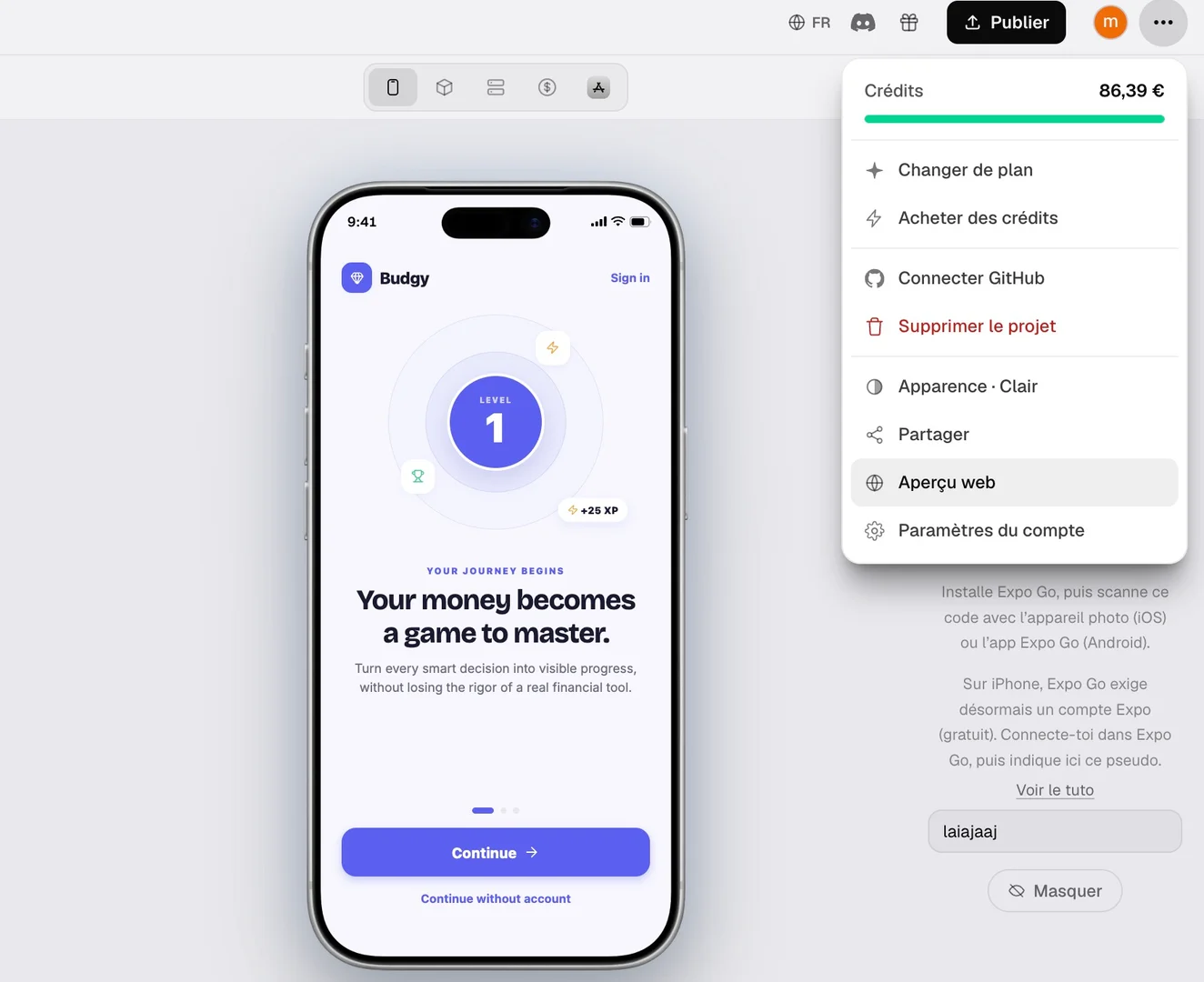
That's what people call vibe coding: you describe what you want in plain English, an advanced reasoning model generates the interface, the logic and the database, then fixes its own mistakes until the app compiles and runs. You see the result in an interactive preview, you ask for changes, it iterates.
On an AI-powered iOS app builder, the full cycle looks like this:
- You describe your app in a few sentences, the way you'd explain it to a friend.
- The AI asks scoping questions, then writes a project plan.
- It generates the code, runs it, spots bugs and repairs them on its own.
- You test the app on your phone through a QR code and request adjustments.
- You publish to the App Store with your own developer account.
The skill that matters now isn't Swift. It's describing precisely what you want. Exactly the same skill as generating a great thumbnail: if you already learned to write effective prompts for your AI thumbnails, you already have 80% of the reflex.
7 App Ideas That Pay Off When You Have an Audience
The best creator app is never an Instagram clone. It's the logical extension of what your channel already delivers, just like a consistent visual identity across your thumbnails. Here are seven formats that convert a YouTube audience well.
- The niche tool app — a macro calculator for a fitness channel, a chord converter for a music channel, a yield simulator for a finance channel.
- The guided program — your content turned into a 30-day path with progress tracking and daily reminders.
- The premium library — your bonus videos, presets, templates or packs behind a subscription.
- The tracker — habits, workouts, spending, gaming sessions: simple to build, extremely sticky.
- The community quiz — weekly challenges tied to your videos, with a subscriber leaderboard.
- The branded mini-game — a game carrying your universe, brutally effective for engagement and shares.
- The coaching app — slot booking, messaging and private content for your most engaged members.
If you're stuck, the Bloxks app idea library lists proven concepts along with their monetization model. And for the playful format, building a mobile mini-game for your community is often the fastest project to ship.
From Idea to App Store in 5 Steps
Here's the real path, with no phantom steps. Count one to three weeks for an honest first version, working evenings.
Step 1 — Scope a single promise
An app that does one thing very well beats an app that does seven things badly. Write your promise in one sentence: "help my subscribers reach [result] in [timeframe]". Anything that doesn't serve that sentence goes to version 2. The quick start guide covers that scoping in minutes.
Step 2 — Describe the app to the AI
Give context, not just features: who the app is for, what users see first, the visual tone, the expected screens. The sharper your brief, the fewer iterations. These prompting best practices save hours on your very first project.
Step 3 — Wire up monetization
Subscription, one-time purchase or freemium: decide before you design, because the model shapes your screen architecture. The documentation on payments and in-app purchases covers the technical wiring.
Step 4 — Test with real subscribers
Send a test build to 20 or 30 members of your Discord. Watch what they open, what they abandon, what confuses them. Three honest reactions beat three weeks of solo polishing.
Step 5 — Publish and announce
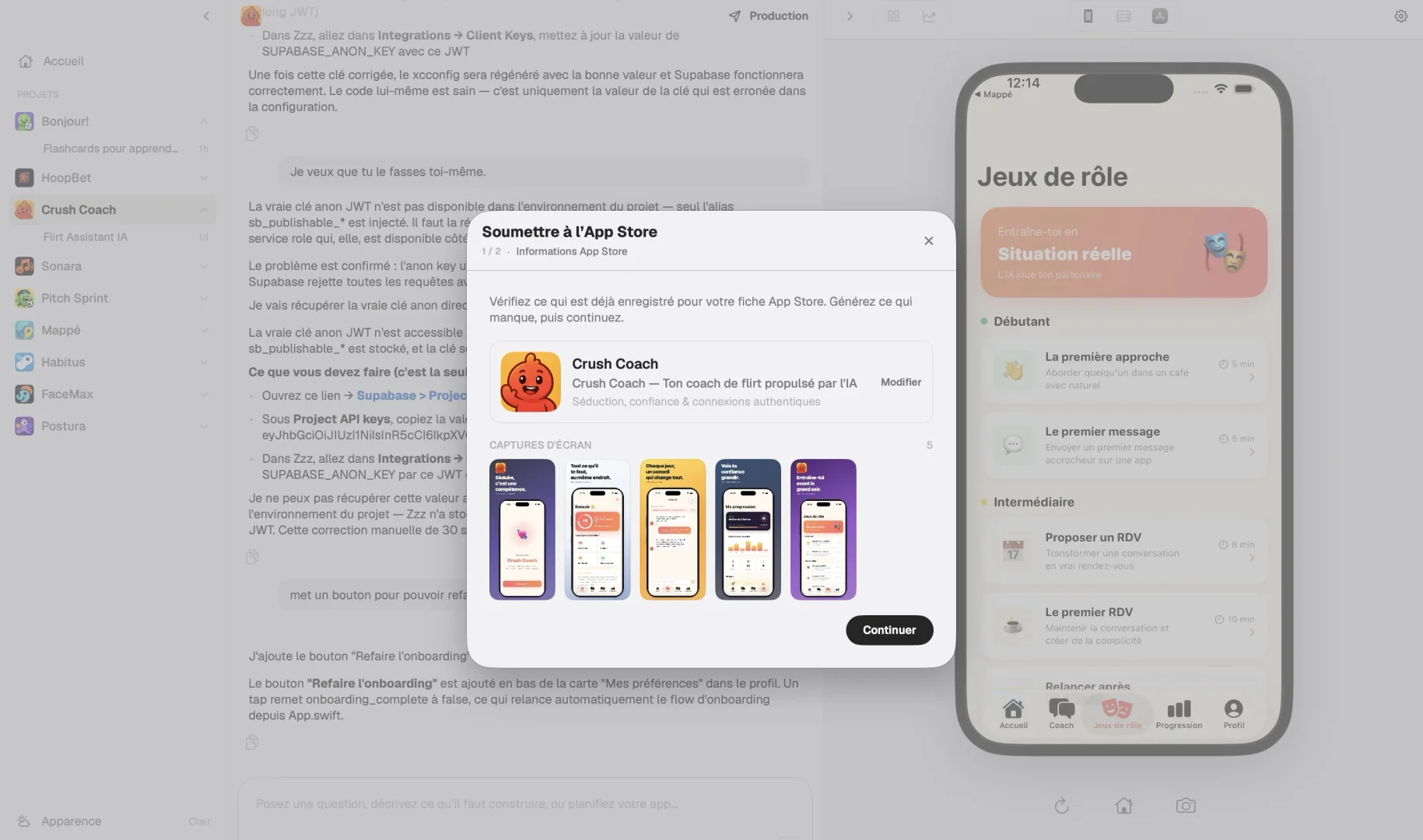
App Store submission requires an Apple developer account at $99/year, screenshots, a description and a privacy policy. The whole route is documented in publishing your app to the App Store. Prepare your announcement video in parallel: the launch is content in its own right.
What an App Really Costs Without a Developer
This is the question that stops everyone, and the answer shifted by an order of magnitude in two years.
| Line item | Agency / freelancer | AI-built |
|---|---|---|
| v1 development | $9,000 to $45,000 | Monthly tool subscription |
| Time to launch | 3 to 9 months | 1 to 3 weeks |
| Post-launch change | A quote for every request | One sentence to the AI |
| Apple developer account | $99/year | $99/year |
The only real remaining cost is your time and your clarity. Plans and the credit system are public on the plans and credits page, and the tier built for running several projects in parallel is called Bloxks Empire.
Same reasoning as your visuals: nobody pays $80 for a freelance thumbnail anymore when AI delivers one in 30 seconds. We ran the numbers in our breakdown of the ROI of AI YouTube thumbnails.
Launching Your App to Your Community
An app without a launch is a video without a thumbnail: nobody sees it. Your edge is that you already control the most expensive acquisition channel on the market.
- Build in public — document the making in 3 or 4 short videos. The audience bonds with the project before it even ships.
- Treat the release as a product launch — a dedicated video, a pinned link in the description, a promo code for the first 500.
- Polish the storefront — your icon and App Store screenshots play the exact role of a thumbnail: they decide the download in one second.
- Keep relaunching — every update is an excuse for content, and therefore for new downloads. Fold it into your weekly production workflow.
On that last point, the reflexes transfer one-to-one from YouTube. Our article on click psychology applied to thumbnails maps almost word for word onto App Store screenshots. And if you want to take the community angle further, the ambassador program rewards creators who show what they build.
The 5 Mistakes That Kill a First App
Avoid at all costs
- Cramming everything into v1 instead of one clear promise.
- Copying an existing app with no link to your niche or audience.
- Pushing monetization "for later" and having to rebuild everything.
- Publishing without testing with real subscribers.
- Neglecting the icon and screenshots, and therefore the download rate.
What works
- A real need voiced in your YouTube comments.
- A deliberately tiny v1, shipped fast.
- A revenue model decided during scoping.
- 20 testers from your community before release.
- A storefront crafted like a thumbnail.
The good news: none of these mistakes are technical. They're all product and audience calls, two areas you already handle better than the average developer.
Your App, Your Asset: the Verdict
Building an app without coding is no longer a marketing promise, it's the normal route for a creator who wants to own their audience. You now know which app to build, how to produce it with AI, what it truly costs and how to launch it.
The pattern matches your visuals: AI absorbs the technical part, you keep creative direction and the relationship with your people. Start small, ship fast, improve in public.
The hardest part is still starting. Open a project, describe your idea in three sentences, and watch the first version appear on screen.
And keep your views growing on YouTube with MangooFX AI thumbnails.
Frequently asked questions
Can you really build an app without knowing how to code?
Yes. AI app builders write native code from a plain-language description, run the app, fix their own errors and hand you a publishable project. What you need is the ability to describe your idea precisely and test the result, not to write Swift.
How long does a first app take when you already have an audience?
Count one to three weeks for a simple first version working a few hours a day. The limiting factor isn't code generation, it's the clarity of your concept and the test loops with your audience.
Do you need an Apple developer account to publish?
Yes, the Apple Developer Program costs $99 per year and remains mandatory for App Store publishing. It's the only unavoidable cost of the project beyond the builder subscription. Read the App Store review guidelines before you submit.
Which app should you build with a small audience?
Pick the tool your subscribers already ask for in the comments: a tracker, a calculator or a guided program tied to your niche. An audience of 5,000 highly engaged people often converts better than a passive 200,000-subscriber channel.
Is an AI-generated app professional quality?
Latest-generation models produce native code comparable to an experienced junior developer, with consistent design and edge-case handling. To dig deeper, the team behind Bloxks publicly documents its approach and technical choices.