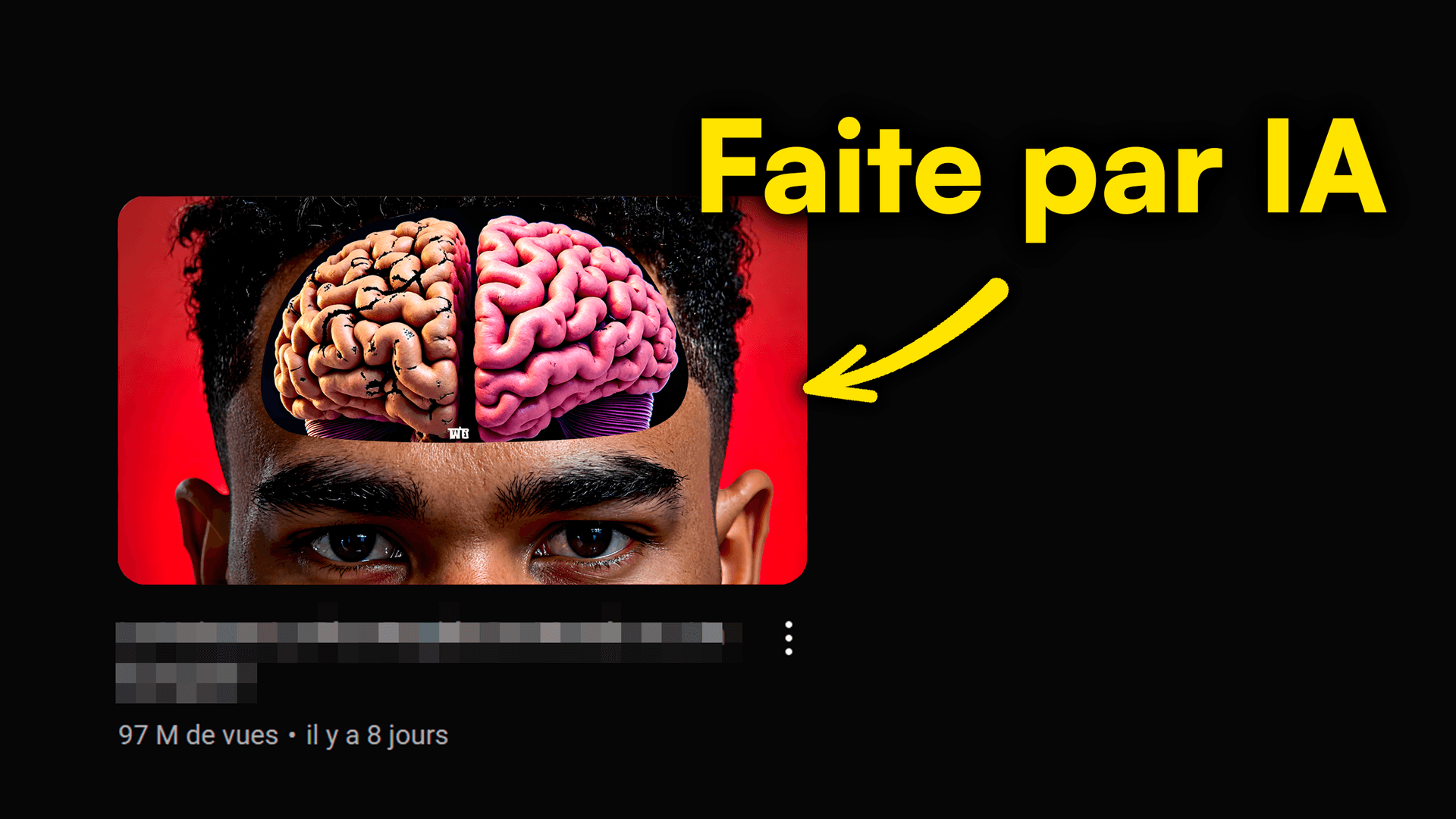
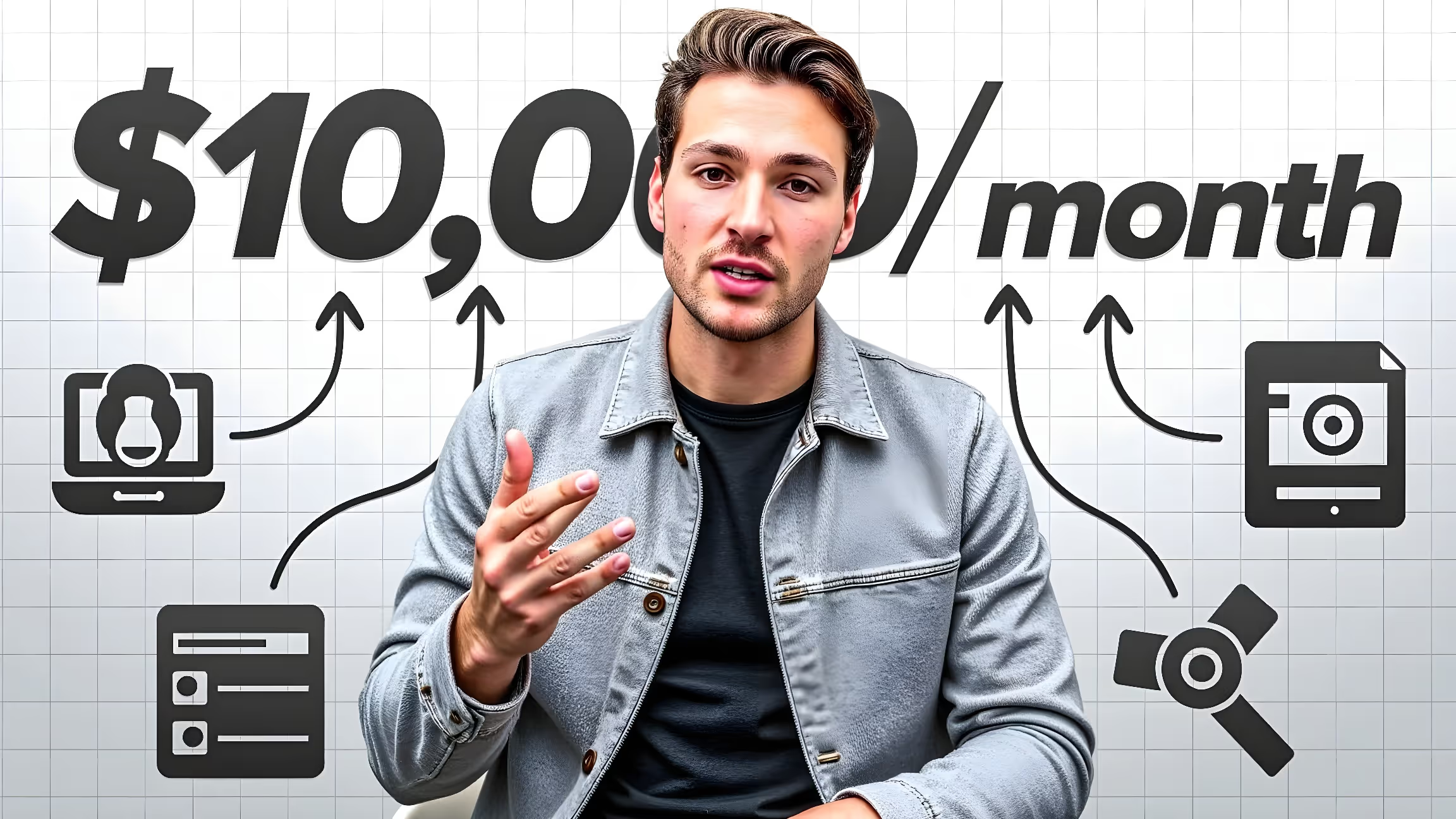
Did you know? A killer YouTube thumbnail can skyrocket your click-through rate (CTR) from 2% to 10%! But how do you create that magnetic visual without being a design pro? AI, of course! But for it to work wonders, you need a killer AI YouTube thumbnail prompt. It's your secret weapon for exploding views.
In this article, we'll dive into the secrets of a super-effective prompt, give you 7 pro tips, and reveal the mistakes to avoid. Ready to turn your ideas into amazing thumbnails with MangooFX? Let's go!
Why Your AI Thumbnail Prompt is Essential
A prompt is more than just an instruction. It's the compass that guides artificial intelligence to bring your YouTube thumbnail vision to life. Without a quality prompt, you risk ending up with a generic, ineffective visual that's far from what you wanted.
- A good prompt: your ticket to epic thumbnails. It sets the artistic direction, subject, and mood, ensuring the AI creates a unique, eye-catching visual that stands out in the YouTube feed.
- Your prompt is the AI's brain. Make it count! AI isn't magic; it can't guess your intentions. The clearer and more detailed your prompt, the better the AI can produce an image that matches your expectations, avoiding frustrating back-and-forths.
- The more precise your prompts, the more your views explode. A precise thumbnail is a relevant thumbnail. It catches the eye of the right audience – those genuinely interested in your content – boosting your click-through rate and, in turn, your views. For in-depth advice, discover how audience psychology influences your AI YouTube thumbnails.
Investing time in crafting your prompts is investing in your videos' success. It's the crucial first step to transforming a concept into a high-impact thumbnail.
Create the Perfect AI YouTube Thumbnail Prompt in 3 Steps
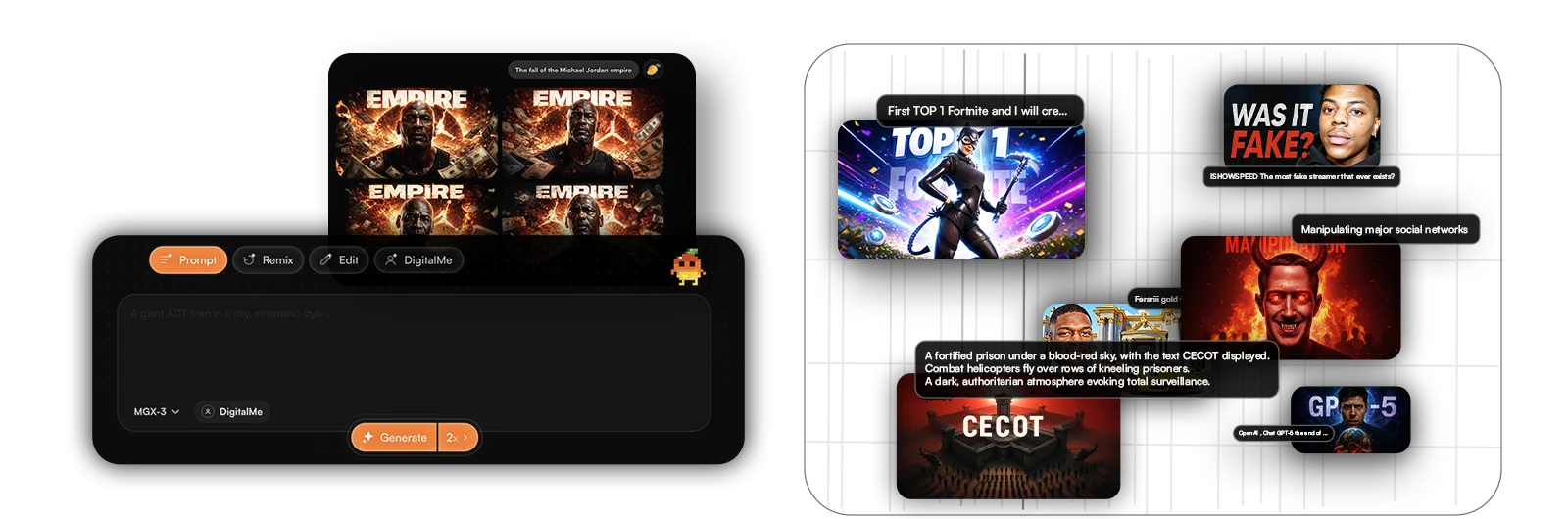
To get an AI-generated thumbnail that grabs attention and maximizes your CTR, it's crucial to structure your prompt logically and comprehensively. Here are the three pillars to achieve that.
- The main idea: your clear, impactful message. Start with the core of your video. What's the topic? What's the promise? For example, "A shocked man discovering a secret," or "A smiling woman explaining a complex concept." This is the foundation of your thumbnail.
- Visual details: colors, mood, style. Next, enrich your prompt with descriptive elements. "Futuristic vibe, blue and purple tones, cyberpunk style," or "Bright and warm scene, pastel colors, cartoon style." Don't forget to specify lighting, composition, and even the rendering type (photographic, 3D illustration, etc.).
- The implied call-to-action: what your thumbnail should evoke. Even without explicit text, a good thumbnail suggests an action. It should spark curiosity, create shock, inspire confidence, or promise a solution. For example, "Face surprised by an incredible discovery" to encourage clicks and reveal the mystery.
These three elements combined give the AI all the keys to generate an image that's not just beautiful, but also strategic. To master this approach, check out our guide on how to create an AI YouTube thumbnail in 5 steps.
7 Pro Tips for an AI Prompt That Crushes It Every Time
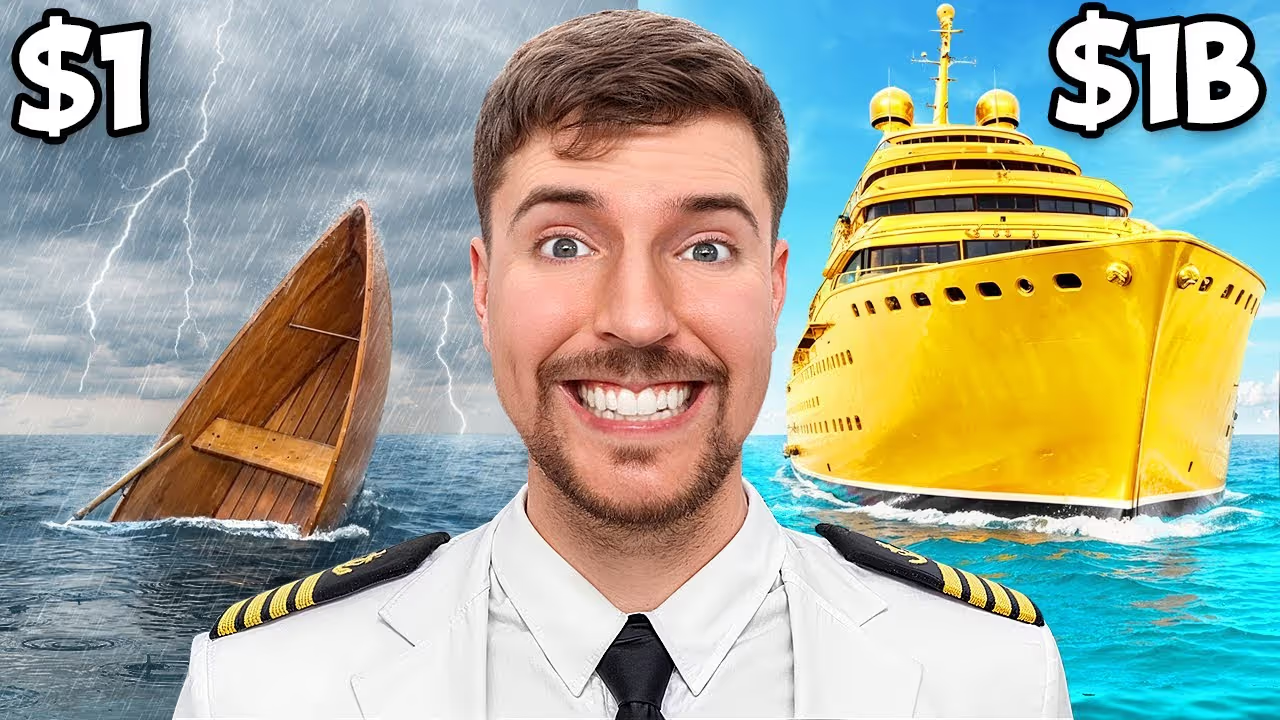
Creating an effective prompt is sometimes an art, but it's an art you can learn. Here are 7 tried and true tips to turn your prompts into genuine view-generators.
- Be specific, not vague: 'A jumping cat' > 'A cat'. Specificity is king. Instead of "a fast car," say "a red sports car drifting on a wet track, wide shot from a low angle." AI needs details to excel.
- Use strong keywords: 'Urgent', 'Secret', 'Incredible'. These words create a sense of urgency or mystery. They're emotional triggers that drive clicks. Integrate them wisely to amplify your thumbnail's impact.
- Describe emotions: 'Surprised character', 'Confident face'. Emotions are universal and powerful. A thumbnail that conveys strong emotion is much more memorable and engaging. Think about facial expressions, body language.
- Include branding elements: logo, channel colors. This boosts your brand recognition. Ask the AI to subtly incorporate your logo or use your brand's dominant colors.
- Think about contrast: Clear text on a dark background pops. Good readability is crucial, especially on mobile. Ensure main elements, especially text if present, clearly stand out from the background.
- Get inspired by successful thumbnails: analyze their codes. Don't reinvent the wheel. Look at what works for your competitors or in your niche. What colors, compositions, emotions are they using? Adapt these codes to your style.
- Test and adjust: That's how you get better. The perfect prompt is rarely found on the first try. Experiment, modify, analyze results (CTR!), and adjust. It's an iterative process.
By applying these tips, you'll transform how you communicate with AI and, by extension, with your audience. According to YouTube's best practices for thumbnails, an impactful visual is key to success.

What Mistakes Should You Never Make with Your AI Prompt?
Even with the best intentions, certain mistakes can sabotage your efforts to create impactful thumbnails. Avoiding them ensures AI works for you, not against you.
- The too-long or too-complex prompt: AI gets lost. Information overload can dilute the essential message. The AI might struggle to prioritize elements and produce a confusing or unfocused image.
- The prompt without emotion or context: Your thumbnail will be flat. A thumbnail that tells no story is an ignored thumbnail. Without clear emotion or context, the AI will generate a generic visual that won't grab your audience's attention.
- Not mentioning YouTube format: AI doesn't guess. Always specify that you want a "YouTube thumbnail" or "16:9 format." AI can generate images in many formats, and a bad ratio can ruin the impact.
- Forgetting contrast and text readability. This is a fundamental mistake. If your text isn't legible, the message is lost. Make sure the prompt includes instructions for good contrast.
- Copy-pasting without thinking: Your content is unique! Every video is different, and your thumbnail should reflect that. A generic prompt will give you a generic thumbnail. Take the time to adapt each prompt to your content's specificity.
By avoiding these common pitfalls, you'll maximize your chances of getting AI thumbnails that convert. To dive deeper into this topic, we've listed all the fatal errors to avoid with AI YouTube thumbnails.

The Bottom Line: Boost Your Views with Pro Prompts
You get it: the quality of your AI YouTube thumbnail prompt is directly proportional to your videos' success. It's the secret ingredient that transforms a simple idea into a magnetic thumbnail, capable of captivating audiences and exploding your click-through rate.
- Prompt mastery is your YouTube superpower. It's the skill that will set you apart in an increasingly competitive YouTube landscape. Learn to communicate effectively with AI, and the results will follow.
- Every thumbnail is an opportunity to catch the eye. Don't waste it with sloppy prompts. Each visual is a gateway to your content, a silent call to action.
- Take action and watch your stats soar. Don't wait! Experiment, test, refine your prompts. Practice makes perfect. At MangooFX, we give you the tools to do it easily.
So, are you ready to turn your thumbnails into true works of art that generate views? The power is in your hands, and your prompt is your magic wand. To understand how generative AI image models work, we recommend checking out the principles of DALL-E 3.
Frequently Asked Questions
How can a prompt improve my YouTube videos' CTR?
A good prompt allows AI to generate super-relevant and visually striking thumbnails. By precisely describing the emotion, subject, and style, you get a visual that grabs attention and encourages clicks, boosting your click-through rate (CTR) and views. It's simple and effective!
Can MangooFX help me create effective prompts for my AI thumbnails?
Yes, absolutely! MangooFX is designed for that. Our tool lets you easily experiment with your prompts. You instantly see the result, adjust, and boom, you create the perfect thumbnail in a few clicks. It's the ideal tool to refine your prompts and boost your creations.
What's the ideal length for an AI YouTube thumbnail prompt?
There's no single ideal length, but aim for precision without being verbose. A good prompt is concise but descriptive. Focus on key elements: subject, emotion, style, colors. A few well-chosen sentences are often more effective than a long paragraph. AI needs clarity, not a novel.