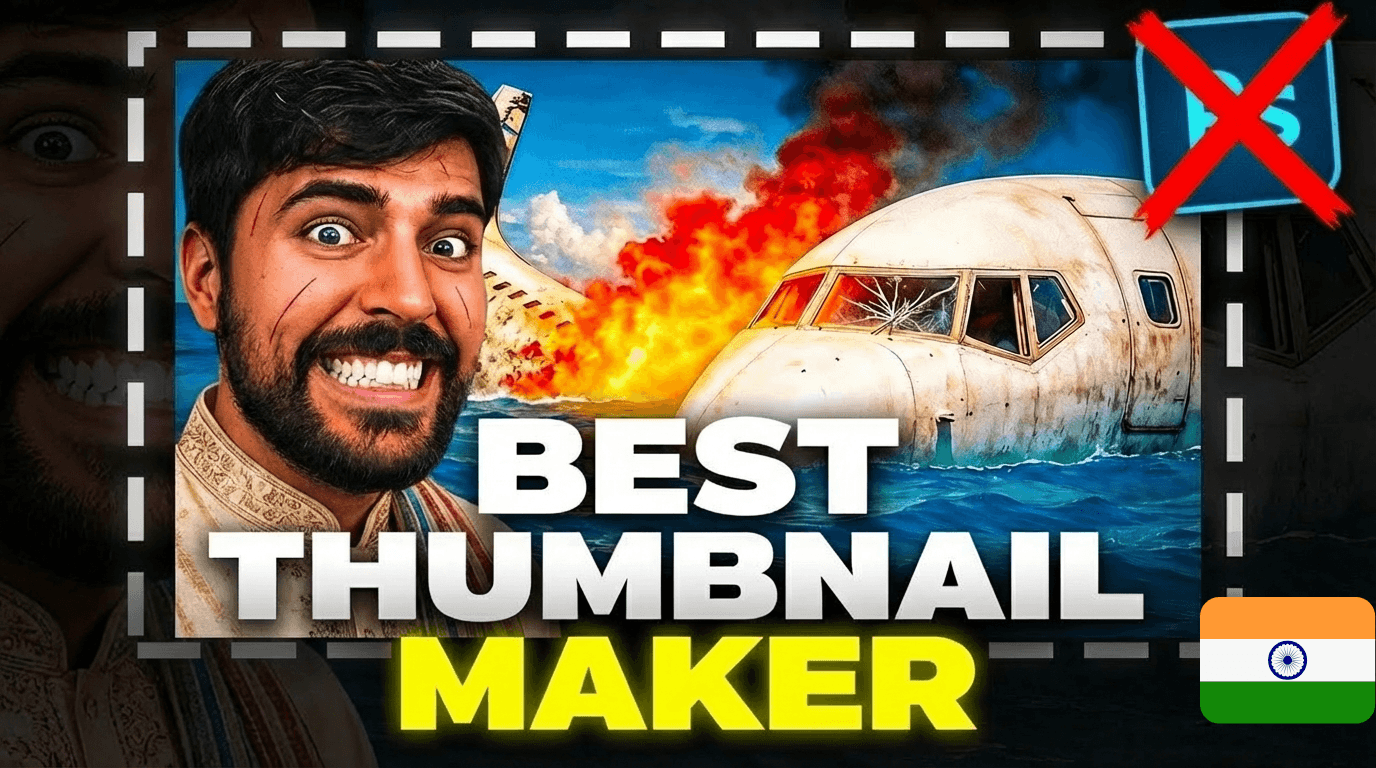
On YouTube India, the battle for attention has never been fiercer. From Bangalore to Mumbai, the country's tech capitals, the competition is won or lost in a fraction of a second. Your thumbnail is your number one sales pitch in a market of over a billion digital consumers.
Fortunately, artificial intelligence has changed the game, merging global innovation with Indian ingenuity. But be careful: not all tools are equal. We tested and ranked the 10 best thumbnail generators available in India to help you choose the one that will launch your channel — from New Delhi to Chennai.
🏆 Top 10 Best AI Thumbnail Generators (India 2026 Ranking)
Here's a quick comparison of the leading players. Which tool offers the best value-for-money-for-performance ratio for an ambitious Indian YouTuber?
| # | Platform & Specialty | YouTube Performance | Price (₹) |
|---|---|---|---|
| 1 | MangooFX – Virality Specialist | ⭐⭐⭐⭐⭐ | ₹ |
| 2 | Canva – General Design | ⭐⭐ | ₹₹ |
| 3 | VidIQ – Data Analysis | ⭐⭐ | ₹₹₹ |
| 4 | Adobe Express – Graphic Design | ⭐⭐⭐ | ₹₹₹ |
| 5 | VEED.IO – Video Editing | ⭐⭐ | ₹₹₹ |
| 6 | Appypie – No-Code Generation | ⭐⭐ | ₹₹ |
| 7 | Fotor – Photo Retouching | ⭐⭐⭐ | ₹₹ |
| 8 | Pikzels – Automated Generation | ⭐ | ₹₹ |
| 9 | Thumbnail.ai – Basic Tool | ⭐⭐⭐ | ₹₹ |
| 10 | Photoshop – Expert Software | ⭐ | ₹₹ |
1. MangooFX
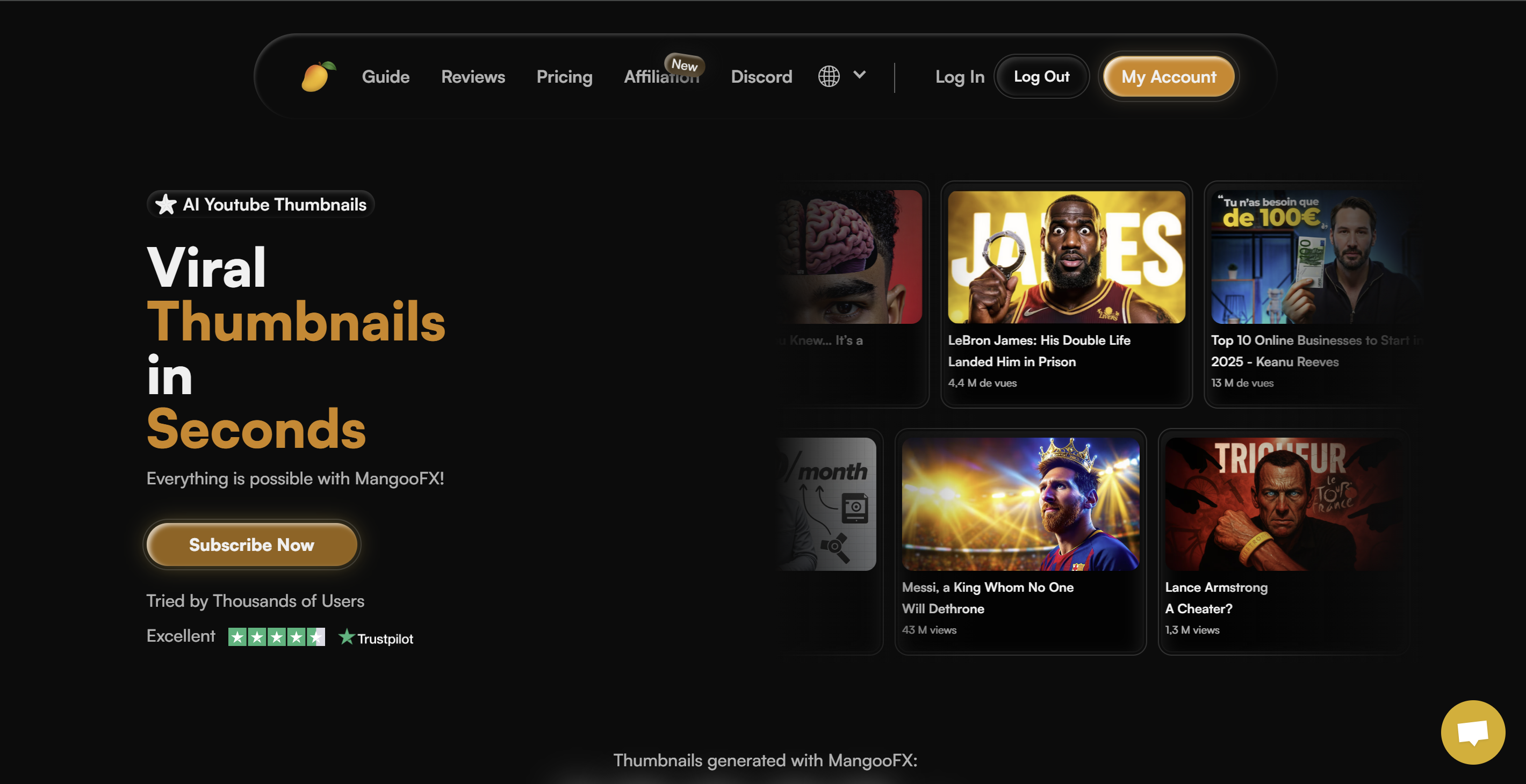
MangooFX doesn't just generate images — it generates clicks at a national scale. It's currently the only platform whose AI is specifically trained on Indian viewer psychology. Where other tools aim for "pretty," MangooFX aims for "effective." With its AI Avatar system ("DigitalMe") and pricing adapted to the local market, it's unquestionably the best ROI for Indian creators today.
Advantages
- Native YouTube Expertise: The AI understands the visual codes that drive clicks in 2026, from Mumbai to Kolkata.
- Extreme speed: Perfect for the relentless pace of Indian content creators.
- Fights Burnout: Eliminates the technical grind so you can focus on your videos.
- Unbeatable price: The most accessible solution in Rupees for immediate professional results.
Disadvantages
- Ultra-specialized tool: Perfect for YouTube, less relevant for creating business logos.
2. Canva
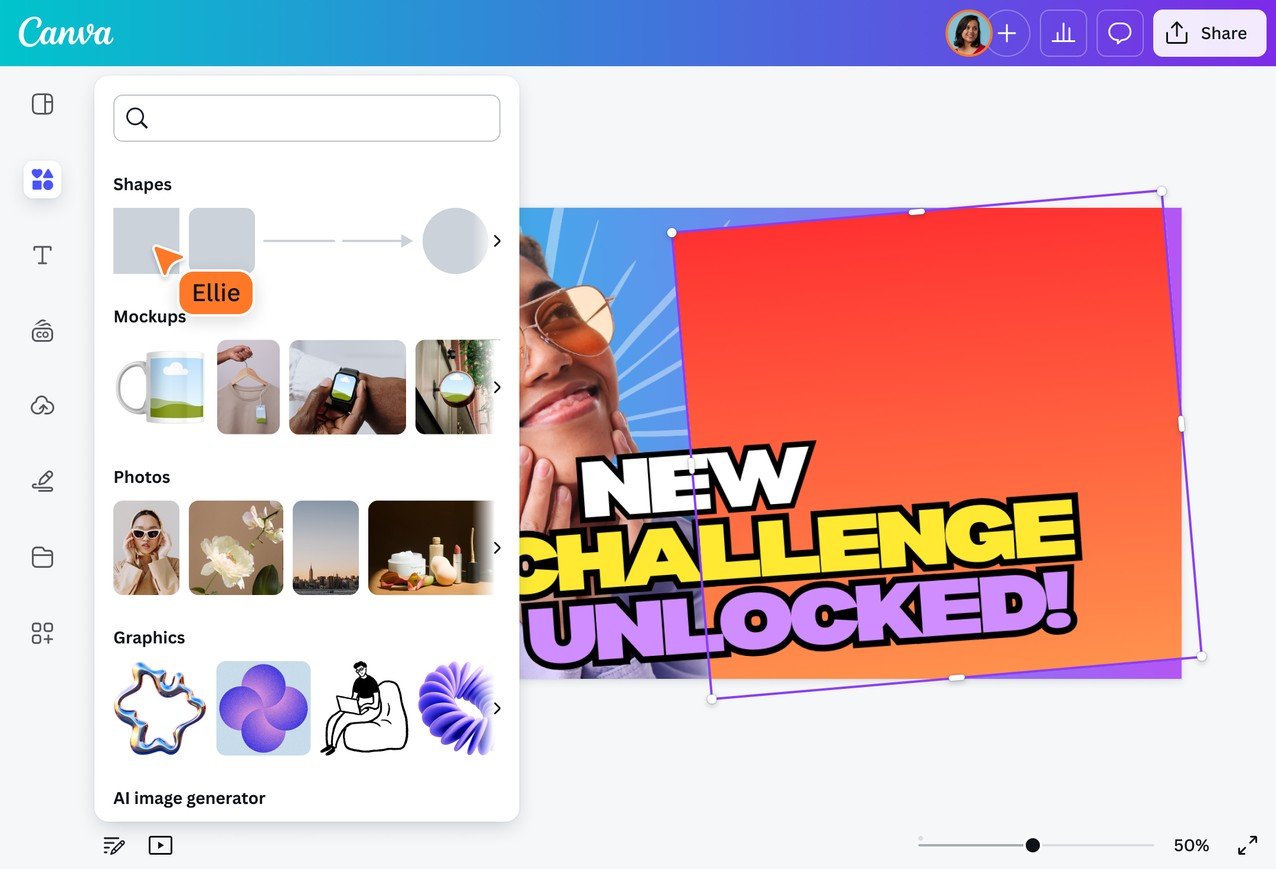
Very popular in schools and startups from Hyderabad, Canva suffers from its own ubiquity: everyone uses the same templates.
Advantages
- A generous free version to get started.
- A huge library of stickers and graphic elements.
Disadvantages
- Lack of uniqueness: Your thumbnails risk looking like thousands of other Indian channels.
- Time-consuming: Not automatic generation — you have to assemble everything manually.
- Generalist AI: Its image generator doesn't understand YouTube click-through specifics for India.
3. VidIQ
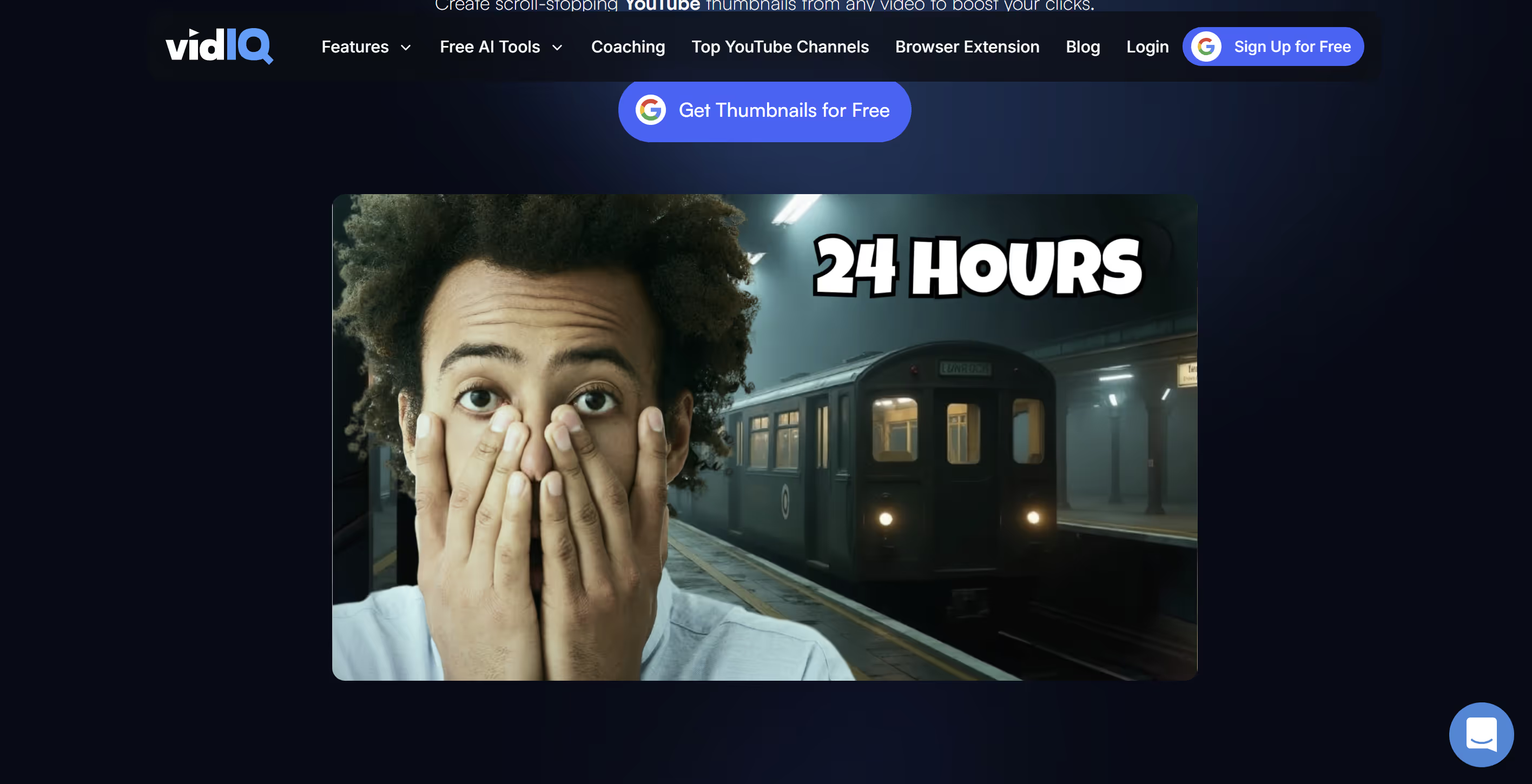
Though globally known for its stats, VidIQ is popular in India for analysis, but its thumbnail generator remains a secondary feature.
Advantages
- Convenient if you're already paying for their analytics suite.
Disadvantages
- Very limited design: Customization options are rigid.
- Outdated interface: Designed for analysts, not Bollywood creatives.
- The subscription cost is high just for this feature.
4. Adobe Express
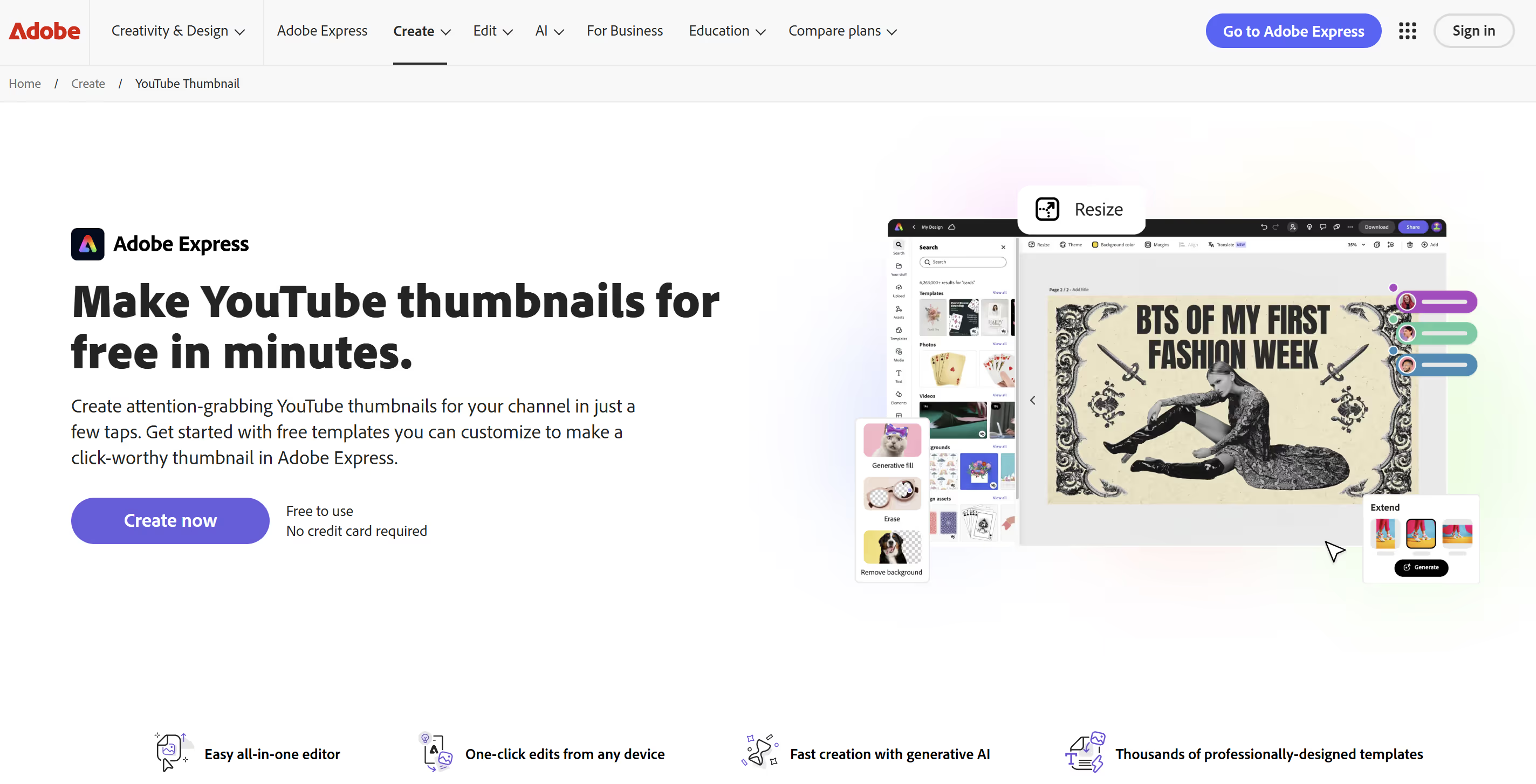
Adobe's answer to Canva. A powerful tool trying to win over Indian creators, but often overpriced for many.
Advantages
- Access to high-quality image and font libraries (Adobe Fonts).
Disadvantages
- Learning curve: Less intuitive than 100% native AI solutions.
- Price: Often tied to the Creative Cloud ecosystem (costly).
- Still a "make" tool rather than "strategically generate."
5. VEED.IO
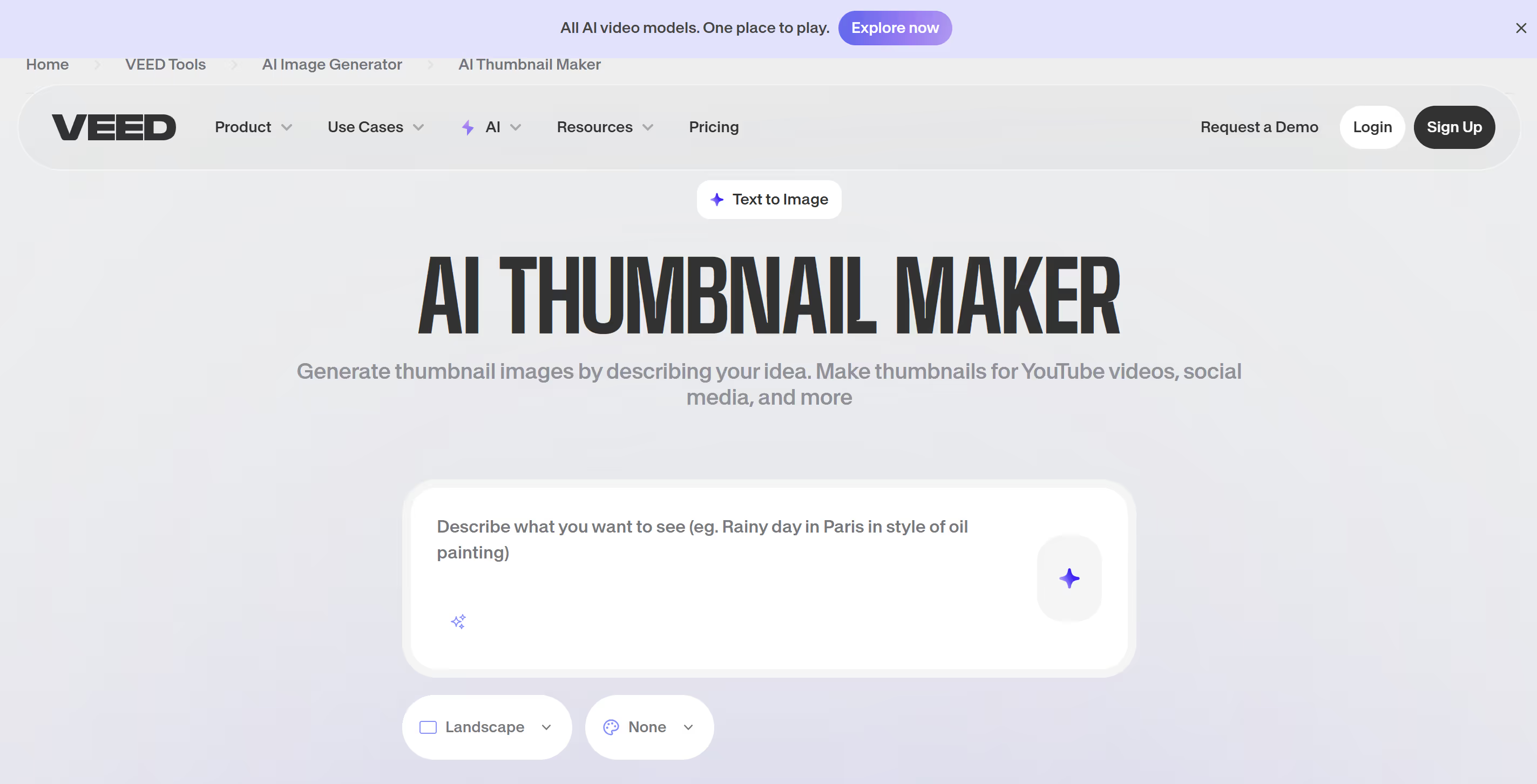
VEED is excellent for quick video editing and subtitling — a key skill in our multilingual country. Their thumbnail creator is a handy bonus.
Advantages
- Centralization: Edit your video and make the thumbnail in the same place.
Disadvantages
- Basic tool: Lacks advanced features for pure design.
- No dedicated AI for click optimization.
6. Appypie
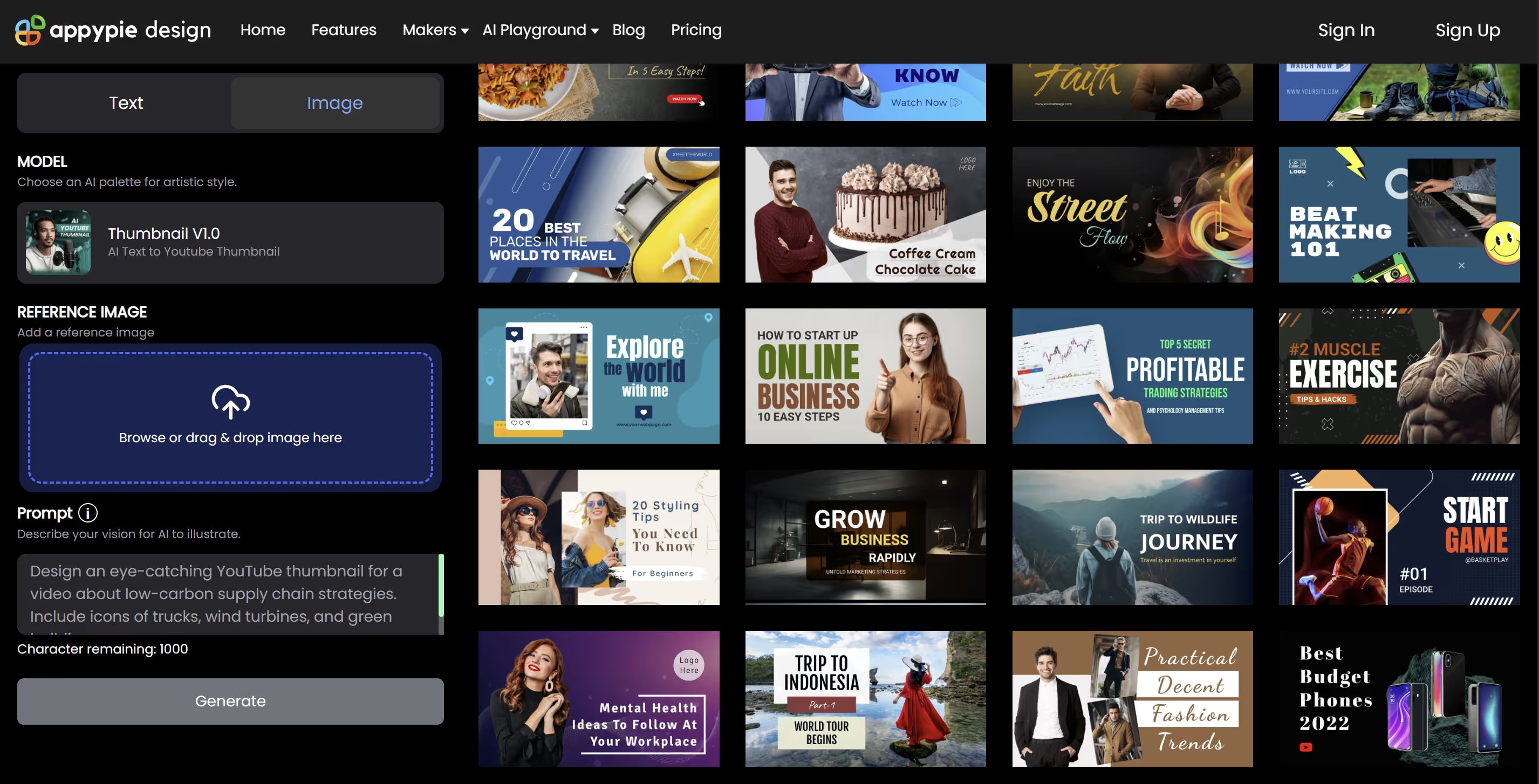
A popular no-code platform offering an image generation module. It's functional, but often lacks the vibrant soul Indian audiences are looking for.
Advantages
- Fast generation from simple text.
Disadvantages
- Lack of relevance: The AI doesn't understand the local context.
- Results often lack the dynamism and contrast needed for mobile.
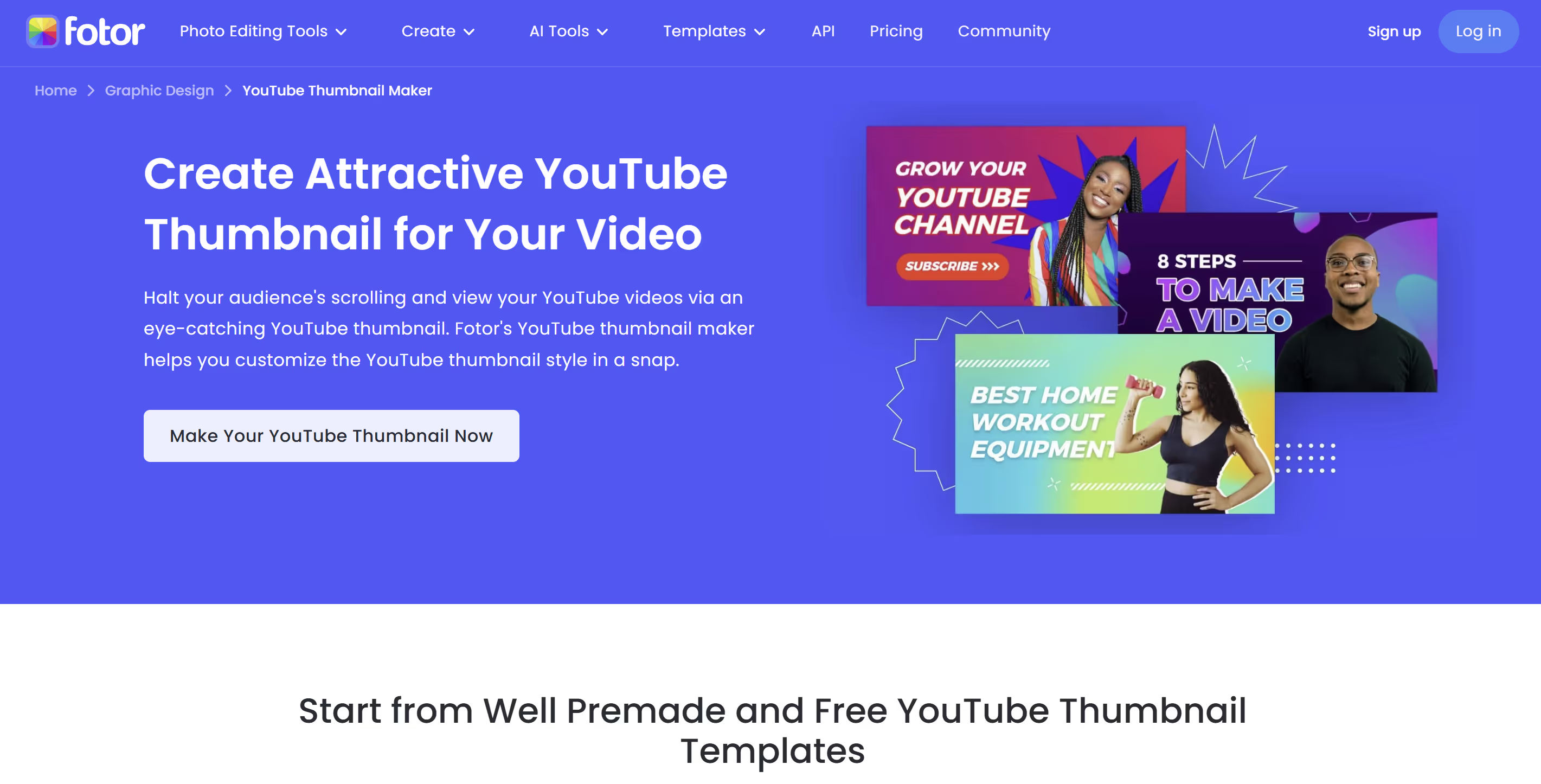
7. Fotor
A longtime photo retouching tool, Fotor has added AI but remains more focused on classic photography than the "clickbait" appeal our market needs.
Advantages
- Good cutout and sharpening tools.
Disadvantages
- Interface isn't oriented toward conversion (click-through).
- Fairly slow workflow if starting from scratch.
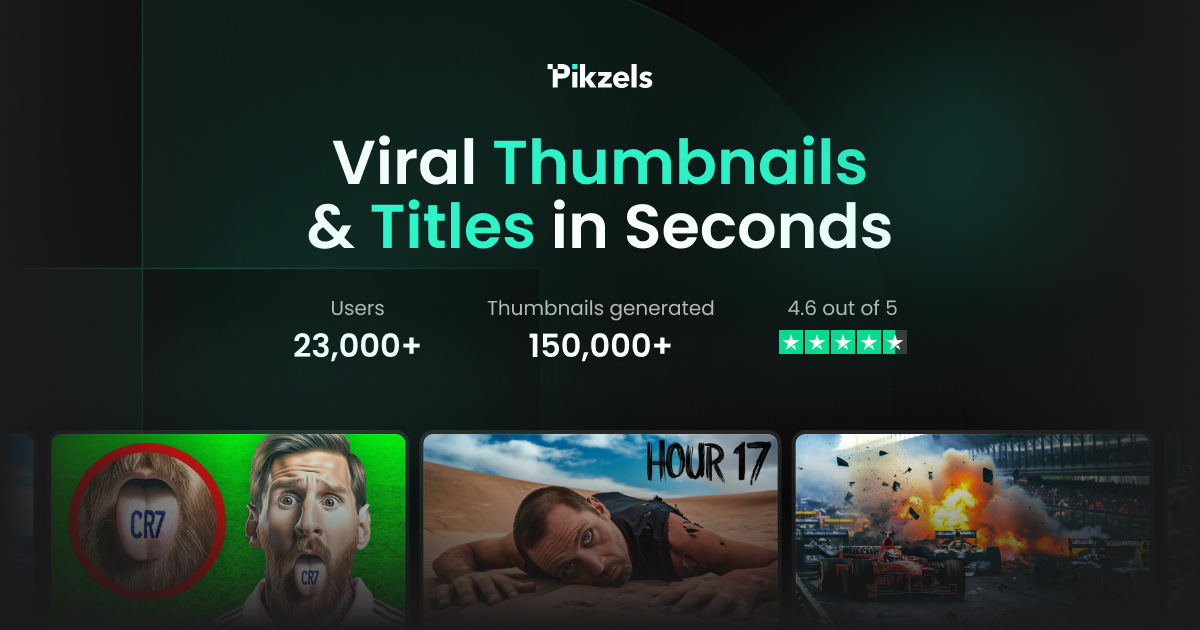
8. Pikzels
Pikzels promises attractive automation, but the actual output often disappoints against the demanding standards of Indian tech production.
Advantages
- Relatively simple interface to understand.
- Fast concept generation.
Disadvantages
- Poor output quality: Images are often blurry or with visible artifacts.
- Not optimized for virality: Dull colors, unengaging compositions.
- Hard to get a "publish-ready" result without external retouching.
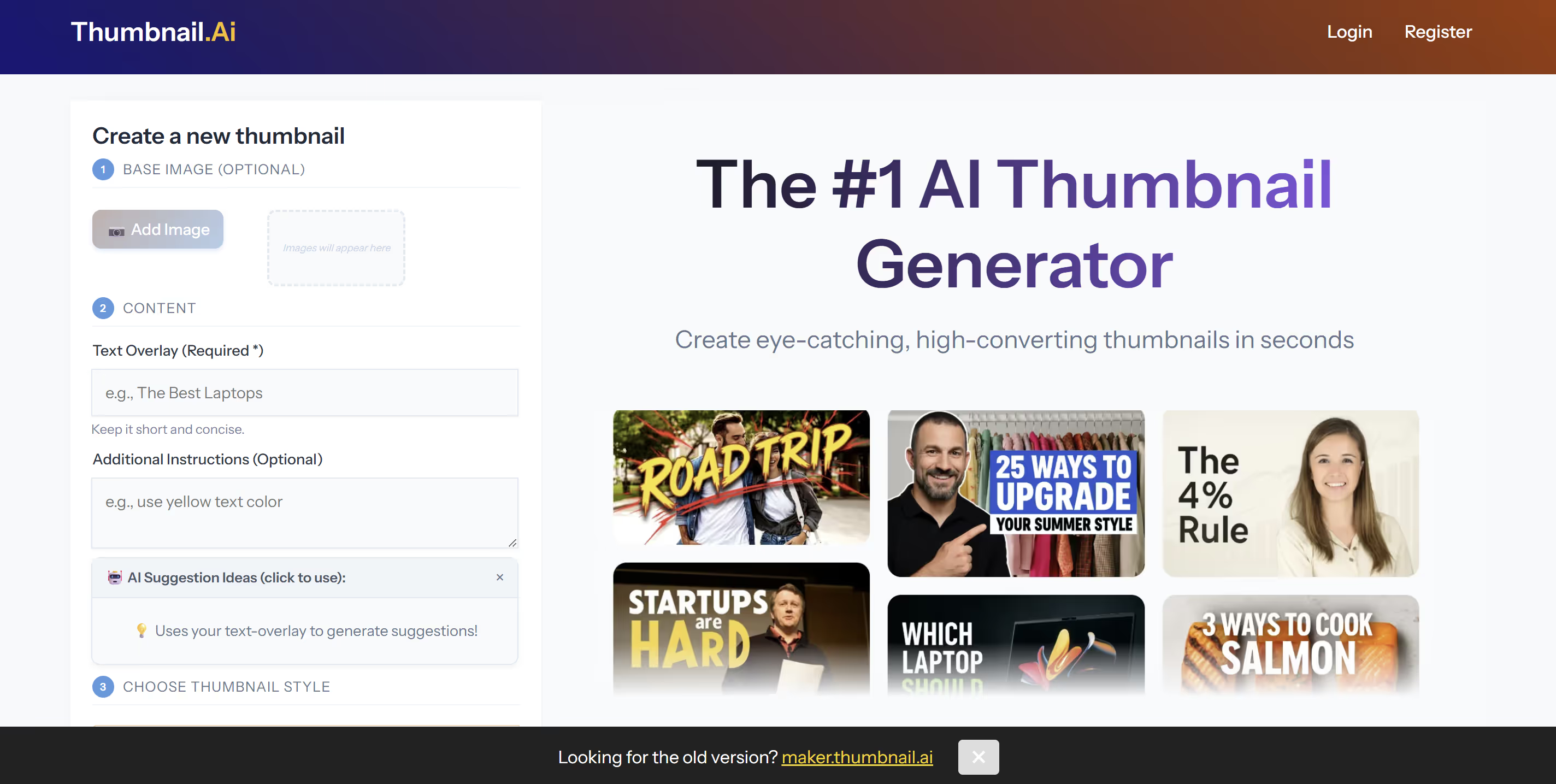
9. Thumbnail.ai
A minimalist tool. Useful in a pinch but insufficient for a serious growth strategy in our competitive environment.
Advantages
- Extremely simple and fast for a rough concept.
Disadvantages
- Zero flexibility: You take what you get.
- Too basic to compete with big national channels.
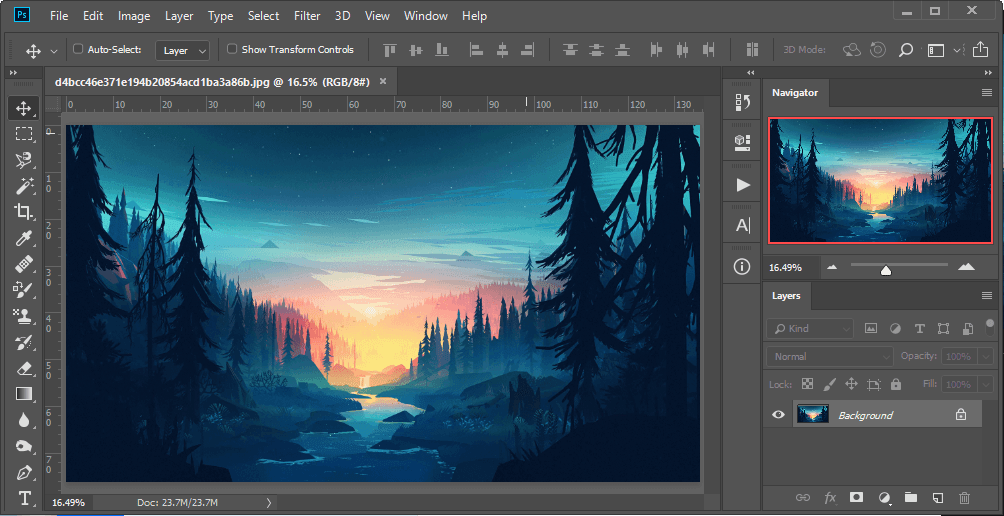
10. Photoshop
The absolute reference. The most powerful tool — and also the most complex. For a creator in Delhi or Mumbai who needs to move fast, it's often an anchor.
Advantages
- Total freedom: Create anything down to the pixel.
Disadvantages
- Extreme complexity: Months of learning.
- Productivity killer: Each thumbnail can take hours.
- No built-in strategic guidance. You're alone in front of the screen.
The 3 Pillars of a Converting Thumbnail in India
In our country, visual codes are unique. A successful thumbnail is one that stops the frantic scroll. Here's what to keep in mind:
- Contrast is King: Use saturated, contrasting colors to pop on YouTube's white (Light Mode) or black (Dark Mode) background.
- The 2-Second Rule: Your thumbnail must be understood instantly — whether in Hindi, English, or regional languages. Limit text to 2 or 3 punchy words.
- Visual Emotion: An expressive face dramatically increases click chances. Humans seek humans.
FAQ: Your Frequently Asked Questions
Can AI really beat a graphic designer?
In pure artistic terms, a great human designer is still unbeatable. But in terms of performance and speed, a specialized AI like MangooFX wins hands down. It delivers "top 1%" results in seconds, where a human would take hours — for a fraction of the cost in Rupees.
Why choose MangooFX over a free tool?
Because "free" often costs a lot in missed opportunity. In India's dynamic economy, time is money. MangooFX is a strategic investment: a few rupees a month to potentially double your views.
I don't know how to write prompts — is it complicated?
Not at all. MangooFX is designed for all Indian creators. You talk to the AI like an assistant: "Make me a thumbnail for a tech video in Bangalore with a green rising graph." That's all there is to it.
The Final Verdict
In 2026, technology lets anyone — from Kerala to Kashmir — close the gap with the biggest YouTubers. You no longer need to suffer through complex software. If you're looking for the most balanced solution combining power, ease of use, and viral performance, MangooFX stands out as the obvious choice for Indian creators looking to conquer the digital market.