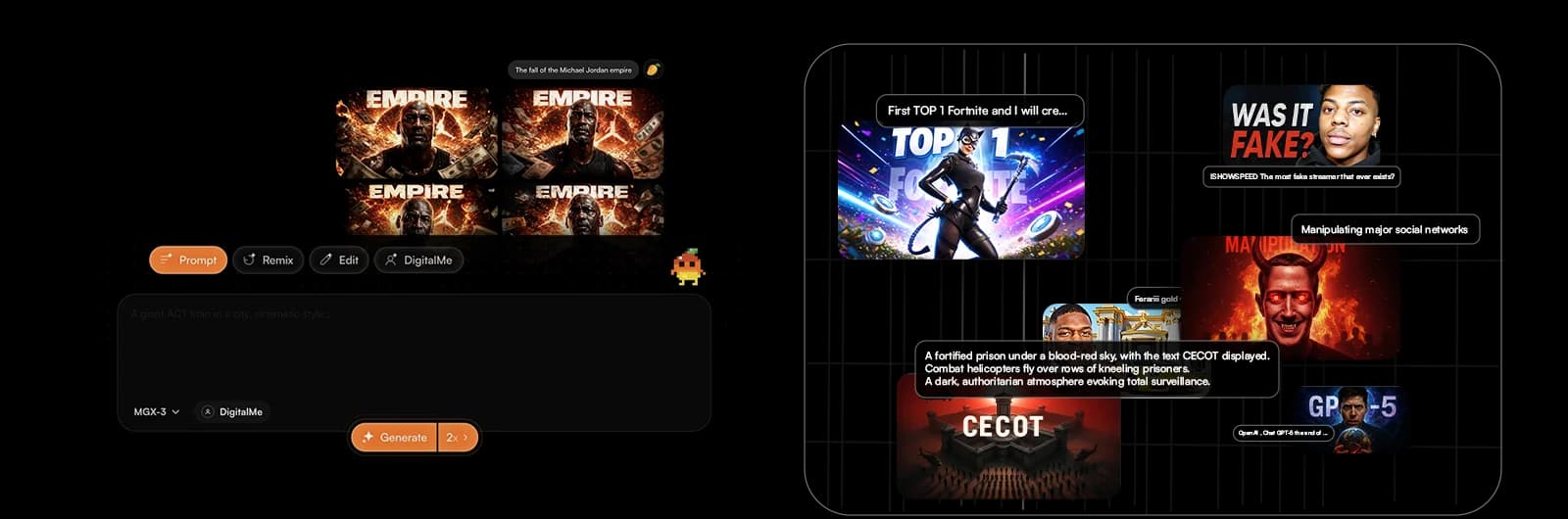
Ditch design struggles: AI crafts killer visuals in seconds. Spending hours perfecting your YouTube thumbnails, only to get meh results? Imagine a world where your thumbnails generate themselves, optimized for clicks, leaving you tons of time to create epic content. That world is here!
In this 2026 guide, we'll dive into how an optimized AI workflow will revolutionize your YouTube channel. We’ll show you the 7-step process for impactful AI YouTube Thumbnails and introduce you to MangooFX, your go-to for skyrocketing views.
Why AI Thumbnails Are a Game-Changer for Creators
The digital age demands speed and efficiency. For YouTube creators, that means producing quality content while ensuring maximum visibility. AI thumbnails aren't just a helping hand; they're a game-changer that completely transforms how you design your visuals.
- No more design headaches: AI creates stunning visuals for you in a flash. No need to master complex software or spend hours seeking inspiration. AI handles the grunt work.
- More time to create: Focus on your content, AI handles the visual hook. Imagine the time saved to fine-tune your scripts, edit your videos, or engage with your community.
- Views that explode: Click-optimized thumbnails = more viewers on your videos. AI analyzes trends and user preferences to generate thumbnails that grab attention and drive watch time.
Ready to boost your performance? Discover how AI saves you time and gets you more YouTube views.
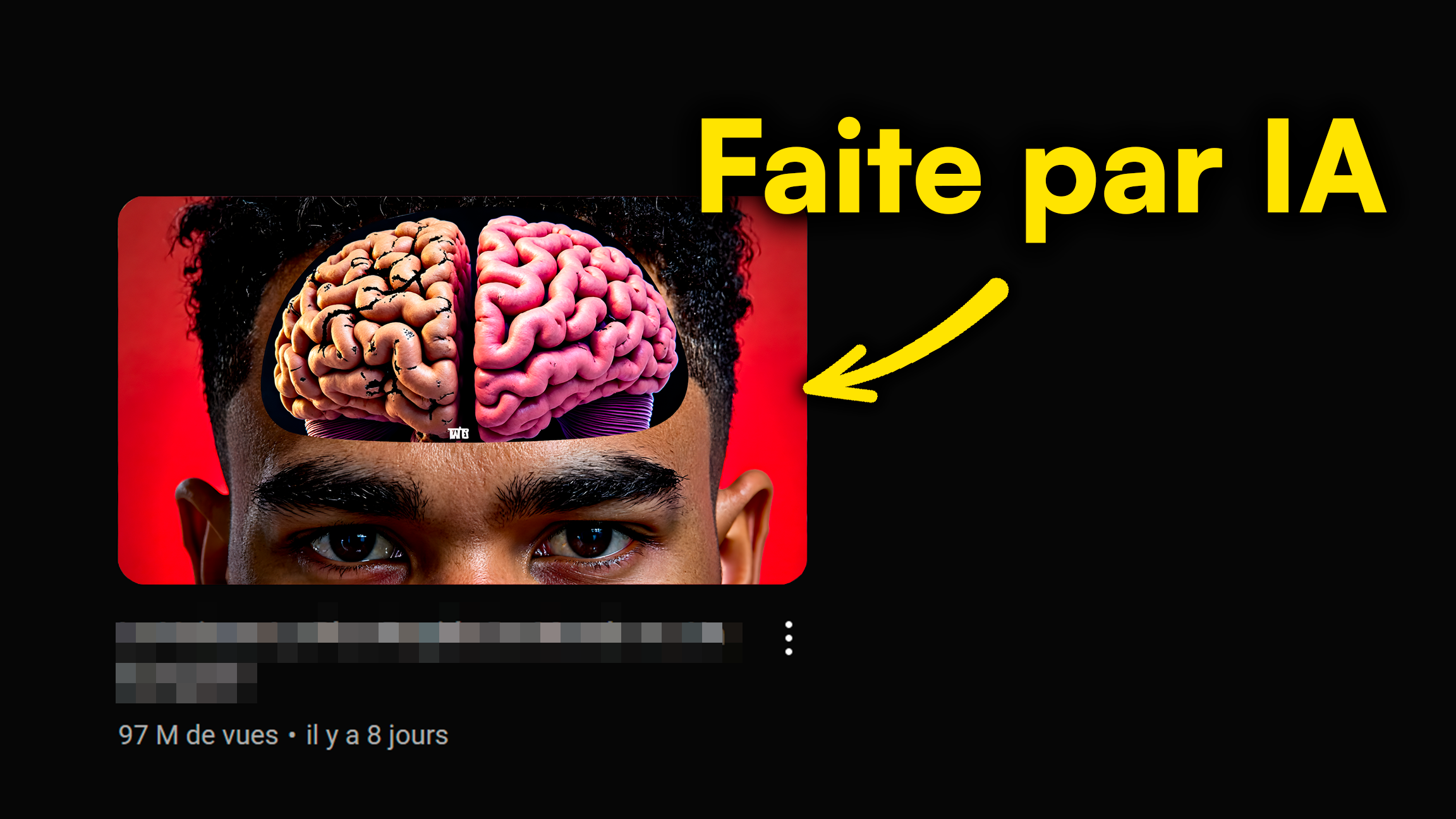
Step 1: Prep Your Content for AI (The Pro Secret)
For AI to work its magic, it needs a good brief. Preparation is key to a successful thumbnail. Never underestimate this step; it's what separates an average thumbnail from one that generates thousands of clicks.
- Think about your video's core message. What do you want people to remember? Phrase it in a simple, impactful sentence.
- Choose strong keywords. AI will use them to generate killer ideas. What terms would your audience type to find your video? Consider a solid workflow examples for your content.
- Identify the most impactful moment of your video. This will serve as your visual base. A picture is worth a thousand words, and a key image from your video is even more powerful.
To sharpen your skills, learn to master AI prompts for YouTube thumbnails that crush it.
How to Integrate AI Thumbnails into Your Video Creation Workflow
Integrating AI into your YouTube workflow should be seamless and natural. It's not about overhauling everything, but adding a smart step that maximizes your efficiency without compromising creativity. Here's how.
- Create a dedicated step: Plan your AI thumbnail generation right after editing. It's the ideal time because you have a complete overview of your content and its final message.
- Automate the start: Use custom templates to save even more time. Predefine styles, colors, and fonts that match your branding. This is where a good n8n youtube template can come in handy.
- Test and adjust: AI is a tool; your creator's eye remains essential for the final tweak. Don't hesitate to make small adjustments so the thumbnail perfectly reflects your identity. Think about how an n8n workflow login could streamline this.

Optimize Your AI Thumbnails: 3 Golden Rules for More Views
Generating a thumbnail with AI is one thing; optimizing it to perform is another. Don't overlook the fundamentals of visual marketing. Here are the golden rules to maximize the impact of your AI creations and boost your click-through rate.
- Clarity and impact: A thumbnail must be understandable at a glance, even on a small screen. Avoid superfluous details and prioritize a direct message.
- Branding consistency: Maintain your channel's style. AI should adapt, not the other way around. Your subscribers should instantly recognize your brand. For perfect consistency, think about custom AI thumbnails for your channel branding.
- Curiosity and emotion: Provoke a reaction. Make people want to click, right now. A strong facial expression, an intriguing question, or an unexpected element can make all the difference.
According to YouTube's official tips on thumbnails, a clear and engaging visual is crucial for attracting viewers.

Build an Efficient YouTube Workflow with AI Automation
Integrating AI isn't just about generating thumbnails. It allows you to rethink your entire creative process to make it more efficient and less stressful. Adopting an automated workflow means giving yourself the tools to focus on what matters most: your content. This is where a powerful n8n youtube integration can truly shine.
- From concept to publication: AI streamlines every step of your visual creation. From the initial idea to the final image, the process is accelerated.
- Less stress, more creativity: Let AI handle repetitive tasks. Freed from technical constraints, you can fully dedicate yourself to the creative aspect of your videos.
- Analyze and improve: Use performance data to refine your next AI thumbnails. A/B testing your AI thumbnails is an excellent way to understand what resonates best with your audience.
A study on YouTube engagement confirms that timing and visual quality are paramount for visibility.

Conclusion: Your Video Workflow, AI-Powered
AI isn't a passing trend; it's a revolution for YouTube creators. By integrating smart tools like MangooFX, you transform how you approach content creation, optimizing every step, from concept to publication. AI YouTube Thumbnails save you precious time and boost your views without extra effort, letting you focus on what truly matters: your message and your community.
Embrace MangooFX and transform your creative process today. Your future on YouTube starts now.

FAQ
How can AI really save me time on my YouTube thumbnails?
AI generates dozens of visual concepts in seconds, eliminating hours of manual design. You can then easily refine and customize, going from a blank slate to a ready-to-use thumbnail in record time. It's a huge productivity gain for your workflow youtube.
Will using AI thumbnails make my channel less authentic?
No, quite the opposite. AI is a tool. You maintain total creative control over the style and message. It frees you from technical constraints so you can focus on the originality and authenticity of your content, all while having professional visuals that grab attention. You set the direction.
How can I ensure my AI thumbnails are optimized for CTR?
To optimize CTR, focus on clarity, emotion, and relevance to your content. Use strong contrasts, readable fonts, and engaging facial expressions. A/B testing is also essential: test different AI-generated versions to see which one converts best with your audience.