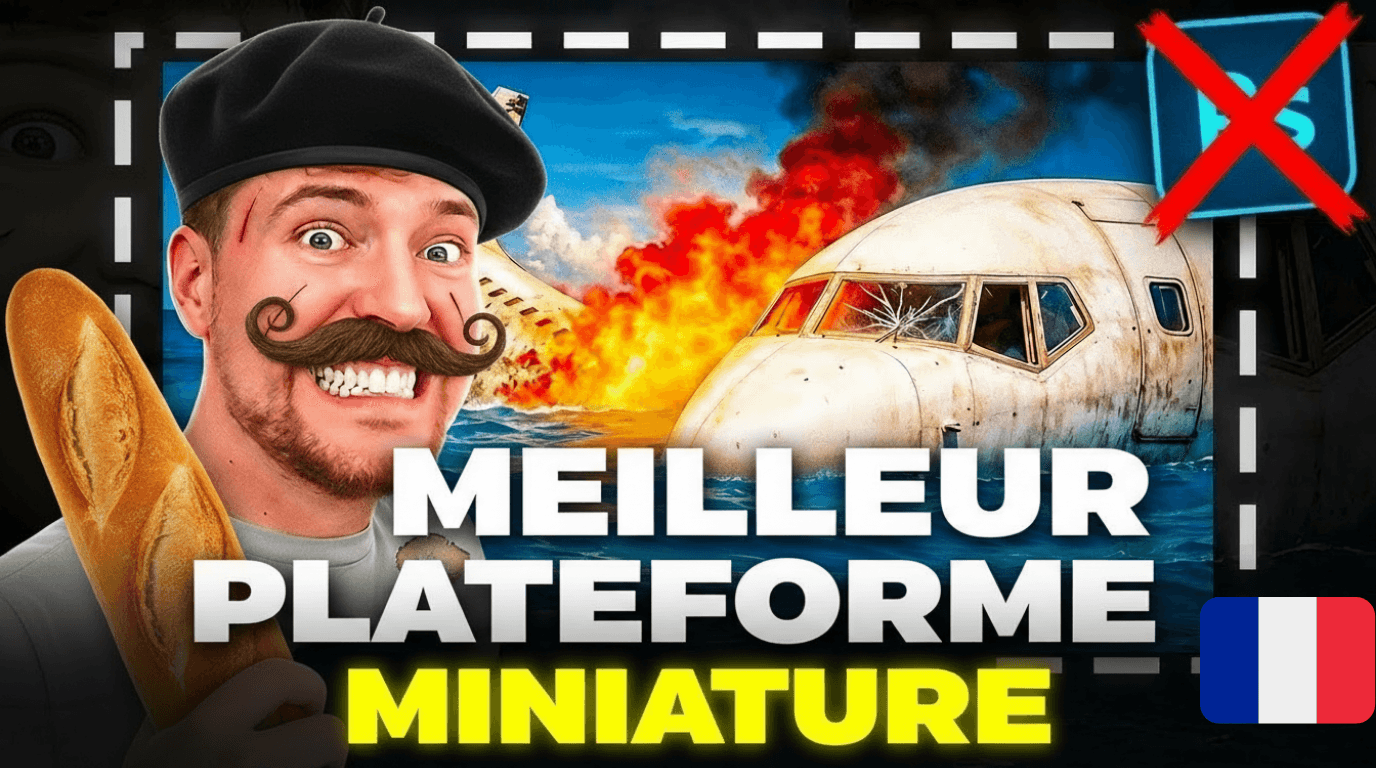
Creating the perfect YouTube thumbnail can be a real headache. It's hard to make something that grabs attention, looks professional, and matches your brand without spending hours on design. That's where a specialist AI like MangooFX comes in and changes all the rules.
With the right tool, you can quickly create professional thumbnails in no time. But not all AIs are equal. Far from it. In this article, we rank the 10 most well-known thumbnail generators to identify the one and only solution truly built for creator growth.
🏆 Top 10 Best AI Thumbnail Generators (France)
For a complete overview, here's the summary ranking of the most relevant platforms on the French market, followed by detailed explanations for each tool.
| # | Platform & Specialty | French Support | YouTube Performance | Price (€) |
|---|---|---|---|---|
| 1 | MangooFX – AI YouTube Thumbnails | 🇫🇷 Yes | ⭐⭐⭐⭐⭐ | € |
| 2 | Canva – General Design | No | ⭐⭐ | €€ |
| 3 | VidIQ – Data Analysis | No | ⭐⭐ | €€€ |
| 4 | Adobe Express – Adobe Ecosystem | No | ⭐⭐⭐ | €€€ |
| 5 | VEED.IO – Video Editor | No | ⭐⭐ | €€€ |
| 6 | Appypie – Visual Generator | No | ⭐⭐ | €€ |
| 7 | Fotor – Photo Editing | No | ⭐⭐⭐ | €€ |
| 8 | Picsart – Filters & Effects | No | ⭐⭐ | €€ |
| 9 | Thumbnail.ai – Basic Generation | No | ⭐⭐⭐ | €€ |
| 10 | Photoshop – Design Software | No | ⭐ | €€ |
1. MangooFX
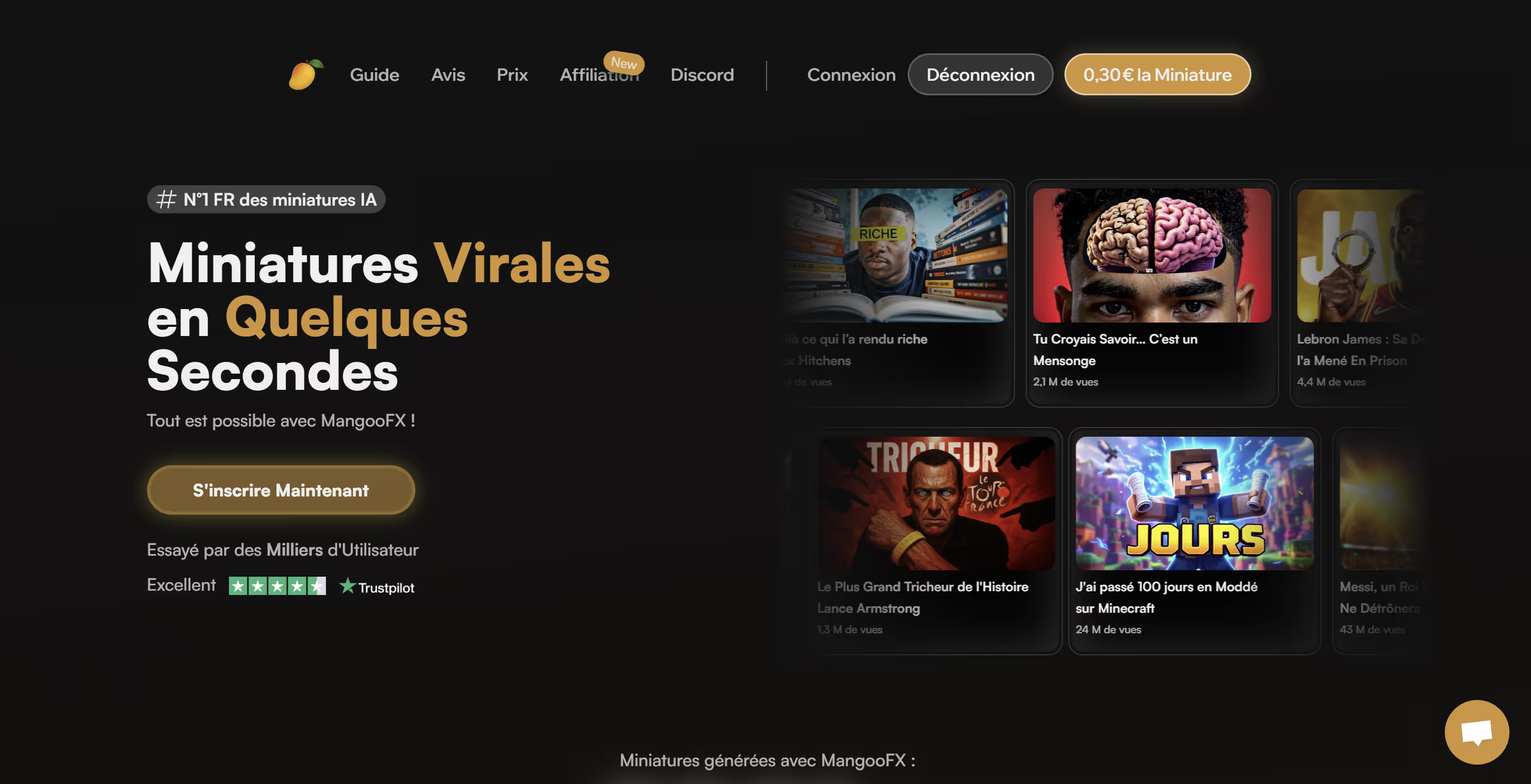
MangooFX delivers on the promise of Viral Thumbnails in Seconds. More than just a tool, it's a strategic platform built for one purpose: YouTube creator growth. It's currently the only solution in France whose AI has been exclusively trained on thousands of successful YouTube thumbnails. It doesn't just create images — it offers a complete anti-burnout workflow, from idea to CTR optimization. With its launch offer, it's also the most affordable and most cost-effective solution on the market for immediate results.
Advantages
- YouTube specialist AI: Suggests relevant concepts optimized specifically for YouTube.
- Prompt-based thumbnails: Just describe an idea to get viral thumbnails. Zero design skills required.
- Built against burnout: Automates the most repetitive and mentally draining tasks.
- Most cost-effective on the market: Minimal investment, maximum impact on CTR and growth.
Disadvantages
- Not a generalist tool: 100% of its power is focused on YouTube performance, not flyers or Instagram posts.
2. Canva
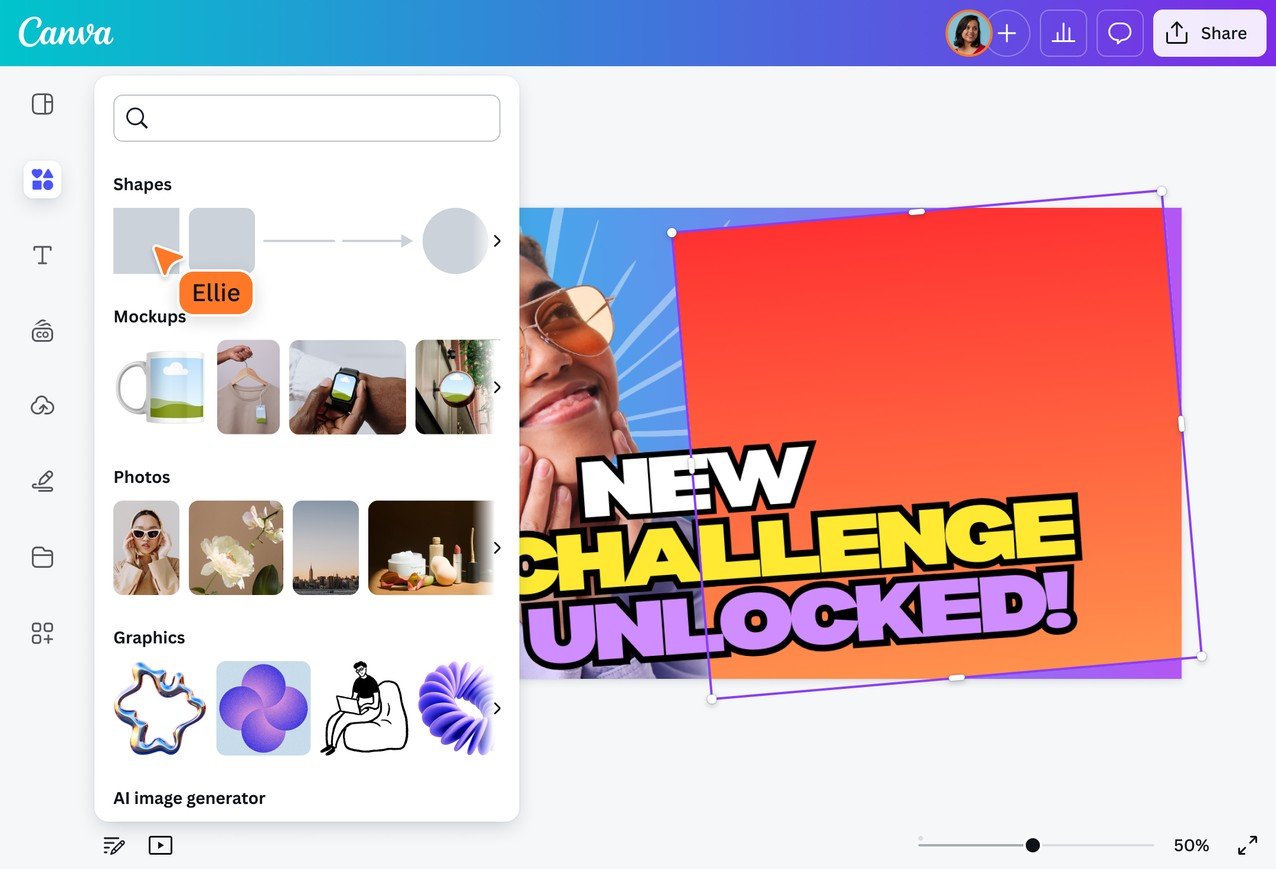
Canva is a very well-known all-in-one design tool for creating all kinds of visuals. It is not specialized for YouTube.
Advantages
- Has a functional free version for basic needs.
Disadvantages
- NOT easy to pick up: Compared to an AI where you write one sentence, Canva requires minutes to hours of learning to get a decent result.
- Not trained for YouTube: The AI and templates are generic and don't understand YouTube CTR dynamics.
- The output often looks "amateur" because the templates are overused.
3. VidIQ
VidIQ is a data analytics suite. Thumbnail creation is a secondary and very limited feature.
Advantages
- Integrated with a keyword analytics suite.
Disadvantages
- Not a visual creation AI: Its purpose is analysis, not design.
- Creation options are extremely basic and rigid.
- Complex interface designed for analysts, not creatives.
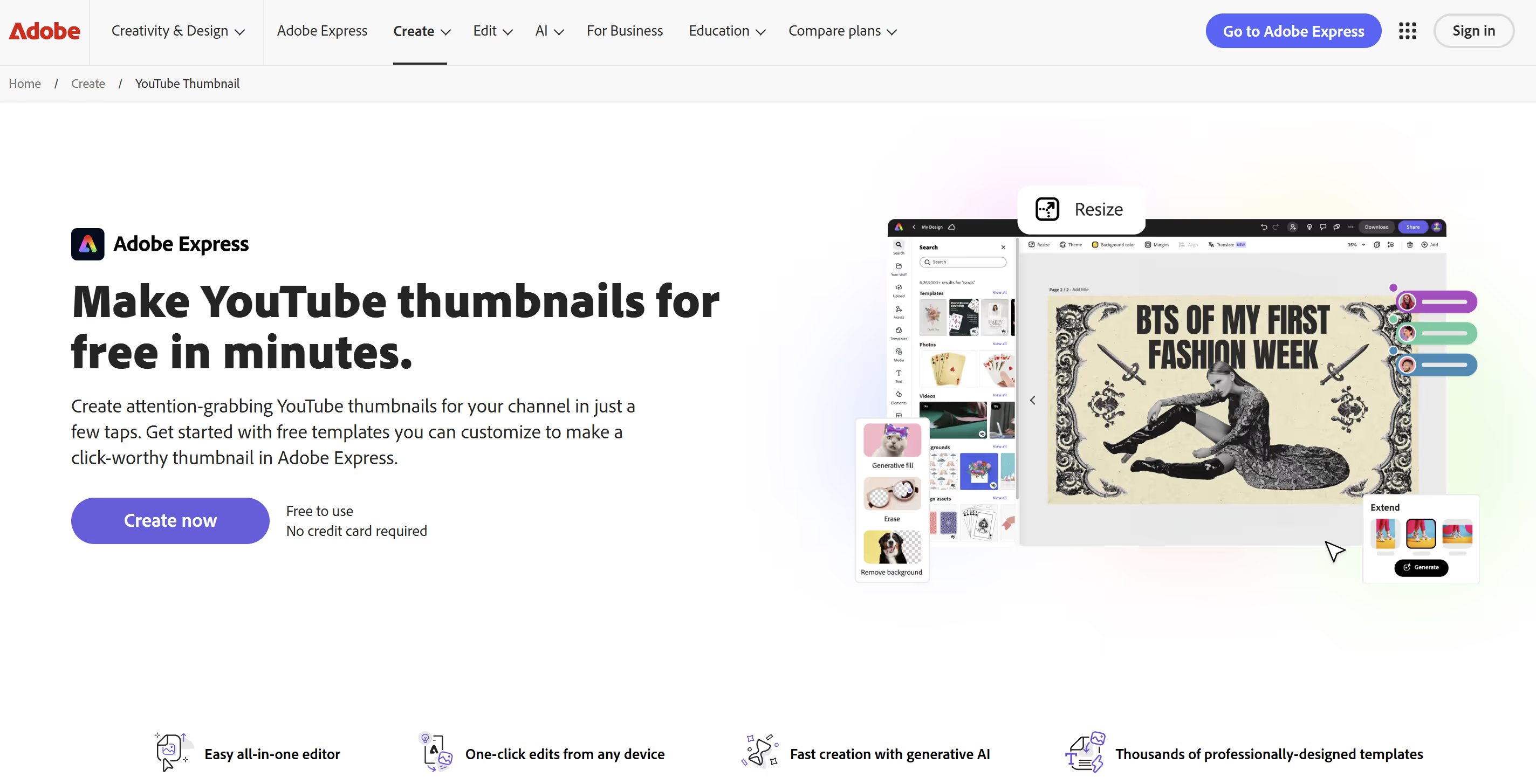
4. Adobe Express
Presented as a simplified version of the Adobe suite, Express is still graphic design software that requires an editor's mindset.
Advantages
- Good output quality if you already master Adobe's complex ecosystem.
Disadvantages
- Software-style workflow: Requires learning time — not an instant solution.
- Not specialized for YouTube: Tools aren't designed around click psychology on the platform.
- Expensive subscription, part of an ecosystem unnecessary for 99% of creators.
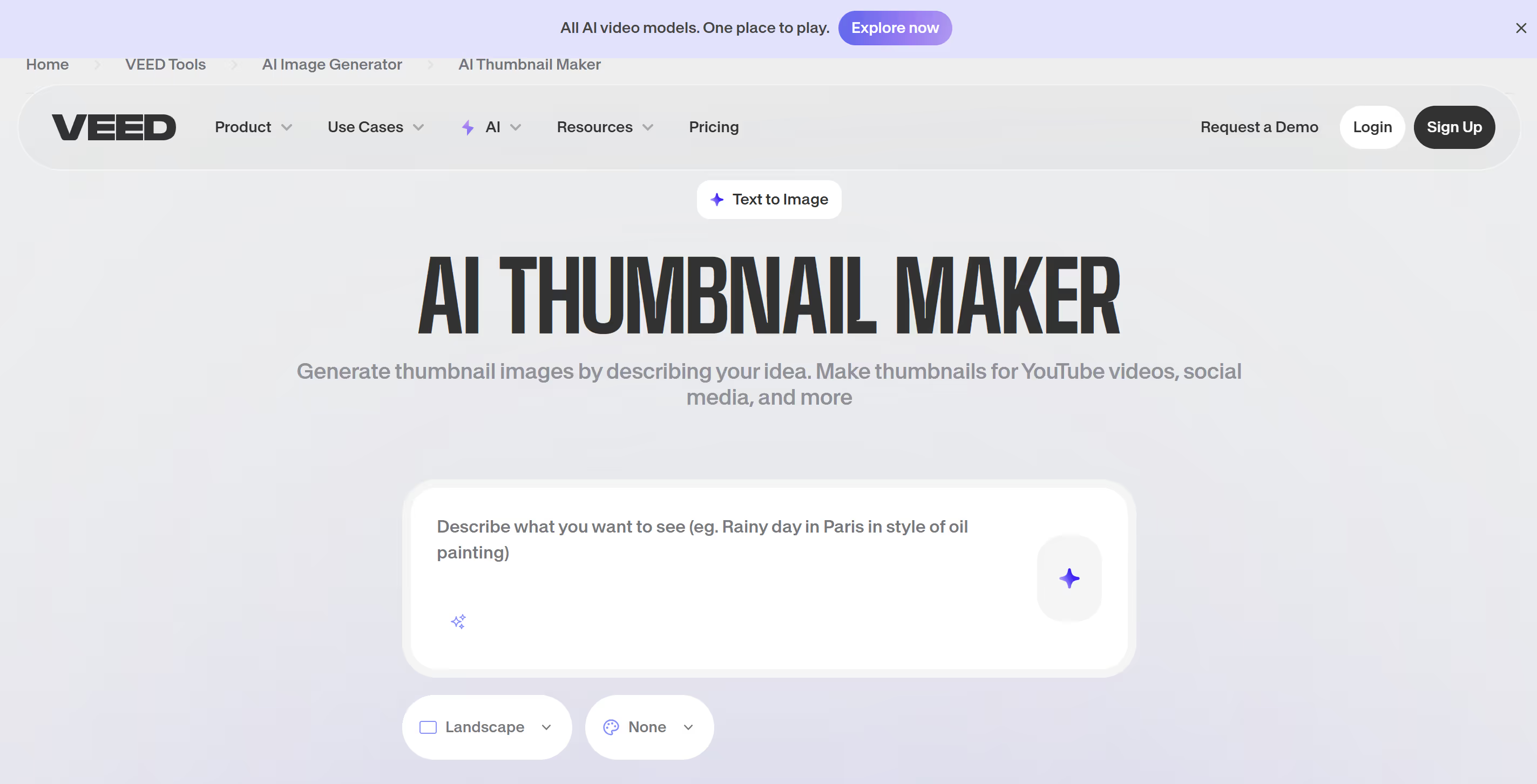
5. VEED.IO
VEED.IO is an online video editor that added a thumbnail creation feature.
Advantages
- Lets you do everything in one place if you already use their video editor.
Disadvantages
- Secondary feature: Design tools are far less advanced than dedicated platforms.
- No strategic AI to suggest CTR-optimized concepts.
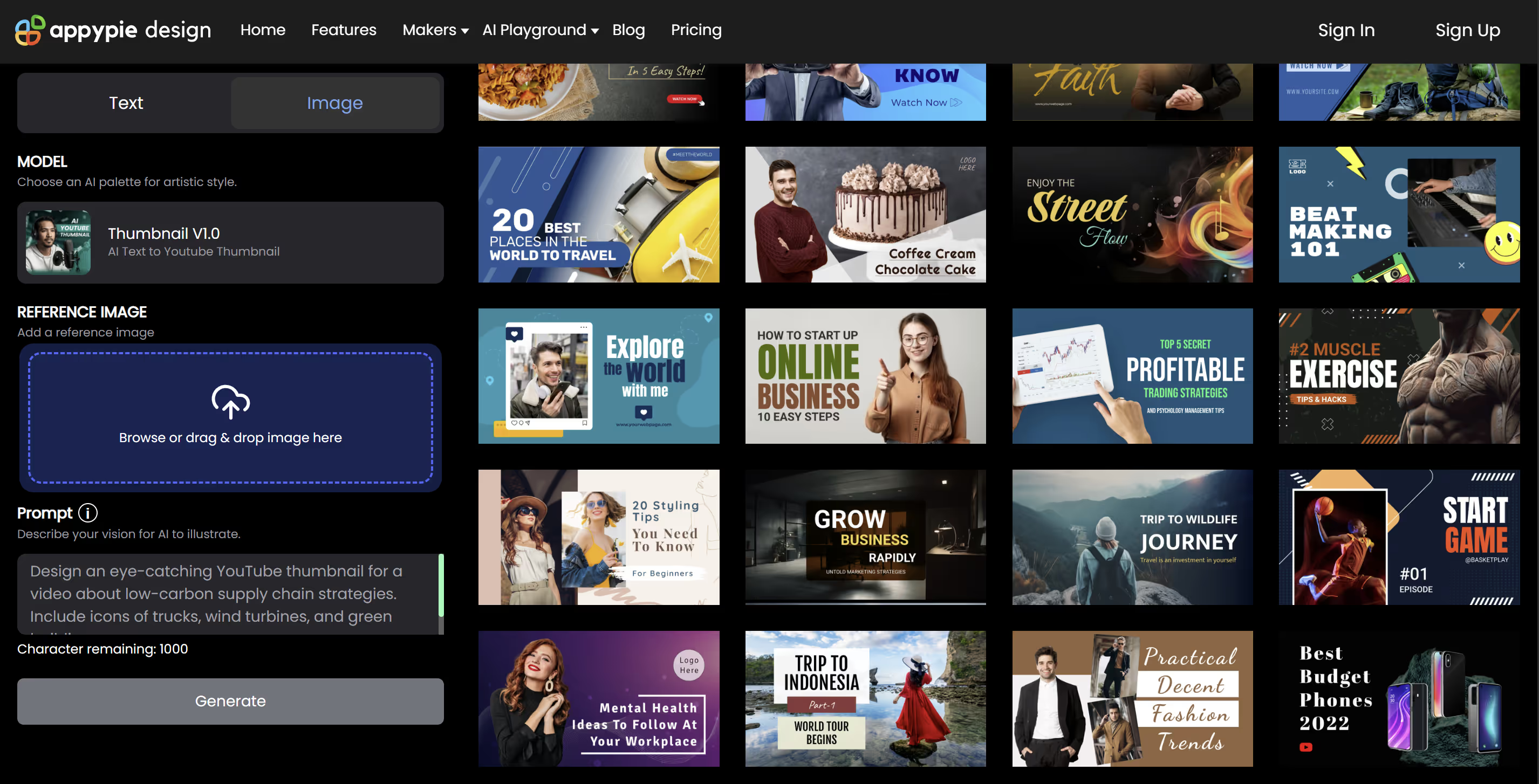
6. Appypie
Appypie is a very broad no-code platform, with image generation as one of many features.
Advantages
- Generates visuals from text.
Disadvantages
- Not trained for YouTube: The AI is generalist and doesn't know the codes of thumbnails that actually work.
- Results often lack the "punchy" quality needed to break through.
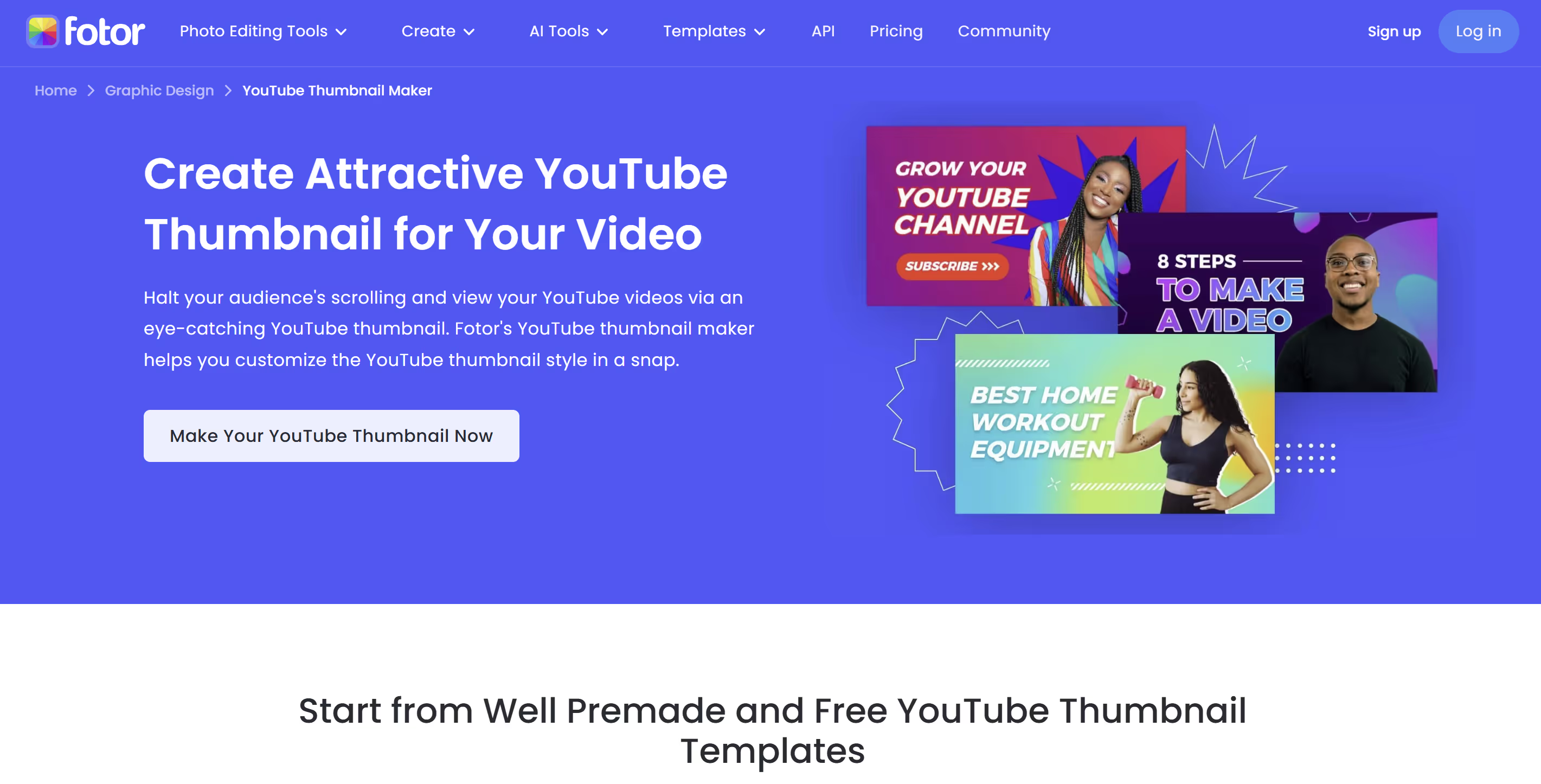
7. Fotor
Fotor is an online photo editor that has integrated AI tools.
Advantages
- Strong for photo retouching (cutouts, sharpening).
Disadvantages
- Built for photographers, not YouTubers: Focus is on image quality, not the marketing composition of a thumbnail.
- Workflow not optimized for maximum time savings.
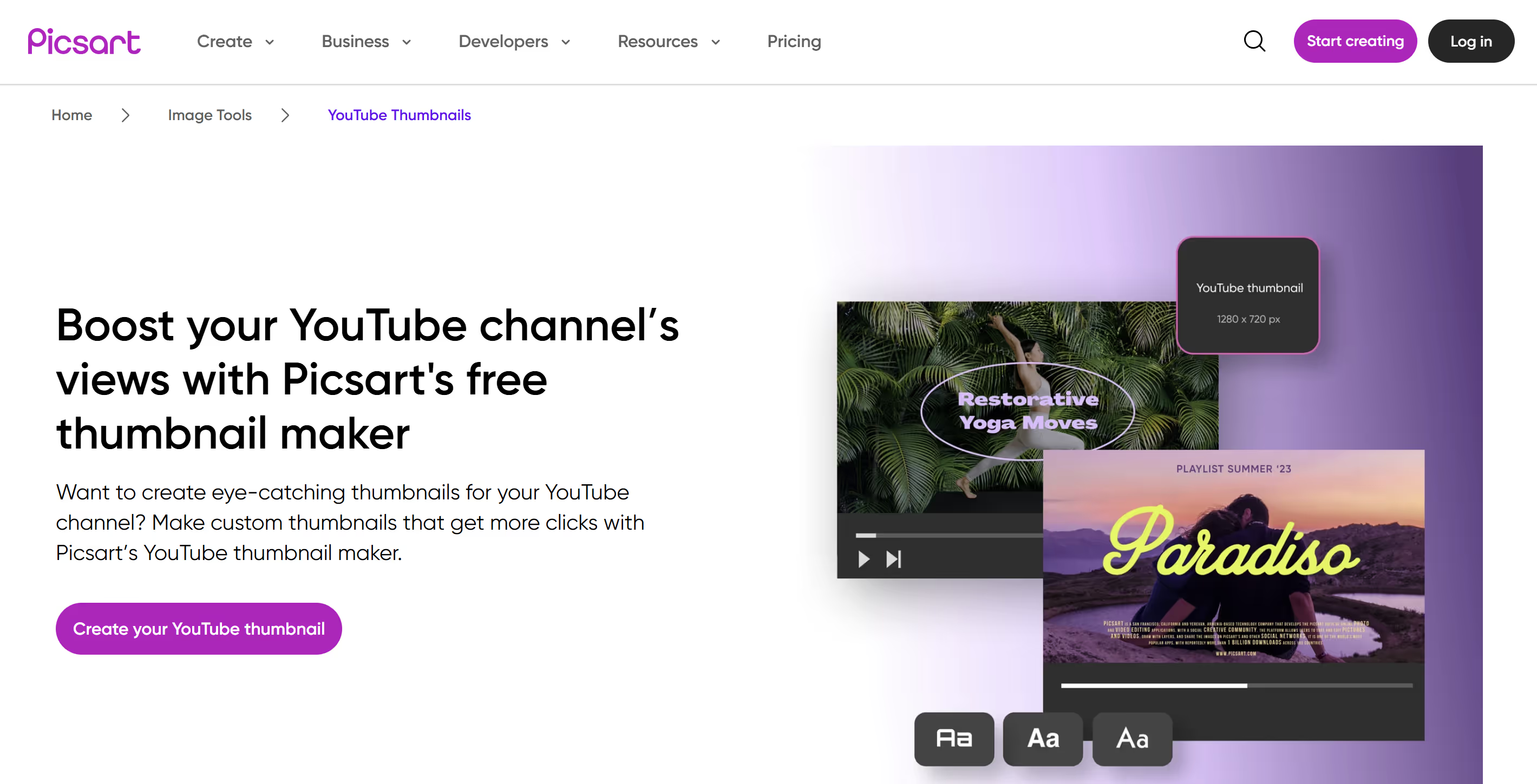
8. Picsart
Picsart is a well-known app for its filters and artistic effects, primarily on mobile.
Advantages
- Offers many creative and trending effects.
Disadvantages
- Not built for performance: Goal is aesthetics, not click-through rate.
- Cluttered interface that can waste time.
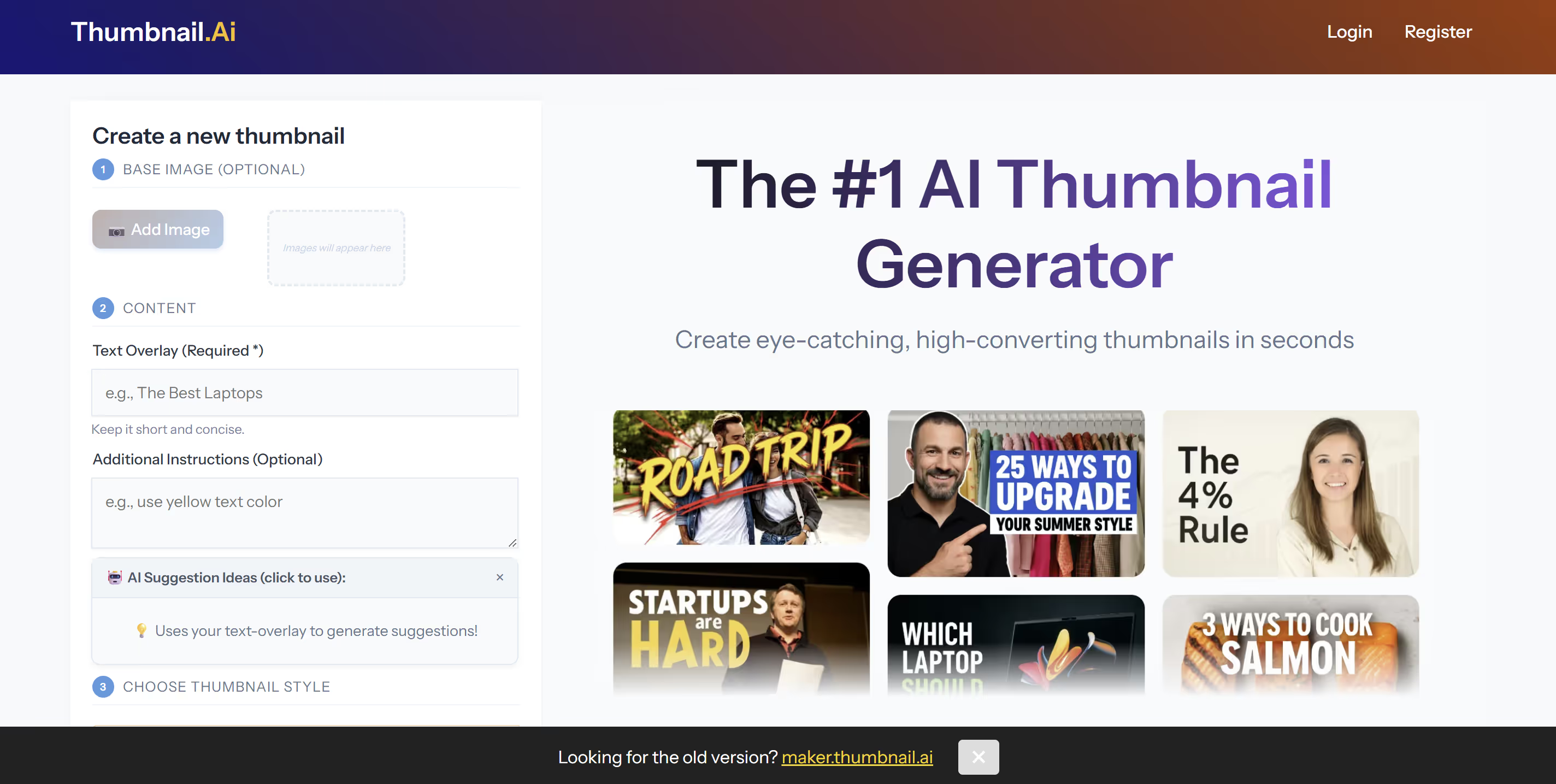
9. Thumbnail.ai
A very simple tool focused solely on generating a basic image.
Advantages
- Generates a rough idea very quickly.
Disadvantages
- No control or customization: The tool imposes a style — you can barely change anything.
- Very limited, not a complete solution.
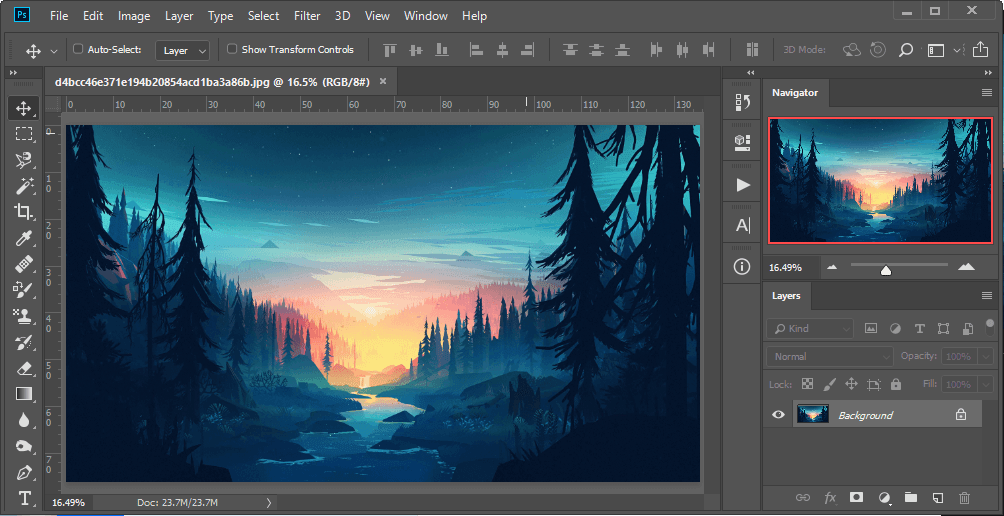
10. Photoshop
The historic professional design software. An overkill machine for 99% of creators.
Advantages
- Absolute creative control (if you have years of practice).
Disadvantages
- The opposite of easy: Requires dozens of hours of training to master.
- Extremely time-consuming: A real killer of productivity and creativity.
- No built-in strategic guidance. You're on your own.
Tips for creating an eye-catching YouTube thumbnail
Creating a great YouTube thumbnail is essential for attracting more viewers — studies show it's responsible for more than 50% of the click decision. It's the most important element of your video "packaging." Here are some simple tips for creating thumbnails that grab attention:
- Bold, vivid colors catch the eye and help you stand out.
- Any text must be large, clear, and readable in under 2 seconds (1–2 words maximum).
- Humans are drawn to faces — use one showing a strong emotion (joy, surprise, shock).
- Don't overcrowd the thumbnail; keep the design clean and focused on one strong idea.
- Always use sharp, high-resolution images to convey professionalism.
FAQ
Can AI really create effective YouTube thumbnails?
Yes, but only a specialized AI. A generalist AI like ChatGPT creates "pretty" but ineffective images. An AI like MangooFX, trained specifically on thousands of already-viral YouTube thumbnails, doesn't rely on aesthetics — it relies on data: it knows which compositions, colors, and styles generate the most clicks in your market.
What's the best AI thumbnail creator for YouTube?
The "best" tool is the one aligned with your goals. If your goal is growth, speed, and peace of mind, then the best choice is a specialized platform. For a creator, MangooFX is objectively the most suitable solution — it's the only one combining an AI trained on YouTube thumbnails, an anti-burnout workflow, and the most affordable pricing on the market.
How do you use AI to generate a thumbnail?
The process is radically simple. With a tool like MangooFX, you don't need to "build" your thumbnail. Just describe your idea in one sentence. The AI then proposes several visual concepts. You pick the one you like and adjust it in a few clicks. That's it.
Conclusion: What's the best choice for YOU?
In 2026, many tools can "create" a thumbnail. But only one is built to save you time, money, and views. If you're an ambitious content creator in France, the choice is clear. MangooFX isn't just a line in a ranking — it's the only strategic platform designed for your success and your well-being.