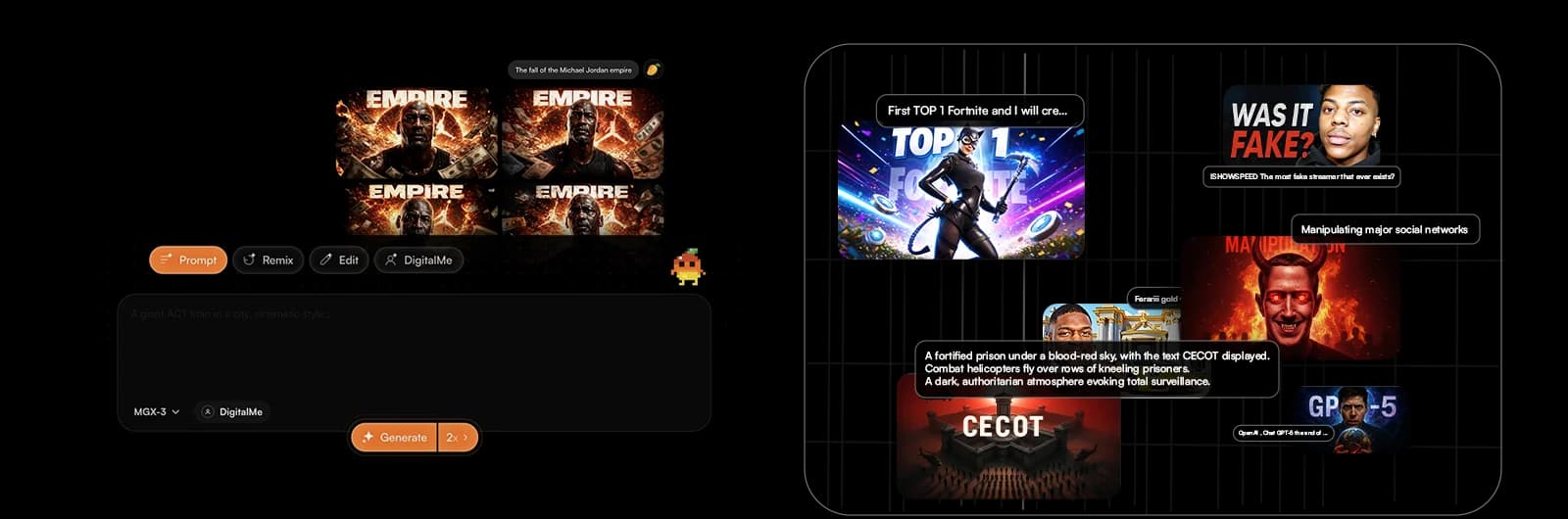
Is your YouTube AI workflow ready for 2026? If you're spending hours perfecting every detail of your videos, especially thumbnails, you're missing a huge opportunity. Top creators have a secret: automation. And guess what? AI is here to transform your process.
Discover how to save up to 2 hours per video by optimizing your creation process with AI. This article will show you how MangooFX can revolutionize your thumbnail management and free up precious time for your creativity. Ready to boost your productivity?
No More Hassle: Why Your YouTube Workflow Needs AI
The fast pace of YouTube demands constant, quality production. But let's be honest, content creation takes a ton of time. AI is no longer an option; it's a necessity for any creator who wants to stay competitive and avoid burnout. It simplifies repetitive tasks, letting you focus on what truly matters.
- AI changes everything: stop wasting time. No more hours spent on time-consuming tasks like thumbnail editing. AI takes over to automate them.
- More creativity, fewer constraints. By delegating technical aspects to AI, you free up your mind to develop innovative ideas and unique video concepts.
- The secret of top creators: automation. The biggest names on YouTube don't do everything manually. They use tools to optimize their production, and their YouTube AI workflow is at the heart of their success.
To dive deeper into AI's impact on your productivity, check out our article on how to save time and get more views with AI.
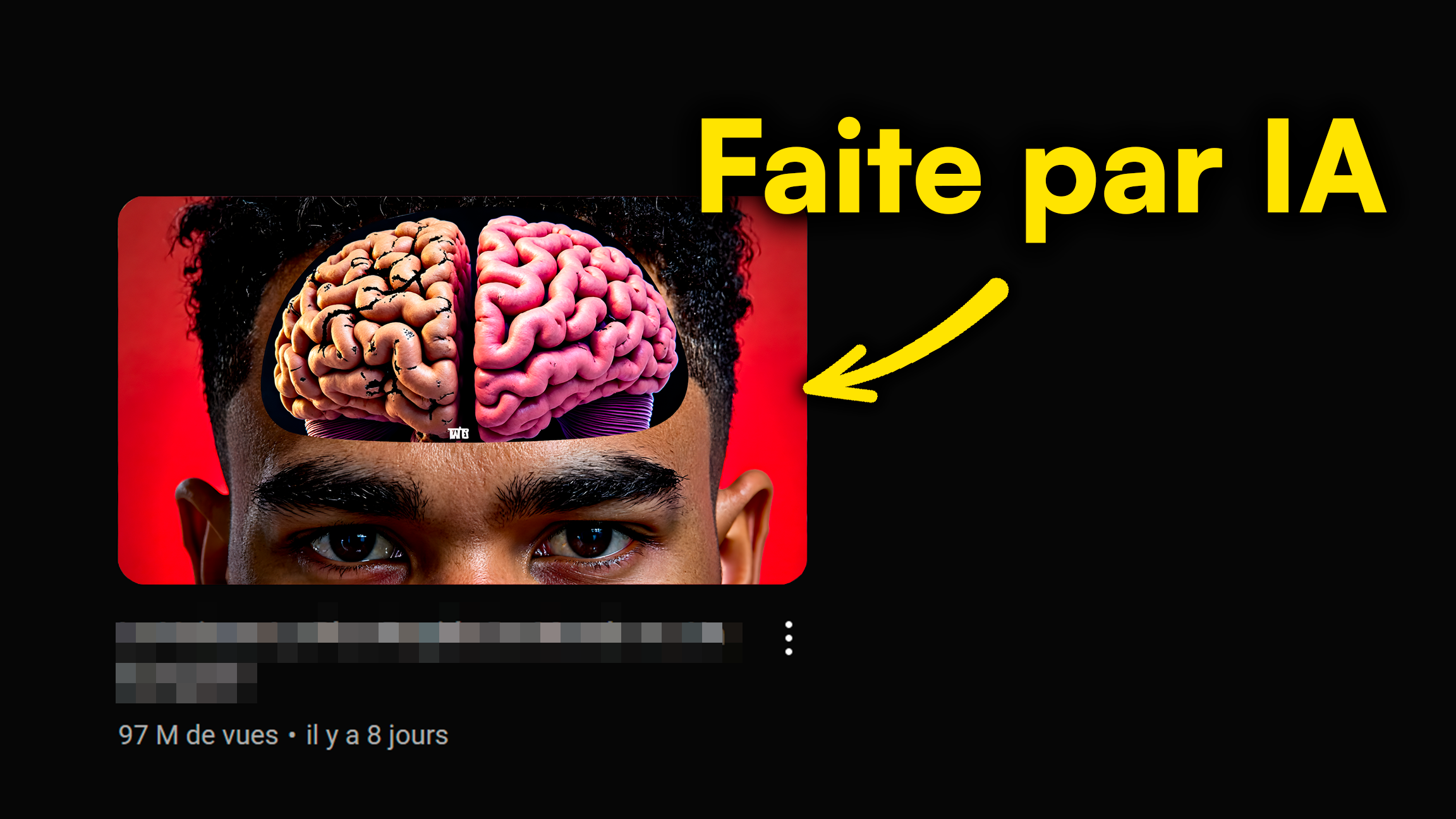
AI Thumbnails: Your Creator Productivity's Secret Weapon
Your thumbnails are the first impression of your videos. They determine whether a viewer clicks or not. Yet, creating impactful thumbnails can be a huge time drain. That's where AI comes in, turning a constraint into a major competitive advantage.
- How MangooFX transforms your creation process. Our platform uses AI to generate professional thumbnails in seconds, based on your descriptions and style preferences.
- AI for your brand image. MangooFX helps you maintain impeccable visual consistency, strengthening your branding effortlessly. Your thumbnails always reflect your channel's identity.
- More impactful thumbnails, faster. Say goodbye to long graphic design sessions. AI offers you various optimized options to maximize your click-through rate (CTR), in the blink of an eye.
Discover how our personalized AI thumbnails can boost your channel's branding.
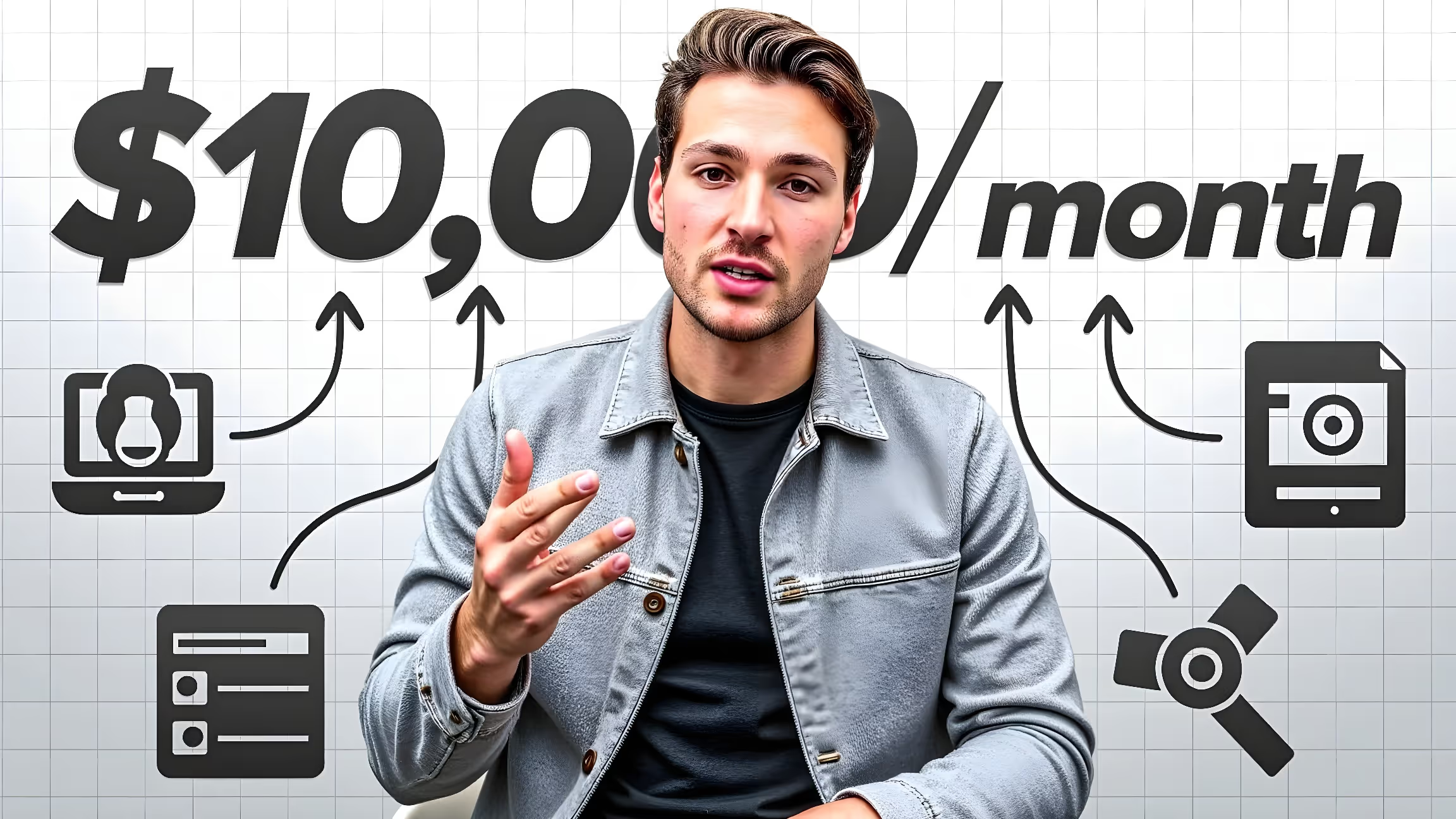
Integrate AI into Your YouTube Workflow: The Simple 7-Step Guide
Integrating AI into your YouTube creation process is simple. Here’s a step-by-step guide to using MangooFX and transforming your YouTube AI workflow, saving you those precious 2 hours per video without sacrificing quality or creativity.
- Prepare your content: script, key ideas. Before generating your thumbnail, have a clear idea of your video's topic and key messages.
- Launch MangooFX: choose your style. Log in to MangooFX and select a style that matches your branding or explore our presets.
- Describe your need: precise prompt, keywords. Use a clear prompt and include relevant keywords from your video to guide the AI.
- Generate: multiple options in seconds. MangooFX's AI will offer you several thumbnail variations in an instant.
- Choose and refine: easy customization. Select your favorite thumbnail and adjust it if needed with our simple editing tools.
- Integrate into your video: direct to YouTube. Download your thumbnail and upload it directly to YouTube.
- Analyze and adapt: A/B testing is your ally. Use A/B testing to see which thumbnails perform best and adjust your strategy.
For detailed tips on writing effective prompts, check out our complete guide to AI YouTube thumbnail prompts.

Our 9 Tips for Maximum YouTube Time Savings
AI is a powerful tool, but your overall approach will determine your actual time savings. Here are 9 practical tips to maximize the efficiency of your YouTube AI workflow and focus on your content's impact.
- Create MangooFX templates: reuse, adapt. Once you have a style that works, save it as a template for your future thumbnails.
- Plan your prompts: save time during generation. Prepare a list of potential prompts before you start creating your thumbnails.
- Use our style presets: guaranteed speed. MangooFX offers presets for different video types. Feel free to explore them.
- Collaborate with your team: easy sharing. If you work in a team, share your templates and creations easily via MangooFX.
- Automate publishing: tools exist. Some tools allow you to schedule and automate your video publishing.
- Analyze your successful thumbnails: learn from your wins. See what works for you and other creators to refine your choices.
- Use keyboard shortcuts: small gains, big impact. Every second saved counts. Learn your editing software's shortcuts.
- Delegate repetitive tasks to AI: your brain is for creativity. AI is made for mechanical tasks. Use it for that.
- Try batch processing: generate multiple thumbnails at once. If you have several videos to launch, generate all your thumbnails in one session.
For a deep dive into optimizing your thumbnails, the YouTube Creator Academy is an essential resource.
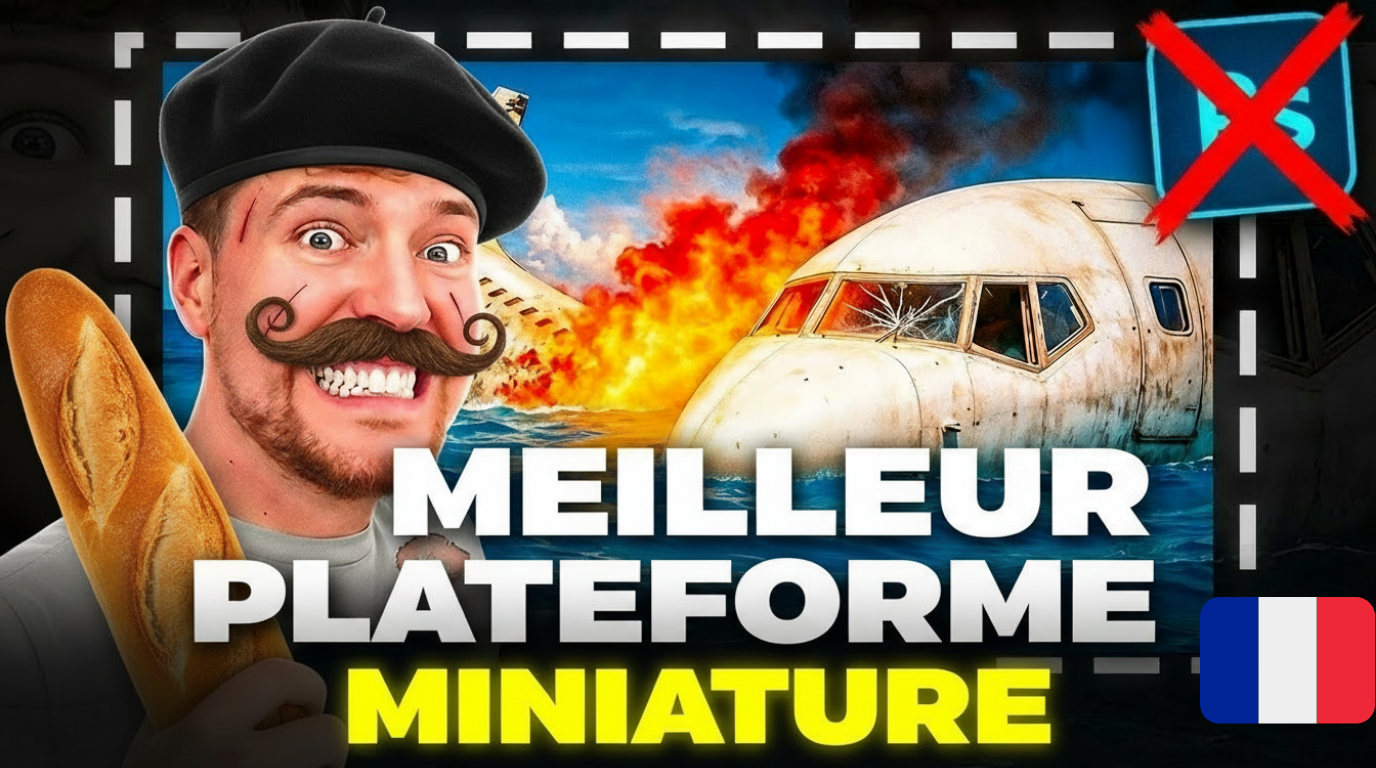
Ready to Boost Your Views? Take Action with MangooFX
Time is a valuable resource for any creator. By adopting a YouTube AI workflow, you're not just saving time; you're investing in your channel's growth and longevity. AI isn't here to replace your creativity, but to amplify it.
- Create a thumbnail in seconds. MangooFX makes thumbnail creation ultra-fast and efficient.
- Boost your CTR effortlessly. AI-optimized thumbnails attract more clicks and, consequently, more views.
- Free up your time for what really matters: your creativity. Focus on crafting captivating content; MangooFX handles the rest.
Don't forget the importance of thumbnails for your click-through rate (CTR). According to Socialbakers, a good thumbnail can make all the difference. Over 2.7 billion monthly active users, according to Statista, are waiting for your content; give them a reason to click.

Conclusion: Revolutionize Your YouTube Workflow with AI
In short, integrating AI into your YouTube AI workflow is essential for any creator in 2026. It lets you transform thumbnail creation, save significant time – up to 2 hours per video – and boost your overall productivity. MangooFX is the tool you need to automate your thumbnails, strengthen your brand image, and focus on your content's impact. Don't let time slip away; take control of your YouTube channel today.
Frequently Asked Questions
How can a YouTube AI workflow really save me 2 hours per video?
By automating your thumbnail creation with AI like MangooFX, you eliminate time spent on repetitive design tasks. AI generates thumbnail options in seconds, allowing you to focus on your video's content, not graphic design, drastically reducing your overall production time.
What concrete benefits does thumbnail automation bring to my channel?
Thumbnail automation, through a tool like MangooFX, allows you to have impactful and consistent visuals for all your videos, effortlessly. This boosts your CTR, attracts more views, strengthens your branding, and frees up valuable time. You gain productivity and visibility without sacrificing visual quality.
Is it difficult to integrate an AI tool like MangooFX into my usual process?
No, MangooFX's integration is designed to be super simple. You create a thumbnail directly from our intuitive interface, then upload it to YouTube as usual. No need to change your entire setup. It's built to adapt to your existing workflow, not the other way around.