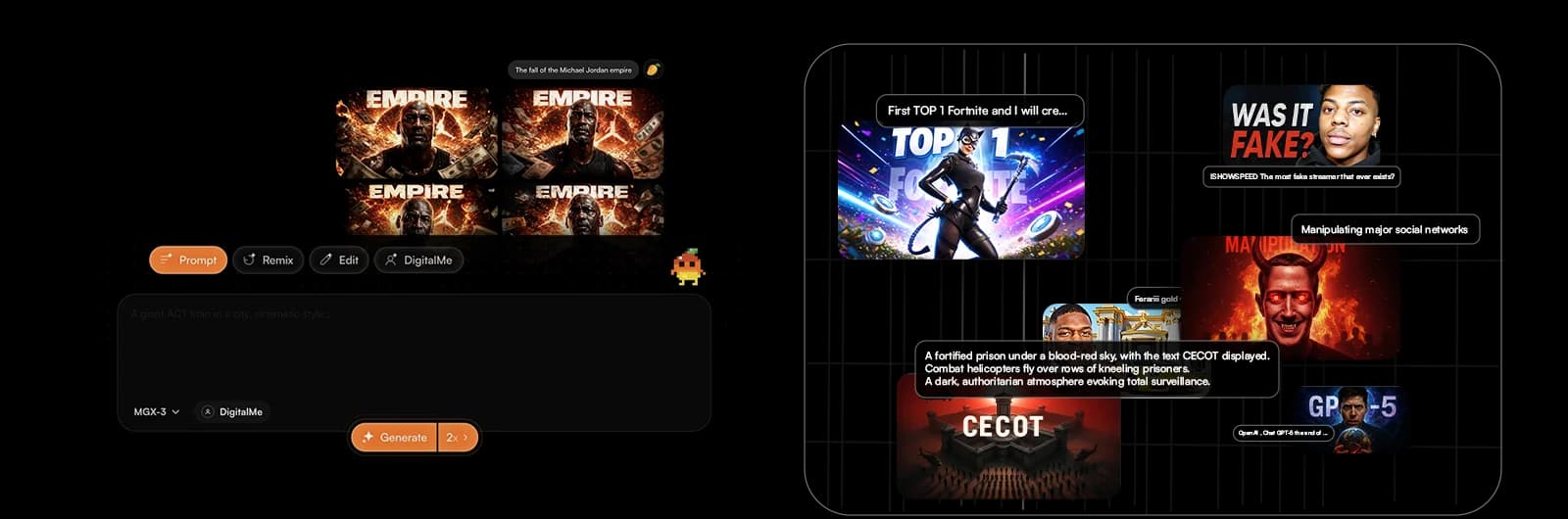
Tired of spending hours creating YouTube thumbnails that just don't hit? Imagine generating killer visuals in seconds, without being a design pro. Thanks to AI, that's not sci-fi anymore – it's your new reality!
This guide will revolutionize your YouTube workflow by showing you how AI for creating super-fast thumbnails will save you tons of time and boost your click-through rate. Get ready to discover the 7 AI hacks that will transform your channel with MangooFX.
No More Struggle: Why AI Thumbnails Are a Game Changer
In the ultra-competitive YouTube world, your thumbnail is your first—and often only—chance to grab attention. It used to be a long, sometimes frustrating process. Today, artificial intelligence is here to shake things up and give you a huge advantage.
- AI for creating super-fast thumbnails — Imagine generating dozens of options in seconds instead of hours. AI analyzes your content and suggests relevant designs, freeing up valuable time for other tasks.
- Your thumbnails are striking and eye-catching — No more bland, generic designs. AI is trained on millions of successful images and performance data to create optimized visuals that grab attention and encourage clicks.
- You focus on content, not design — Your job is to create amazing videos. Let AI handle your thumbnail design. This way, you can allocate your energy to what really matters: the quality of your productions.
To dive deeper into speed and impact, discover how to save time and get more views with AI for your YouTube thumbnails.
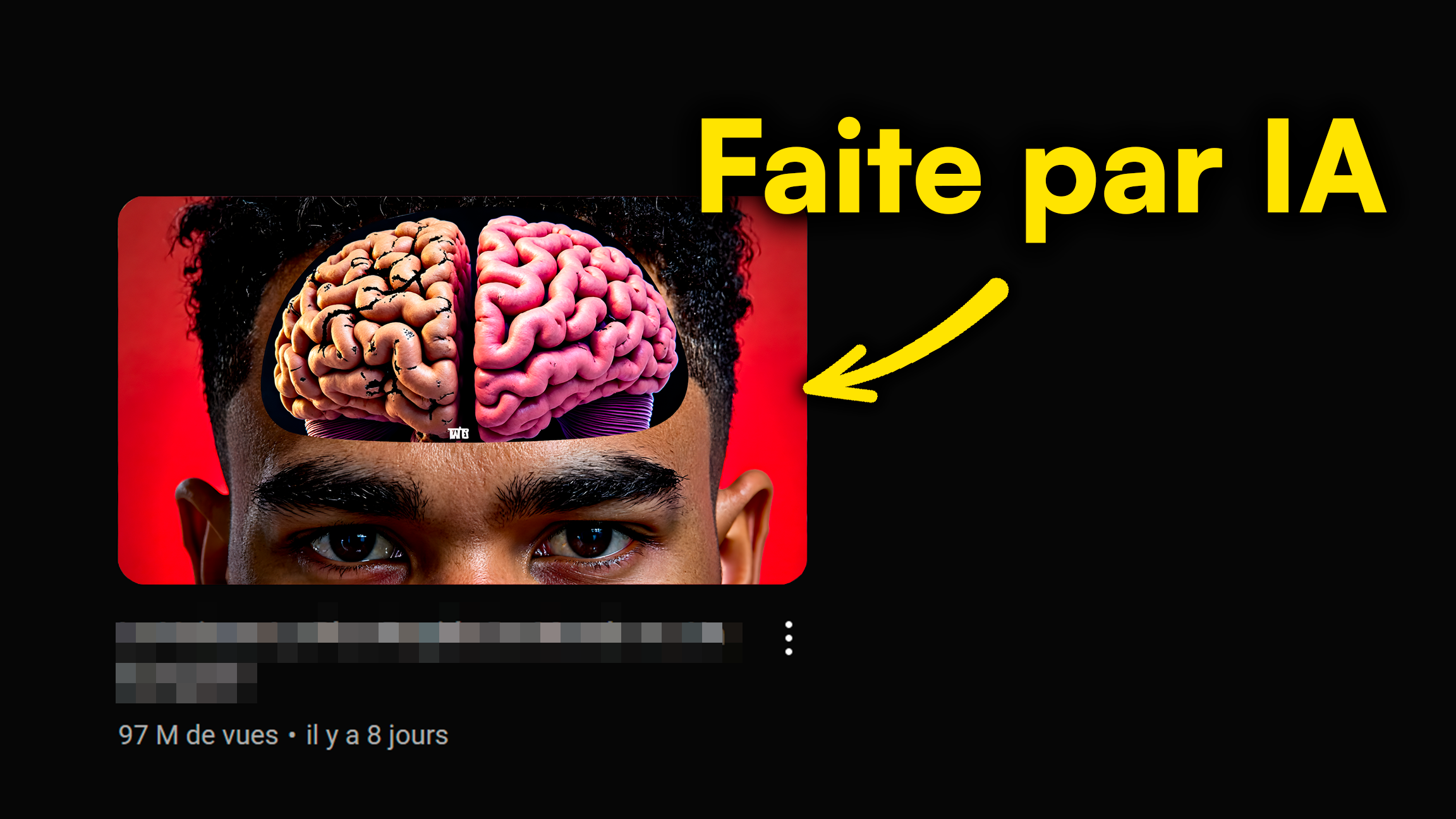
Integrate AI into Your YouTube Workflow: Key Steps
Integrating AI into your thumbnail creation routine is simpler than you think. Just follow a few steps to transform your process and make it a major asset for your channel.
- Define your needs: style, keywords, emotions — Before generating anything, think about what you want to communicate. What's the tone of your video? What keywords are essential? What emotion should your thumbnail convey?
- Use MangooFX to generate your first drafts — Input your needs into our AI tool. In a few clicks, MangooFX offers you a multitude of visual options. This is your foundation for ultra-effective thumbnails.
- Refine it with your personal touches — AI gives you an excellent starting point. Then, add your logo, your favorite typography, or specific elements that define your brand. The goal is to blend the power of AI with your unique creativity.
Your Magic Prompts: Create Killer AI Thumbnails
The key to getting exceptional AI thumbnails lies in the quality of your prompts. The more precise you are, the better AI will understand your expectations and deliver stunning results.
- Be specific: describe the action, emotion, subject — Don't just say "man talking." Ask for "Smiling man giving a crypto tip, with bright, futuristic graphics in the background."
- Test different wordings to find the perfect one — Experimentation is your friend. If a prompt doesn't give the desired result, rephrase it. Add adjectives, artistic styles, or specific colors.
- Get inspiration from successful thumbnails in your niche — Observe what works for channels similar to yours. What are the recurring visual elements? What color palettes are used? Use this information to guide your prompts.
To master the art of communicating with AI, check out our guide on how to master AI prompts for your YouTube thumbnails.
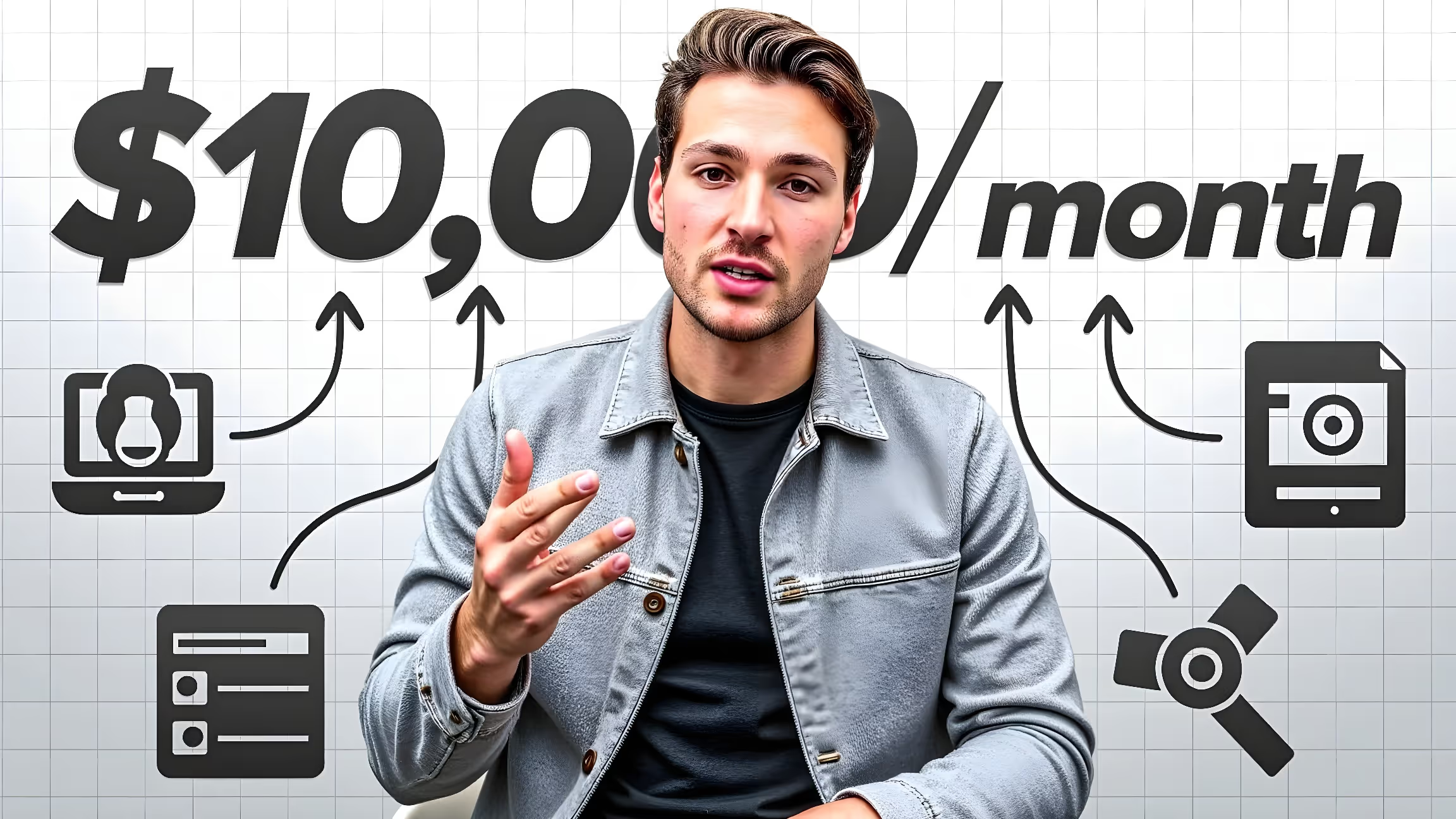
How Thumbnail Automation Saves You Hours
Automation isn't just about speed; it's a strategy to optimize your time and output. By delegating repetitive tasks to AI, you empower yourself to scale your channel.
- Create custom templates for your channel — Define a unique visual style. AI can then apply this template to all your thumbnails, ensuring strong, recognizable visual consistency for your brand.
- Generate variations in bulk for A/B testing — Instead of creating just one thumbnail, let AI produce several versions with different titles, colors, or images. This is ideal for testing what resonates best with your audience.
- Free up time for content creation and strategy — Imagine all the hours you're no longer spending in Photoshop. You can invest that time into researching topics, improving your scripts, or analyzing your performance.
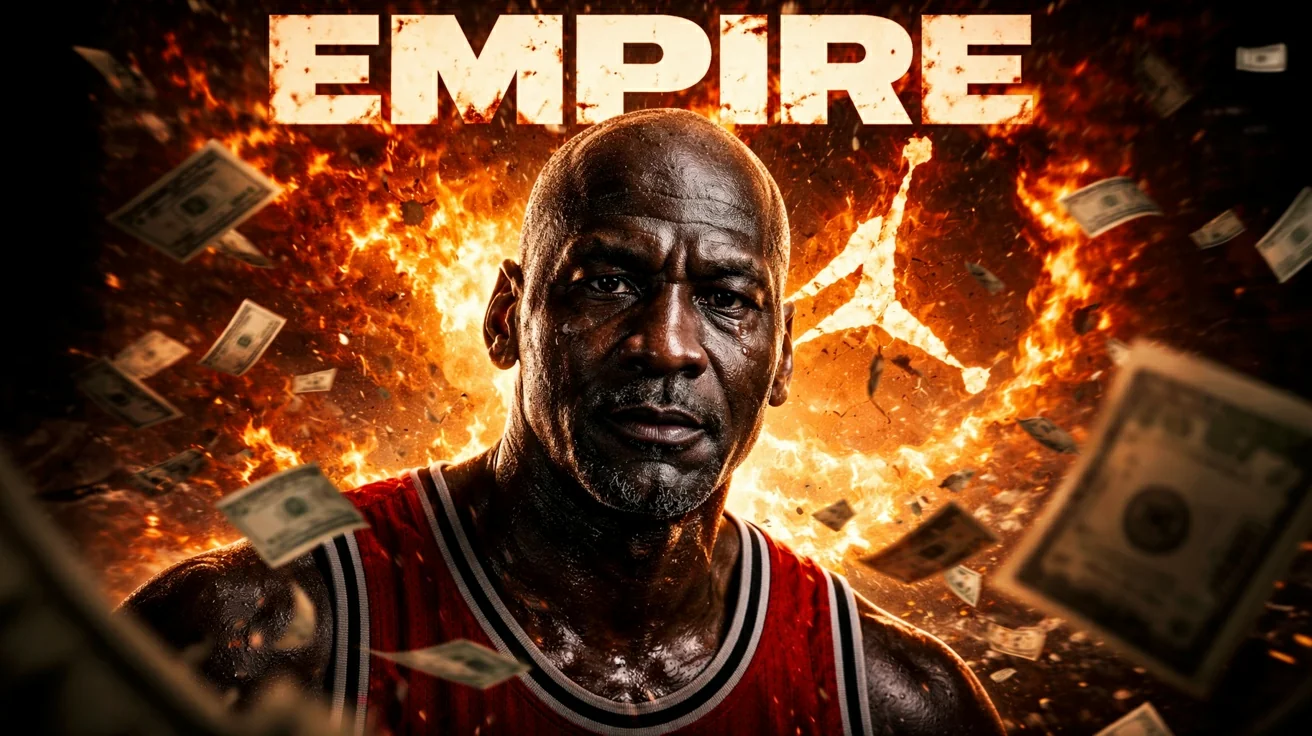
Boost Your Views: Measure the Impact of Your AI Thumbnails
The beauty of AI thumbnails isn't just in their rapid creation, but also in their ability to improve your performance. To do this, it's crucial to measure their impact and adapt your strategy.
- Analyze your CTR (click-through rate) on YouTube Studio — CTR is the key indicator of your thumbnail's effectiveness. A high CTR means your thumbnail is attractive and encourages viewers to click on your video.
- Test different thumbnails to optimize your performance — A/B testing is your best friend. Use the variations generated by AI and alternate them to see which one generates the best CTR. It's a proven strategy to optimize your views.
- Adapt your strategy based on concrete results — Numbers don't lie. If a certain thumbnail style or image type performs better, integrate those elements into your future prompts and templates to continue improving your performance.
For in-depth optimization tips, read our article on A/B testing AI thumbnails on YouTube to boost your CTR in 2026.

Conclusion: Your YouTube Workflow, Reimagined by AI
Integrating AI into your thumbnail creation is a major step for any YouTube creator looking to optimize their time and maximize their impact. It's a game-changer that lets you focus on what you do best: creating captivating content.
With the 7 AI hacks presented, you now have all the tools to transform your YouTube workflow. AI is your best ally for productivity, allowing you to save time, boost your views, and grow your channel like never before. MangooFX gives you the tools to excel, so don't wait to take the leap!

To deepen your knowledge of YouTube strategies, feel free to check out the YouTube Creator Academy. Plus, YouTube trends and statistics show the growing importance of impactful visuals to stand out in today's landscape.
Frequently Asked Questions
How can AI thumbnails improve my YouTube workflow?
AI thumbnails transform your workflow by automating the creation of striking visuals. You save valuable time, focus on your content, and boost your views with optimized designs. It's a huge productivity gain for any creator.
How much time can I really save with thumbnail automation?
You can save several hours per week. On average, creators spend 1 to 2 hours per thumbnail. With AI, you generate dozens of options in seconds, freeing up a ton of time to focus on video quality or other strategic tasks.
Can AI truly create unique thumbnails that are true to my brand?
Yes, absolutely. By using precise prompts and integrating your branding elements (logo, colors, style), AI can create thumbnails that are not only unique but also perfectly aligned with your channel's visual identity. You maintain creative control.
How can I integrate MangooFX into my video creation process?
It's simple! After editing your video, use MangooFX to generate AI thumbnails based on your topic and keywords. Choose the best option, or test several variations to see which performs best. Then, integrate it into your video before publishing.