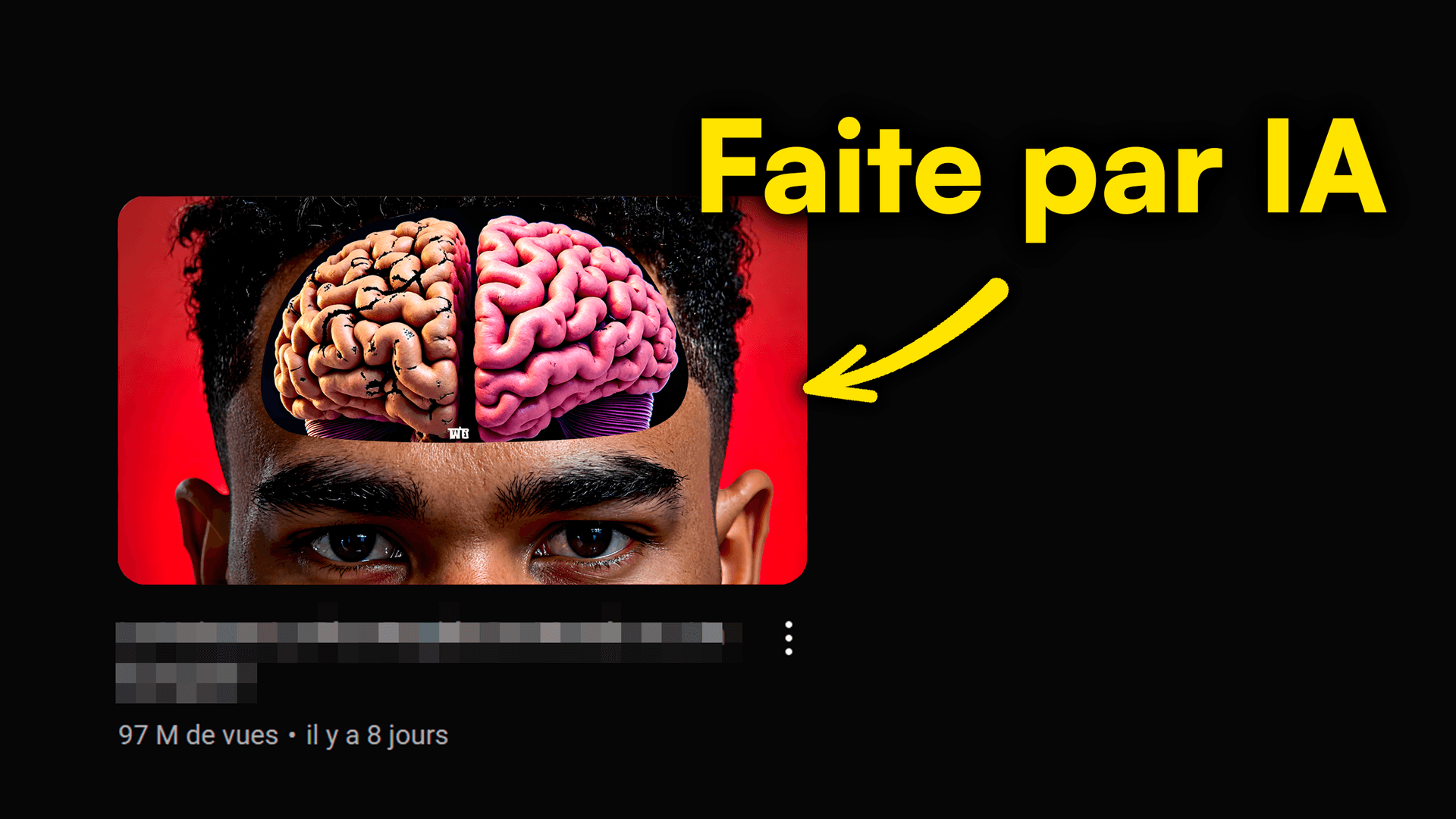
Click-through rate (CTR) is the name of the game on YouTube. But how do you make your thumbnail grab attention and force that click? The secret is in crafting powerful AI YouTube thumbnail prompts. Imagine creating hypnotic visuals in seconds, exploding your engagement, and skyrocketing your videos. That's exactly what we're about to dive into.
This article spills the 7 secrets for AI prompts that will take you from obscurity to the spotlight, totally transforming your thumbnail impact. Get ready to master AI like never before, with some major help from MangooFX.
What's a Prompt for Your AI YouTube Thumbnails?
A prompt is your secret language for talking to artificial intelligence. For your YouTube thumbnails, it's way more than just a phrase: it's the beginning of your visual, the spark that brings your creative vision to life.
- The secret behind every viral thumbnail — It's the ability to send the AI a clear intention and strong emotion. A good prompt is the foundation of a thumbnail that gets noticed.
- More than a phrase: it's your vision coming alive — Every word counts. Your prompt needs to capture the essence of your video and the emotion you want to trigger in viewers.
- A prompt is your direct order to the AI — Imagine the AI is your personal graphic designer, but it only understands precise, detailed language. The clearer your order, the closer the result will be to what you expect.
To go deeper into this human-AI synergy, discover how the MangooFX guide helps you master prompts.
Anatomy of the Perfect Prompt: Your Secret Ingredients
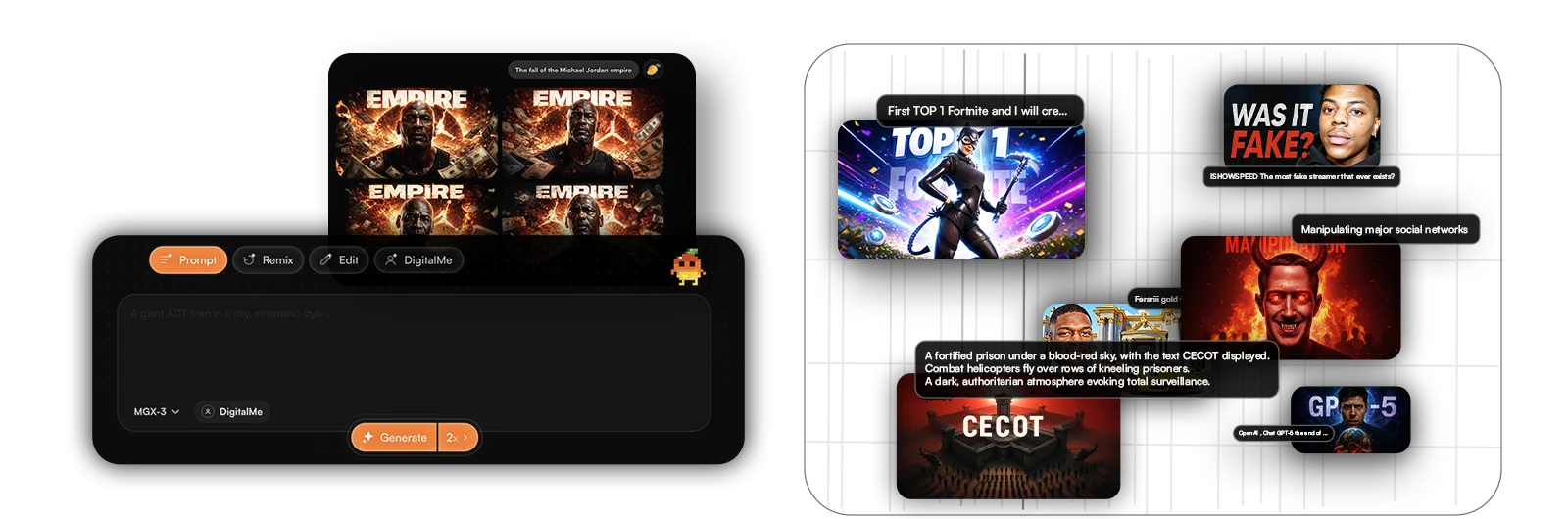
Creating an effective prompt is like assembling a recipe: every ingredient is crucial. Here are the essential components for your AI YouTube thumbnail prompts to deliver stunning results.
- The subject: clear, direct, no ambiguity — What should your thumbnail show? "A surprised young man," "a stack of flaming books," "a futuristic game interface." Be specific.
- The style: define the vibe, the visual touch — Do you want a "realistic," "cartoon," "minimalist," "cyberpunk," "retro," "oil painting" style? This is where you set the artistic tone.
- The details: emotions, colors, key objects — Add specific elements. "Wide eyes," "bright, contrasting colors," "an exploding stopwatch," "a red arrow pointing." These details enrich the image.
- The action: what you want your audience to feel — Your prompt can also suggest emotional impact. "Sense of mystery," "intense excitement," "doubt and curiosity."
- The format: YouTube thumbnail, 16:9, high resolution — Never forget to specify the frame. "YouTube thumbnail, aspect ratio 16:9, ultra high definition, 4K." It's technical but essential for quality.
To make sure you don't miss a step, check out our complete guide to mastering AI YouTube prompts.
7 Pro Tips for Killer AI Thumbnail Prompts
Now that you know the basics, let's move on to advanced techniques. These tips will turn your AI YouTube thumbnail prompts into true click magnets.
- Be super specific, avoid vagueness — "Happy man" is less effective than "Man with eyes sparkling with joy, a radiant smile, holding up a golden trophy."
- Use strong, emotional words that grab attention — Terms like "mind-blowing," "explosive," "revolutionary," "secret revealed," "incredible" create impact.
- Think about contrast: colors, shapes, text — Ask for a "thumbnail with strong contrast of bright and dark colors," or "a clear central element on a blurry background."
- Include elements of surprise or mystery — "A hand reaching out of a luminous portal," "a visual enigma," "an unexpected object in a familiar context."
- Experiment with known artistic styles (cyberpunk, minimalist...) — "Comic book style thumbnail," "film noir vibe," "neon futuristic aesthetic."
- Ask the AI for several variations of the same idea — Use prompts like "Generate 3 variations of this thumbnail" to have more choices.
- Mention your video's angle: tutorial, challenge, discovery — This helps the AI understand the intention. "Thumbnail for gaming tutorial, showing the main action."

What Mistakes Should You Absolutely Avoid with Your Prompts?
AI is a powerful tool, but it can be finicky if you don't guide it correctly. Avoid these common traps for consistently effective AI YouTube thumbnail prompts.
- Prompts that are too long and confusing: the AI gets lost — Clarity trumps quantity. A disorganized wall of text is counterproductive.
- Lack of specific keywords: the AI improvises — If you don't give precise directions, the AI fills in the blanks with what it thinks is relevant, which is rarely what you want.
- Forgetting emotion: a soulless thumbnail won't get clicks — A technically perfect image that lacks emotion won't grab attention. Humans react to emotions.
- Neglecting contrast: unreadable, therefore invisible — If the text blends into the background or main elements lack visual separation, your thumbnail is lost.
- Not iterating: the first version is rarely the best — Be okay with refining your prompts. It's a continuous learning and improvement process.
To avoid missteps, get inspiration from our article on fatal mistakes to avoid with AI YouTube thumbnails.
How Does a Good Prompt Affect My AI YouTube Thumbnail's CTR?
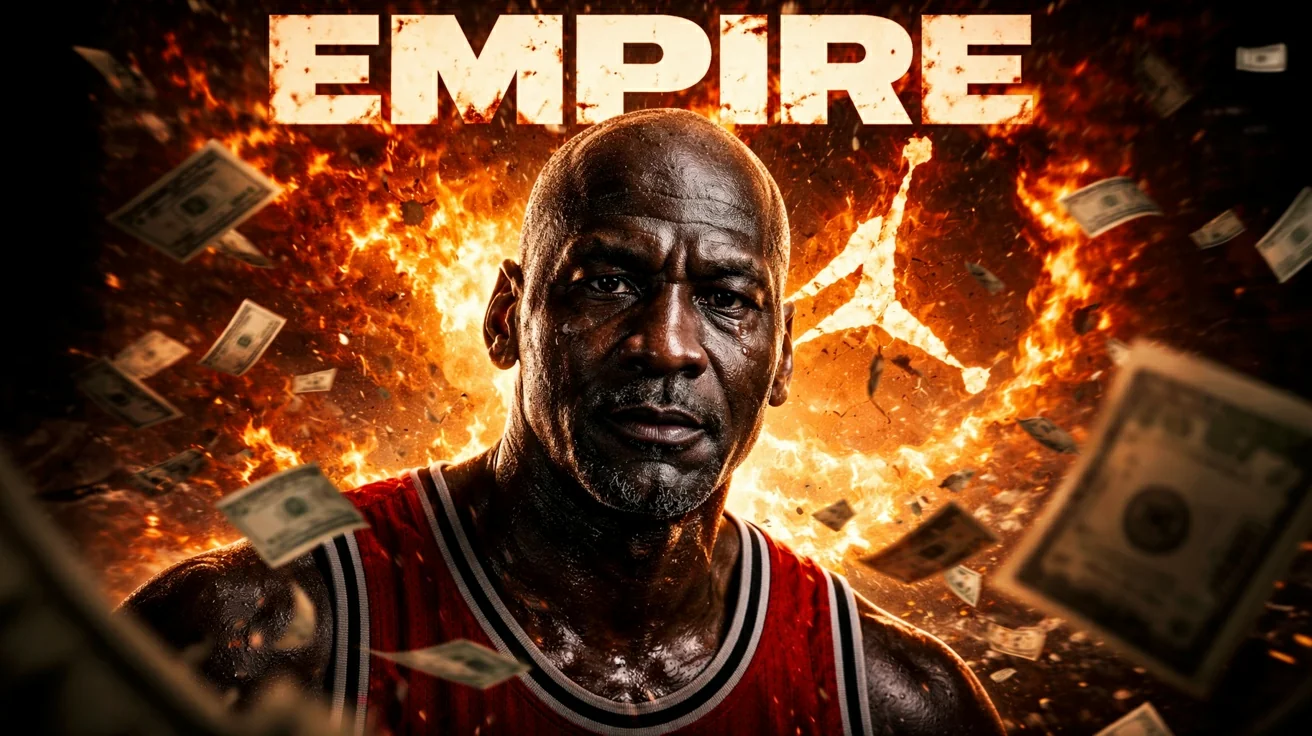
A well-thought-out prompt creates a sharp, clear AI thumbnail. It catches the eye. It conveys the essence of your video in a flash. Result? More clicks, more views. An explosive CTR proves your prompt hit the mark.
An optimized prompt allows the AI to generate an image that not only grabs attention but also instantly communicates your video's value. It's the first point of contact with your audience, and its clarity is essential. According to YouTube's official tips for creators, an effective thumbnail is crucial for your videos' performance.

Should I Include Emotions in My AI Thumbnail Prompts?
Yes, absolutely! Emotion is a powerful driver for clicks. A prompt that includes 'shocked face,' 'curious gaze,' 'excited,' or 'intriguing' helps the AI generate visuals that resonate. Your thumbnails will be much more human, and that changes everything.
Humans are wired to react to emotions. A thumbnail that evokes surprise, joy, fear, or curiosity will naturally attract the eye and invite clicks. AI, like OpenAI's DALL-E 3, is increasingly capable of translating these emotional nuances into striking visuals. Think about the psychological impact of your thumbnails, as explained in our article on the psychology of AI YouTube thumbnails.
Your Prompts, Your Success: The Power's in Your Hands
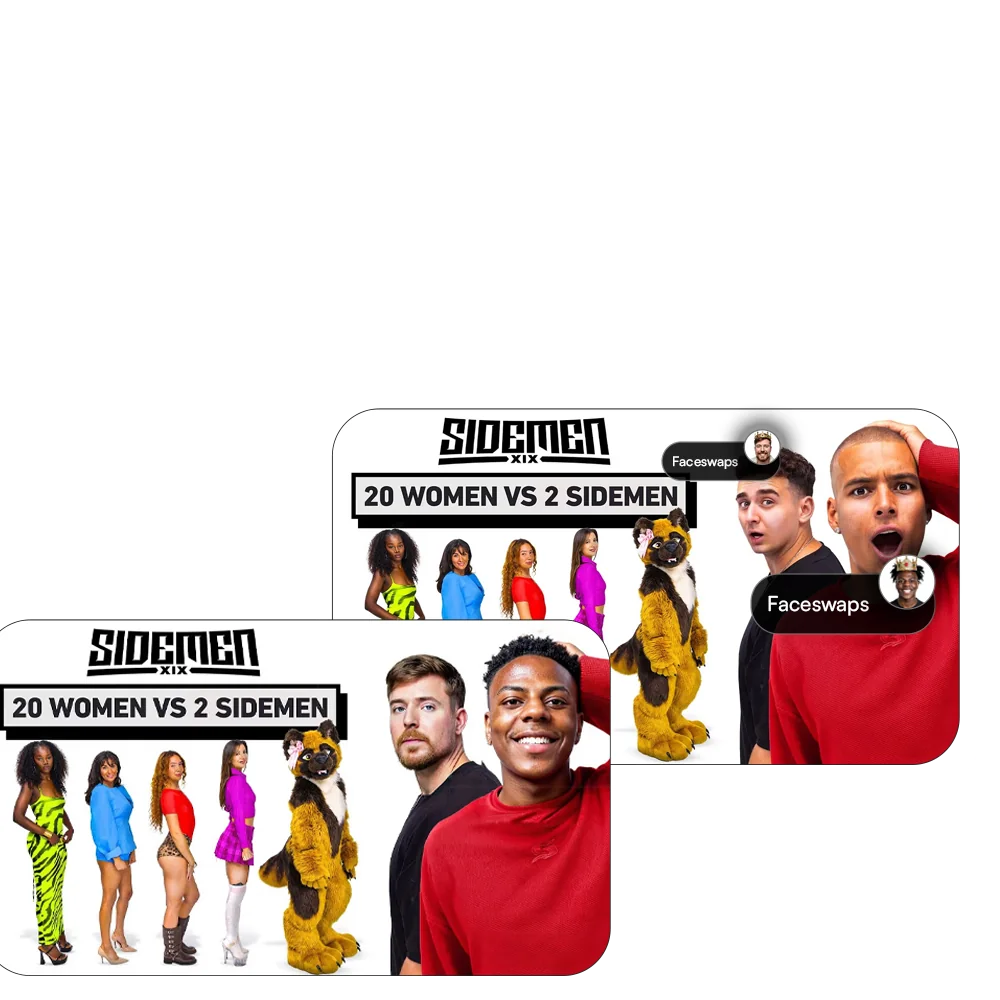
Congrats! You now have all the keys to transform your AI YouTube thumbnail prompts into click-generating masterpieces. Mastering this art means mastering your views and growth on YouTube. Human creativity, boosted by the power of AI, is an unstoppable combo. Never forget that every prompt is an opportunity to stand out.
Test, learn, iterate, and become a true master of prompt engineering for YouTube. Your videos' success starts with a thumbnail that grabs attention. Ready to make your CTR explode?
Frequently Asked Questions
How does a good prompt affect my AI YouTube thumbnail's CTR?
A well-thought-out prompt creates a sharp, clear AI thumbnail. It catches the eye. It conveys the essence of your video in a flash. Result? More clicks, more views. An explosive CTR proves your prompt hit the mark.
Should I include emotions in my AI thumbnail prompts?
Yes, absolutely! Emotion is a powerful driver for clicks. A prompt that includes 'shocked face,' 'curious gaze,' 'excited,' or 'intriguing' helps the AI generate visuals that resonate. Your thumbnails will be much more human, and that changes everything.
How long does it take to write an effective prompt for an AI thumbnail?
At first, it takes a few minutes to structure your thoughts well. But with practice, you'll get super fast. The idea is to be concise and precise. A few well-chosen words are often enough to guide the AI to the perfect thumbnail. It's a huge time-saver in the long run.