
On YouTube, the battle for attention is won or lost in a fraction of a second. Your thumbnail is your first line of defense, your number one sales pitch. But let's be honest: spending hours in Photoshop or struggling to find inspiration is often the most exhausting part of being a creator.
Fortunately, artificial intelligence has changed the game. But not all tools are equal — there's a world of difference between fun gimmicks and true growth partners. We tested and ranked the 10 best thumbnail generators available in the USA to help you choose the one that will launch your channel.
🏆 Top 10 Best AI Thumbnail Generators (USA 2026 Ranking)
Here's a quick comparison of the leading players. Which tool offers the best value-for-money-for-performance ratio for an ambitious American YouTuber?
| # | Platform & Specialty | YouTube Performance | Price ($) |
|---|---|---|---|
| 1 | MangooFX – Virality Specialist | ⭐⭐⭐⭐⭐ | $ |
| 2 | Canva – General Design | ⭐⭐ | $$ |
| 3 | VidIQ – Data Analysis | ⭐⭐ | $$$ |
| 4 | Adobe Express – Graphic Design | ⭐⭐⭐ | $$$ |
| 5 | VEED.IO – Video Editing | ⭐⭐ | $$$ |
| 6 | Appypie – No-Code Generation | ⭐⭐ | $$ |
| 7 | Fotor – Photo Retouching | ⭐⭐⭐ | $$ |
| 8 | Pikzels – Automated Generation | ⭐ | $$ |
| 9 | Thumbnail.ai – Basic Tool | ⭐⭐⭐ | $$ |
| 10 | Photoshop – Expert Software | ⭐ | $$ |
1. MangooFX
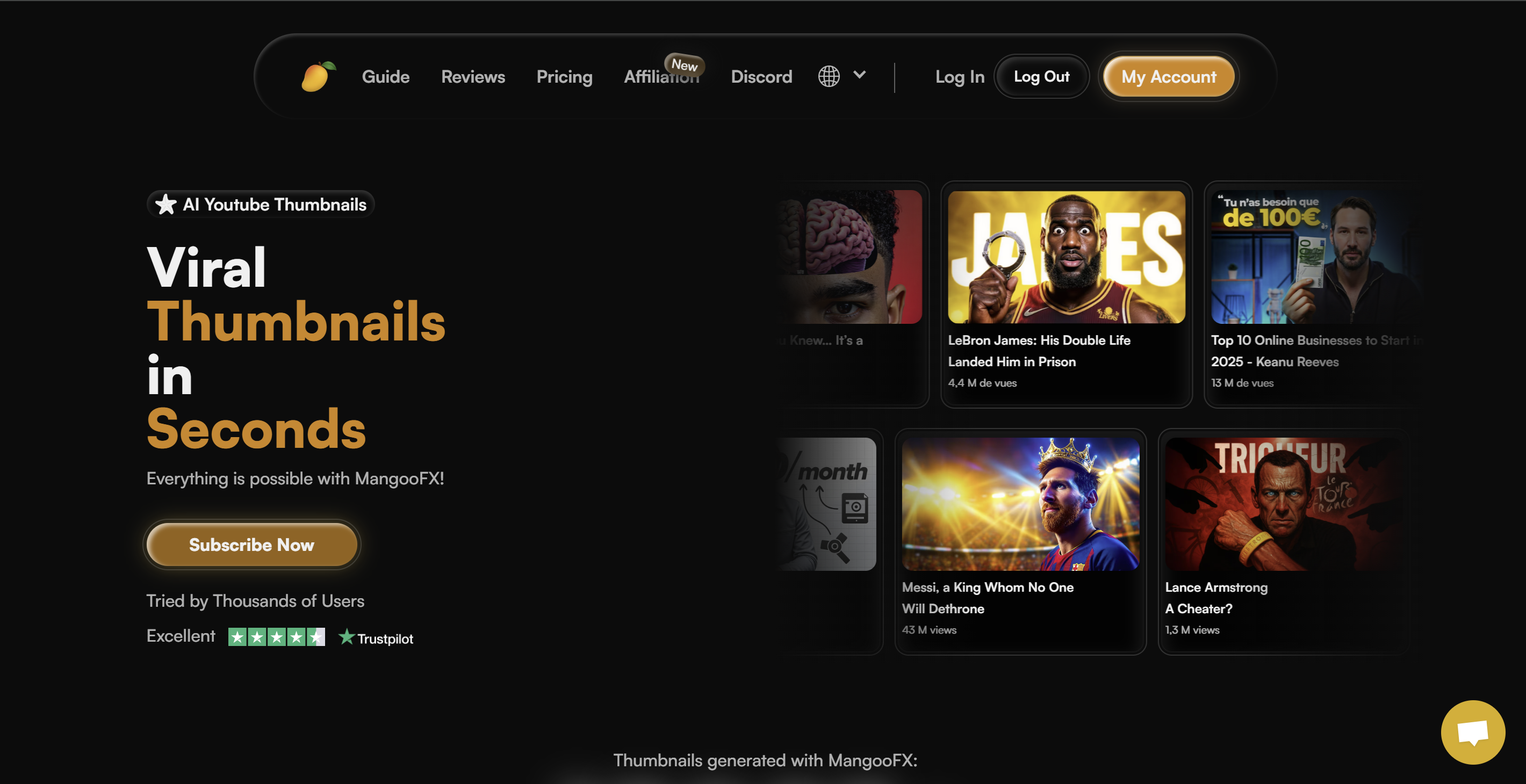
MangooFX doesn't just generate images — it generates clicks. It's currently the only platform whose AI is specifically trained on YouTube viewer psychology. Where other tools aim for "pretty," MangooFX aims for "effective." By turning a simple text idea into a viral thumbnail optimized for CTR, it frees creators from decision fatigue. With its AI Avatar system ("DigitalMe") and aggressive launch pricing, it's unquestionably the best ROI on the market right now.
Advantages
- Native YouTube Expertise: The AI understands the visual codes that drive clicks in 2026.
- Extreme speed: Go from idea to export in seconds with a simple prompt.
- Fights Burnout: Eliminates the technical grind so you can focus on your videos.
- Unbeatable price: The most accessible solution for immediate professional results.
Disadvantages
- Ultra-specialized tool: Perfect for YouTube, less relevant for creating logos or business cards.
2. Canva
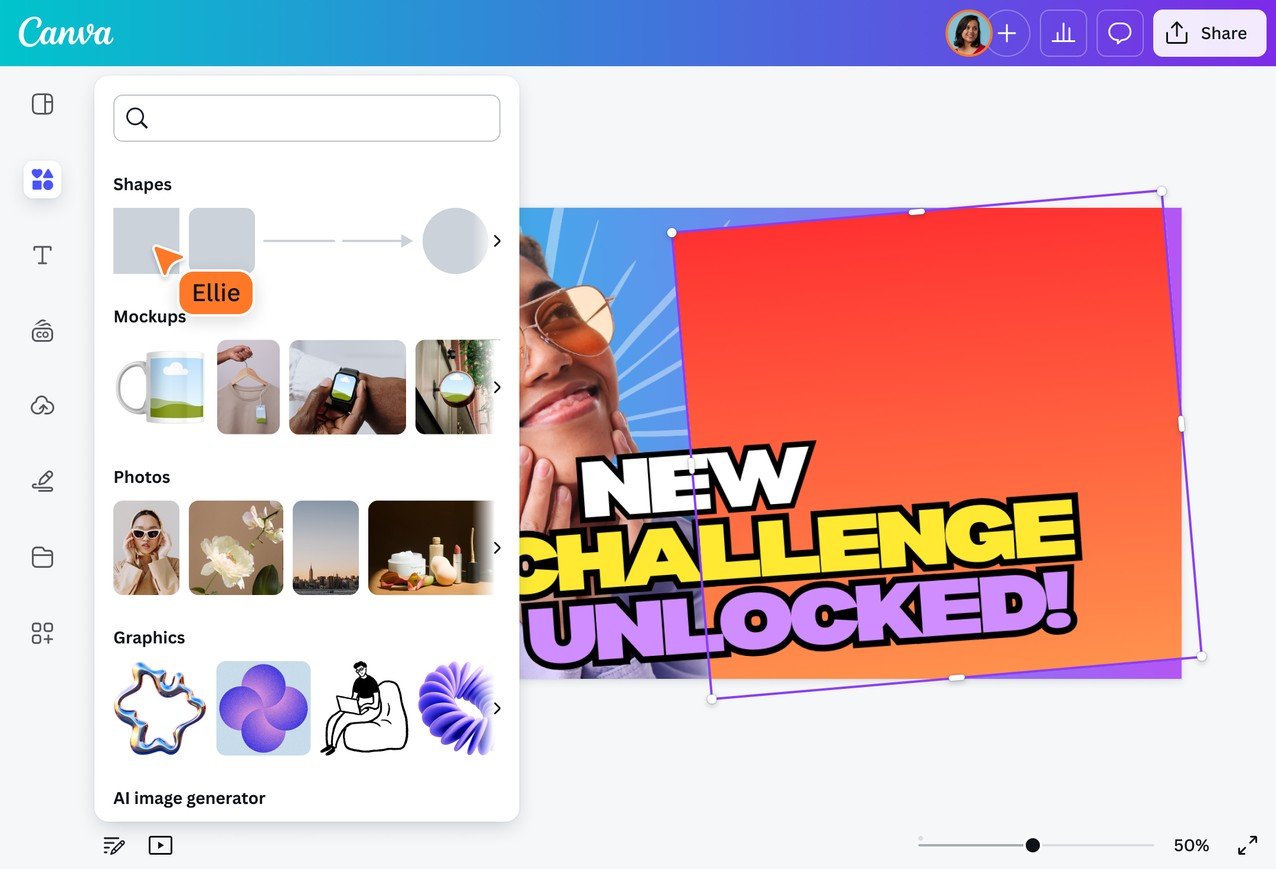
The Australian giant of accessible design. Canva is a great all-around toolkit, but it's a victim of its own success: everyone uses the same templates.
Advantages
- A generous free version to get started.
- A huge library of stickers and graphic elements.
Disadvantages
- Lack of uniqueness: Your thumbnails risk looking like thousands of other channels.
- Time-consuming: Not automatic generation — you have to drag and drop everything manually.
- Generalist AI: Its image generator doesn't understand the specifics of YouTube click-through rates.
3. VidIQ
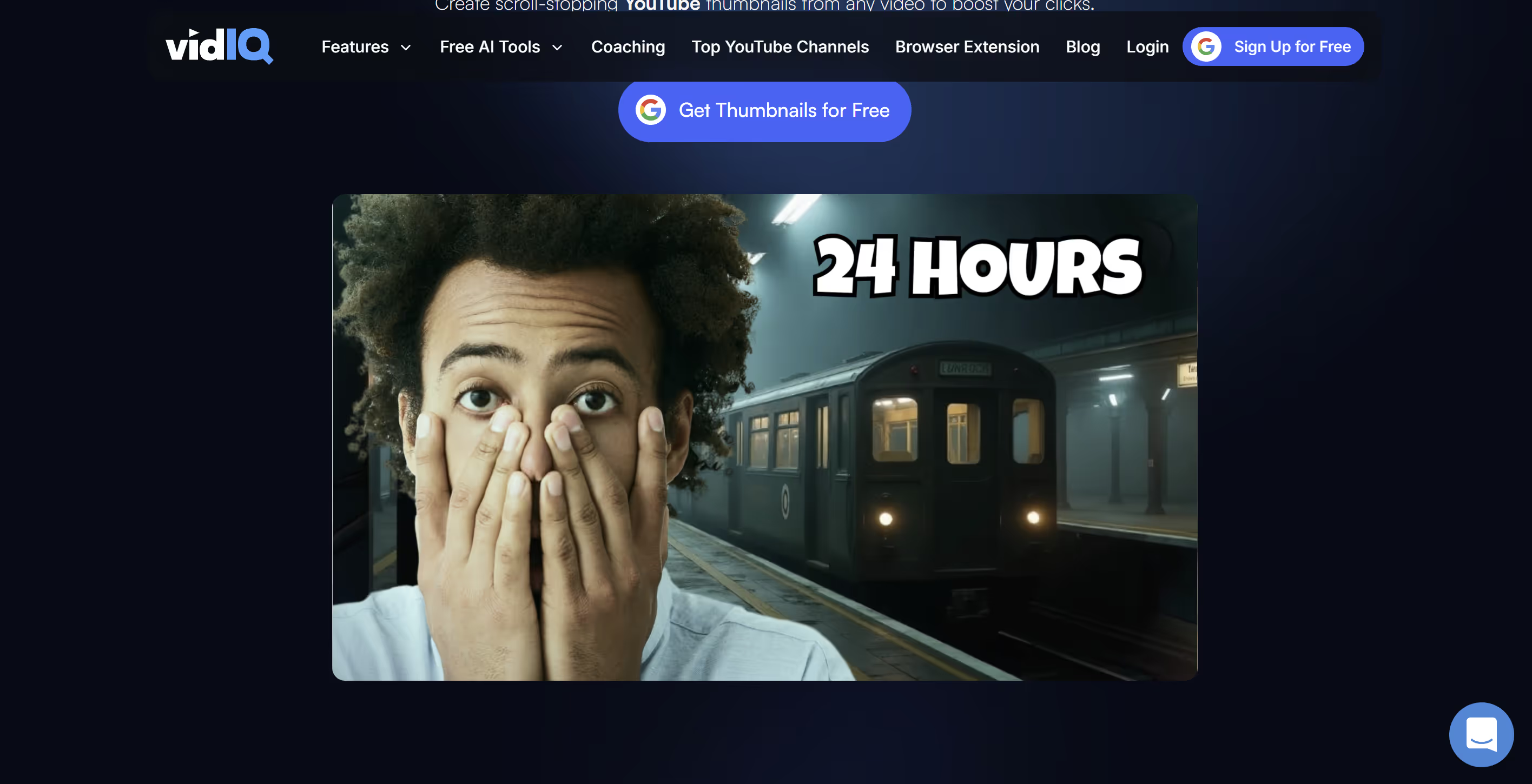
Known for its YouTube stats and SEO tools, VidIQ also offers a thumbnail generator — but it's clearly a secondary feature.
Advantages
- Convenient if you're already paying for their analytics suite.
Disadvantages
- Very limited design: Customization options are rigid.
- Outdated interface: Designed for data analysts, not creatives.
- The subscription cost is high just for this feature.
4. Adobe Express
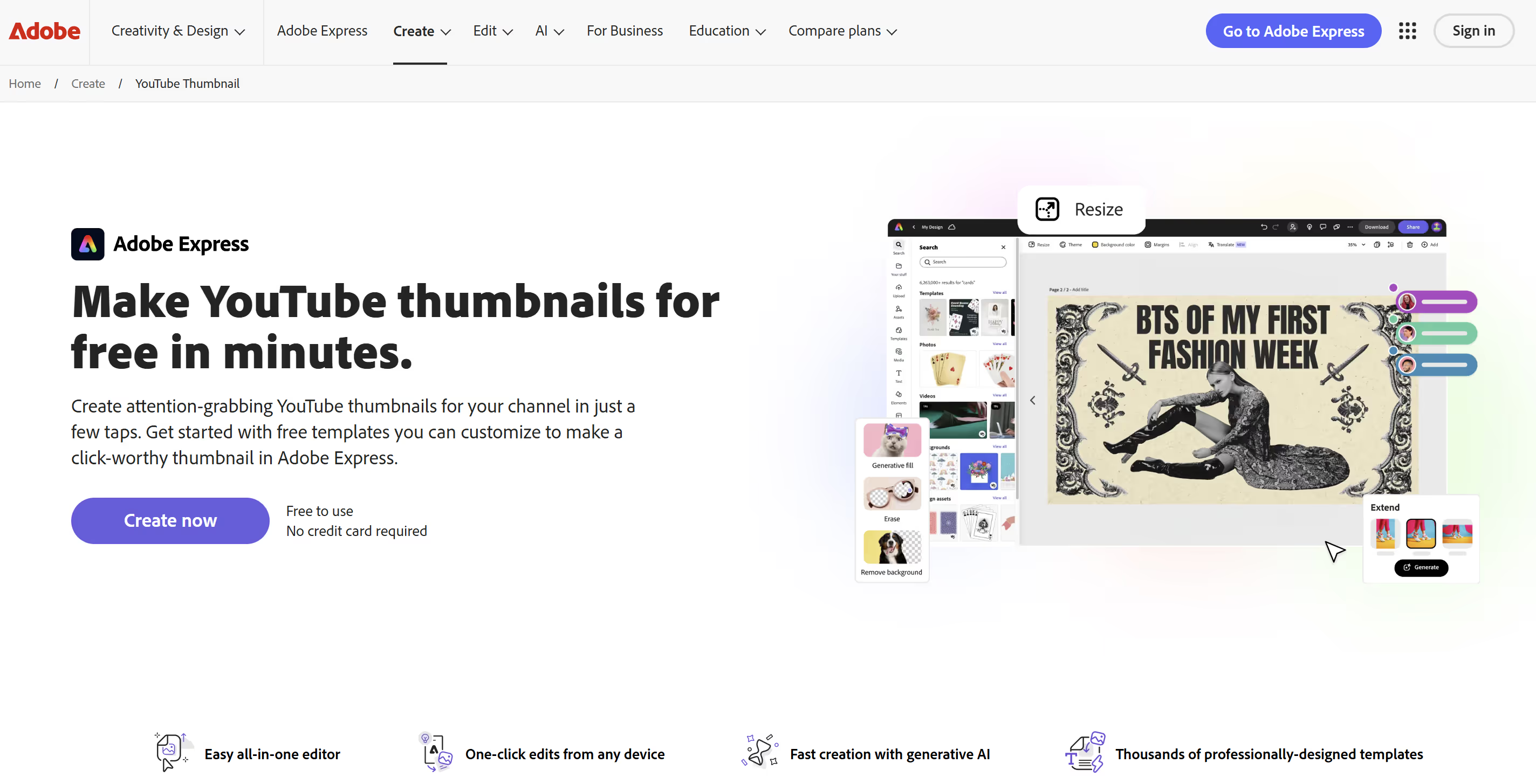
Adobe's answer to Canva. A powerful tool leveraging Photoshop's technology in a lighter web version.
Advantages
- Access to high-quality image and font libraries (Adobe Fonts).
Disadvantages
- Learning curve: Less intuitive than 100% AI-native solutions.
- Price: Often tied to the pricey Creative Cloud ecosystem.
- Still a "make" tool rather than "strategically generate."
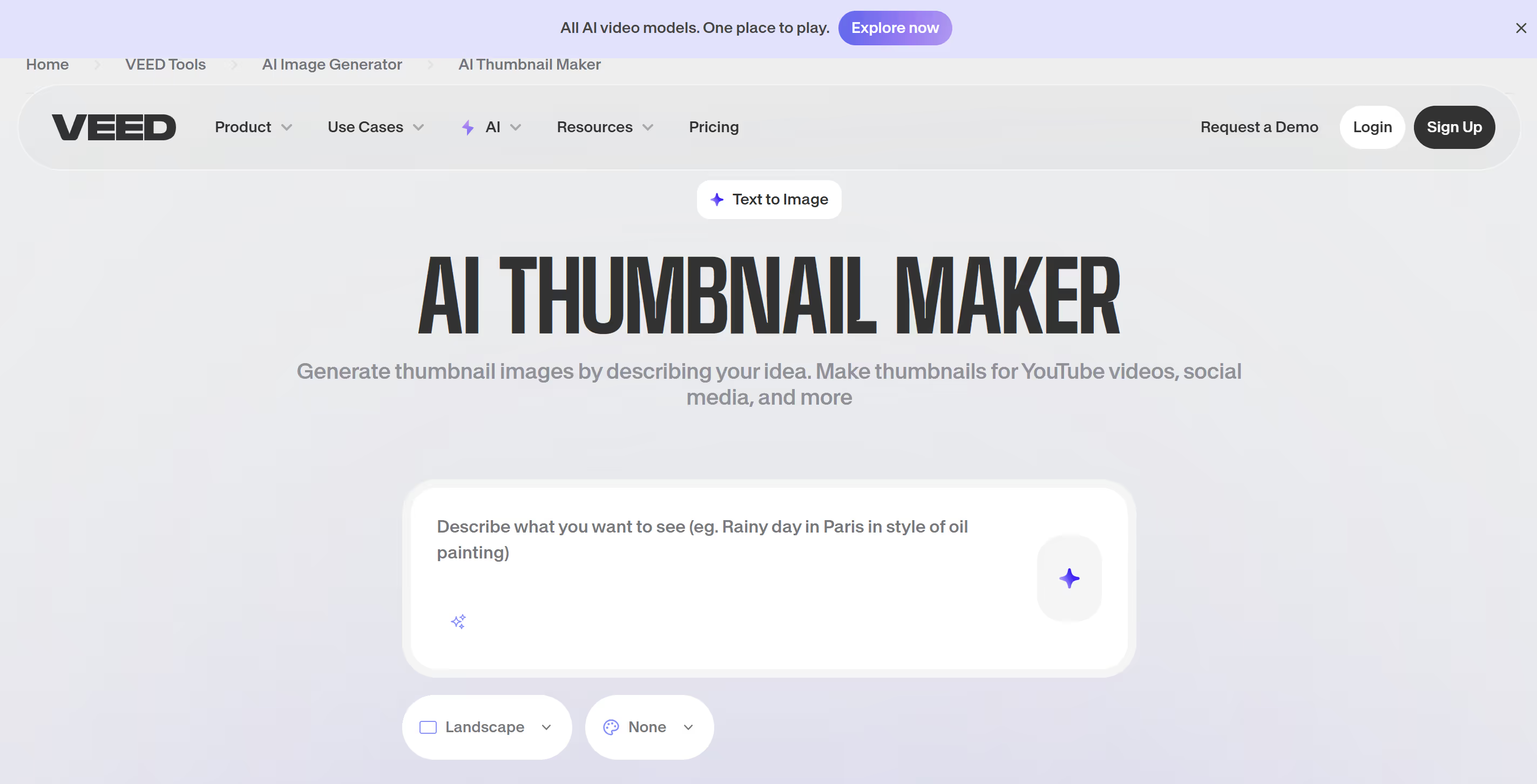
5. VEED.IO
VEED is excellent for adding subtitles and editing quick videos. Their thumbnail creator is a handy bonus to stay in the same workflow.
Advantages
- Centralization: Edit your video and make the thumbnail in the same place.
Disadvantages
- Basic tool: Lacks advanced features for pure design.
- No dedicated AI for click optimization.
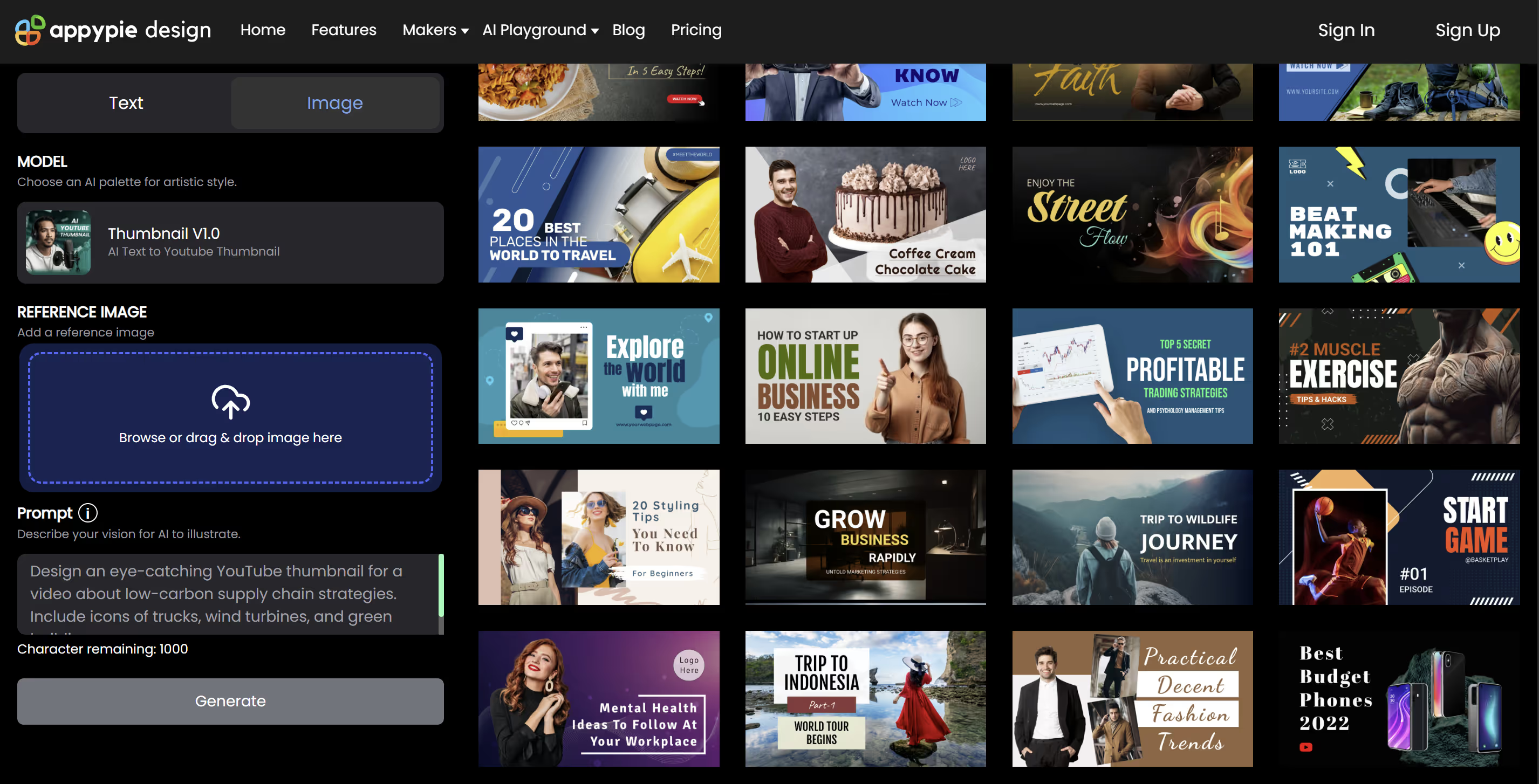
6. Appypie
A no-code development platform that offers an AI image generation module. It's functional, but soulless.
Advantages
- Fast generation from simple text.
Disadvantages
- Lack of relevance: The AI doesn't understand the "YouTube" context.
- Results often lack the dynamism and contrast needed for mobile.
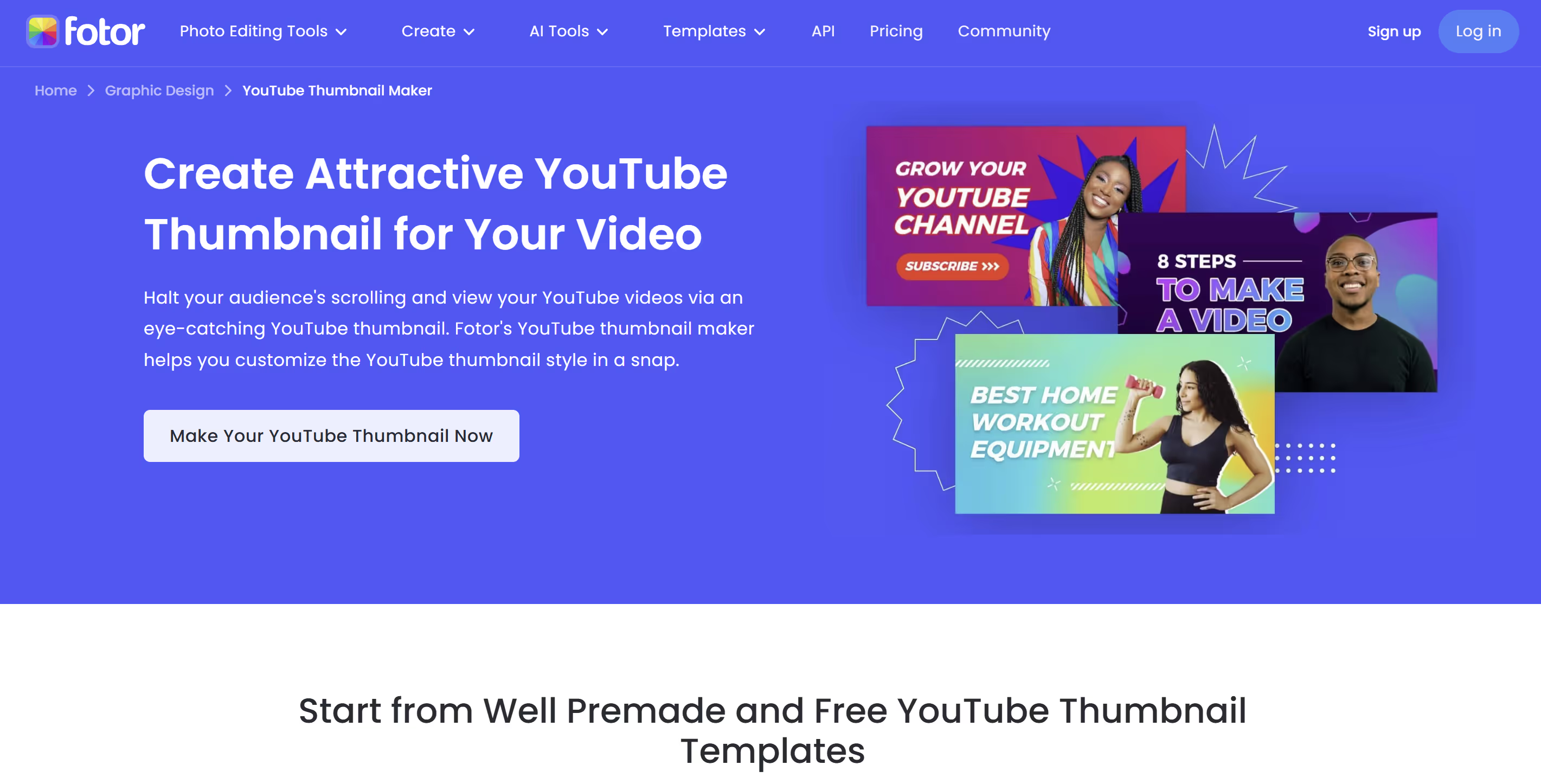
7. Fotor
Originally an online photo editor, Fotor has integrated AI well for image quality enhancement, but remains a tool for photographers more than YouTubers.
Advantages
- Good cutout and sharpening tools.
Disadvantages
- Interface and features aren't oriented toward conversion (click-through).
- Fairly slow workflow if starting from scratch.
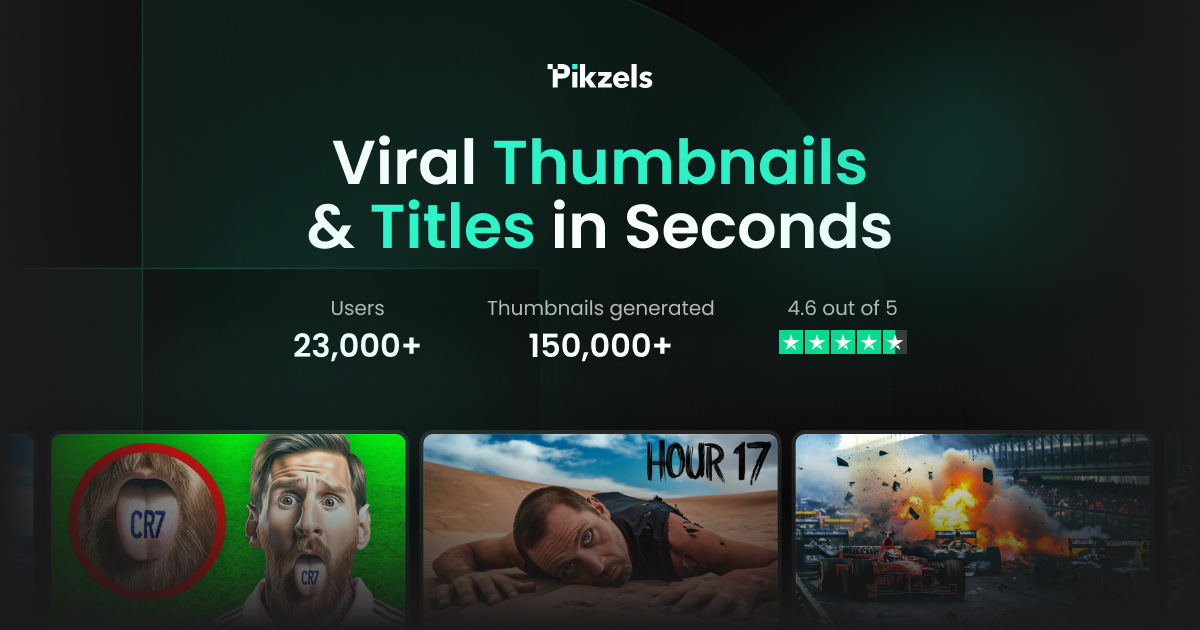
8. Pikzels
Pikzels is another player in the AI generation market. Though it promises attractive automation, the actual output is often disappointing for professional use. Analysis and comparison tests were done — see the results here.
Advantages
- Relatively simple interface to understand.
- Fast concept generation.
Disadvantages
- Poor output quality: Generated images are often blurry, with visible artifacts or distracting distortions.
- Not optimized for virality: The tool doesn't seem to understand CTR codes (dull colors, unengaging compositions).
- Hard to get a "publish-ready" result without external retouching.
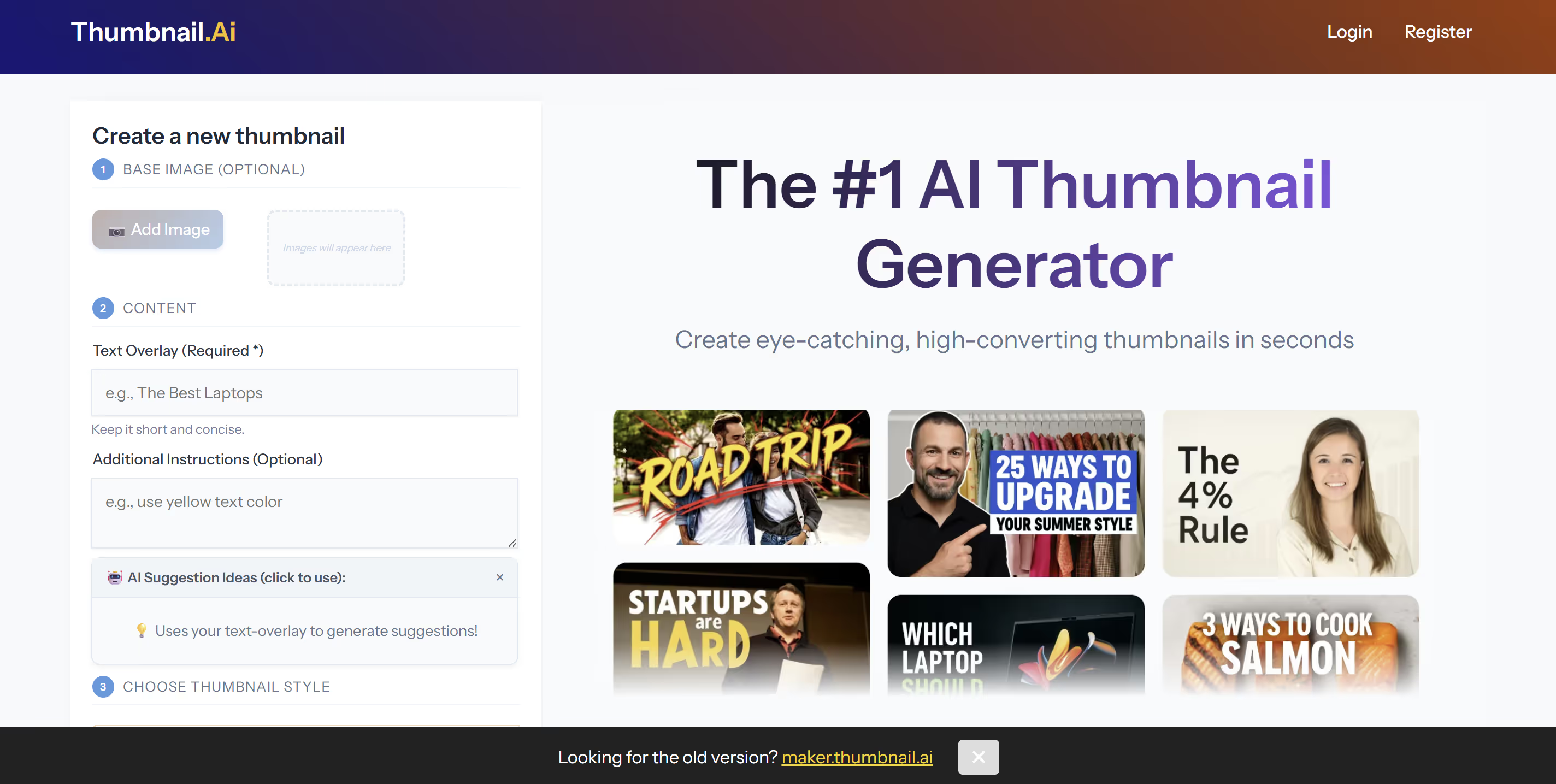
9. Thumbnail.ai
A minimalist tool that gets straight to the point. It generates an image — period. Useful in a pinch, but insufficient for a growth strategy.
Advantages
- Extremely simple and fast for a rough concept.
Disadvantages
- Zero flexibility: You take what you get — no fine-tuning possible.
- Too basic to compete with big channels.
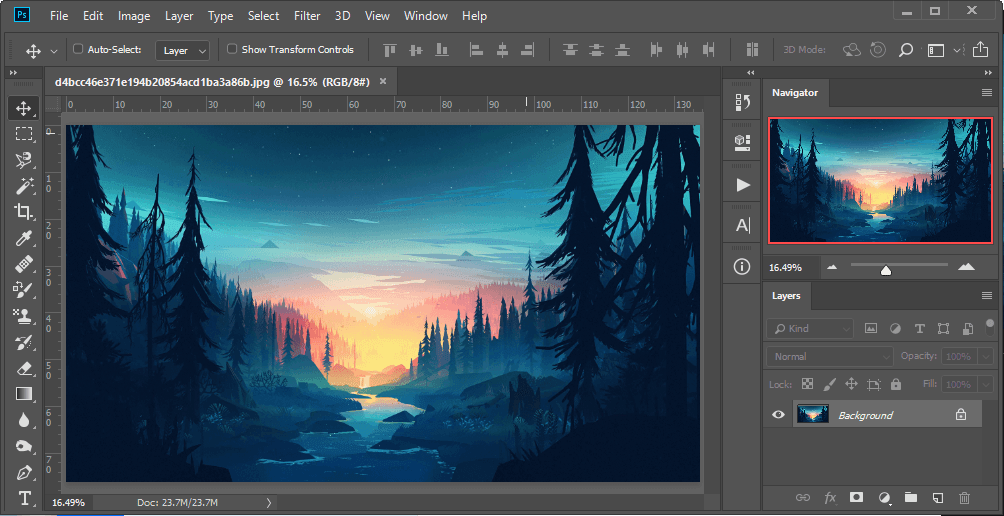
10. Photoshop
The absolute reference for professional designers. The most powerful tool — and also the most complex. For a creator who needs to move fast, it's often an anchor.
Advantages
- Total freedom: Create anything down to the pixel.
Disadvantages
- Extreme complexity: Months of learning to master the tool.
- Productivity killer: Each thumbnail can take hours.
- No built-in strategic guidance. You're on your own.
The 3 Pillars of a Converting Thumbnail
Having the right tool is crucial, but understanding the mechanics matters just as much. A successful thumbnail is one that stops the user's frantic scroll. Here's what to keep in mind:
- Contrast is King: Use saturated, opposing colors (Yellow/Black, Red/White) to stand out on YouTube's white or black background.
- The 2-Second Rule: Your thumbnail must be understood instantly. Limit text to a maximum of 2 or 3 punchy words.
- Visual Emotion: An expressive face or intriguing situation dramatically increases click chances. Humans seek humans.
FAQ: Your Frequently Asked Questions
Can AI really beat a graphic designer?
In pure artistic terms, a great human designer is still unbeatable. But in terms of performance and speed, a specialized AI like MangooFX wins hands down. It delivers "top 1%" results in seconds, where a human would take hours — for a fraction of the cost.
Why choose MangooFX over a free tool?
Because "free" often costs a lot in missed opportunity. A generic free tool won't help you optimize your CTR. MangooFX is a strategic investment: a few dollars a month to potentially double or triple your views with better thumbnails.
I don't know how to write prompts — is it complicated?
Not at all. Unlike Midjourney which requires complex codes, MangooFX is built for creators. You talk to the AI like an assistant: "Make me a thumbnail for a Bitcoin video with a green rising chart." That's all there is to it.
The Final Verdict
In 2026, technology lets anyone close the technical gap with the biggest YouTubers. You no longer need to suffer through complex software. If you're looking for the most balanced solution combining power, ease of use, and viral performance, MangooFX stands out as the obvious choice for American creators ready to level up.